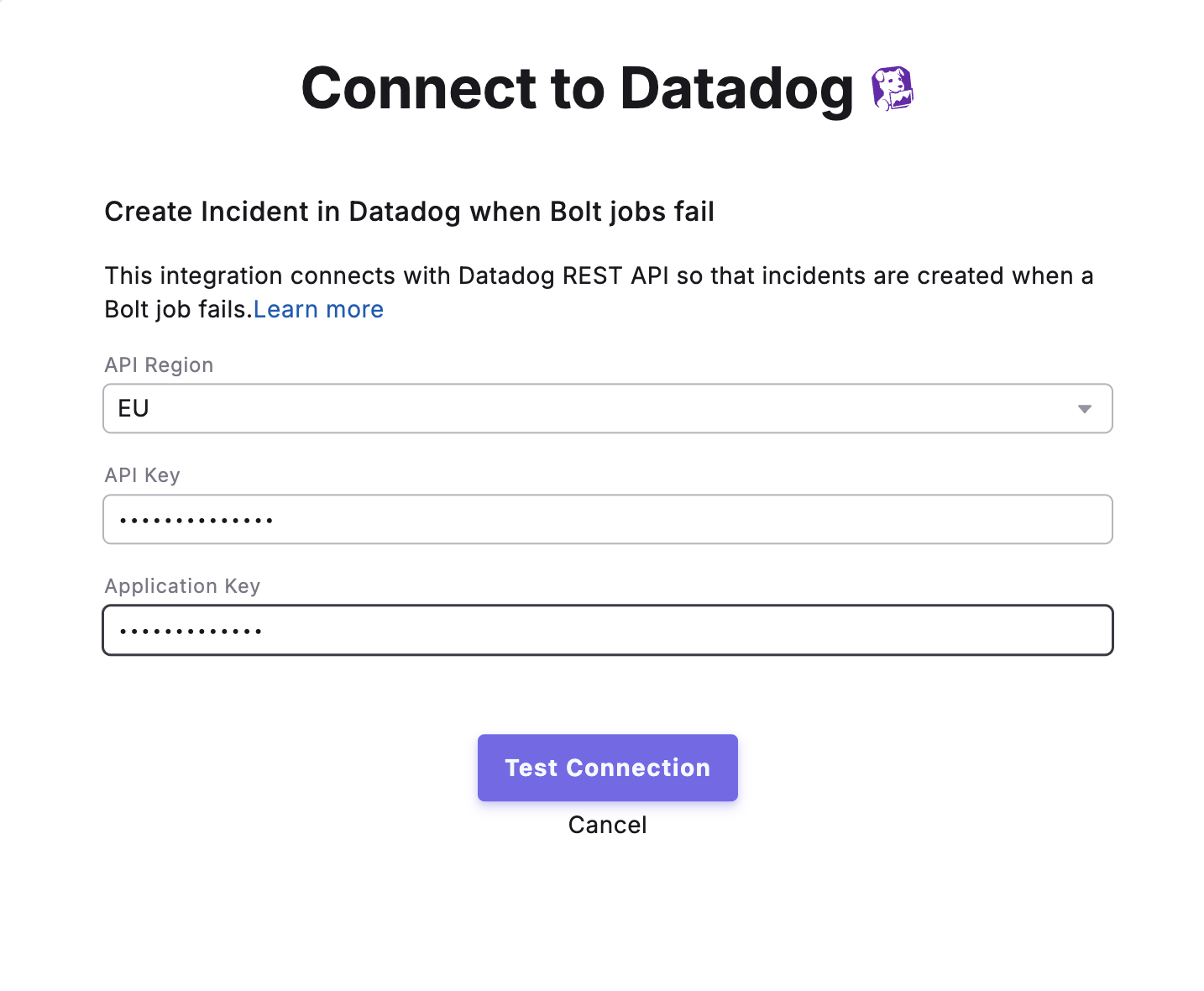
Connect Datadog to Paradime to automatically create incidents when your Bolt pipelines fail, and monitor dbt™ pipeline health alongside the rest of your stack.
Datadog is a monitoring and observability platform. Connecting Datadog to Paradime automatically creates incidents in Datadog whenever a Bolt schedule fails, so your team can track and resolve dbt™ pipeline issues inside the same incident workflows you already use.
Enable Datadog Incident Creation to automatically create incidents in Datadog when the schedule fails.
Once enabled, any failures in the configured Bolt schedules will automatically trigger incident creation in Datadog, allowing your team to respond quickly to data pipeline issues.
Assistant
Responses are generated using AI and may contain mistakes.