> ## Documentation Index
> Fetch the complete documentation index at: https://docs.paradime.io/llms.txt
> Use this file to discover all available pages before exploring further.
# CI/CD
## What is Paradime's CI/CD?
Paradime's CI/CD (Continuous Integration/Continuous Deployment) is a suite of features designed to automate and streamline the process of integrating code changes and deploying them to production. This methodology is essential for maintaining high-quality data pipelines and ensuring that changes to dbt™ models are thoroughly tested before they are merged into the main branch. Paradime's CI/CD tools help you detect anomalies, create targeted alerts, and understand the downstream impact of changes, making your data development and deployment process more efficient and reliable.
## Benefits of Using Paradime's CI/CD
1. **Increased Confidence**: By running automated tests and checks on your code changes, Paradime's CI/CD ensures that your data models are consistent and high-quality, reducing the risk of errors in production.
2. **Faster Deployments**: Automating the build, test, and deployment processes allows for quicker turnaround times from development to production, improving business agility.
3. **Improved Collaboration**: With features like lineage diff analysis and automated CI checks, teams can collaborate more effectively, understanding the impact of changes and ensuring code quality.
4. **Cost Efficiency**: By catching issues early and automating repetitive tasks, Paradime's CI/CD helps reduce the overall cost of data development and deployment.
Users must have a [Paradime Bolt](https://www.paradime.io/pricing) subscription to access CI/CD features.
## Key Feature's of Paradime's CI/CD
To provide a comprehensive understanding of Paradime's CI/CD capabilities, the documentation is divided into the following sections. Each section includes setup guides, examples, and explanations of how it works to help you get started:
### [**Lineage Diff Analysis**](/products/bolt/ci-cd/lineage-diff/index)
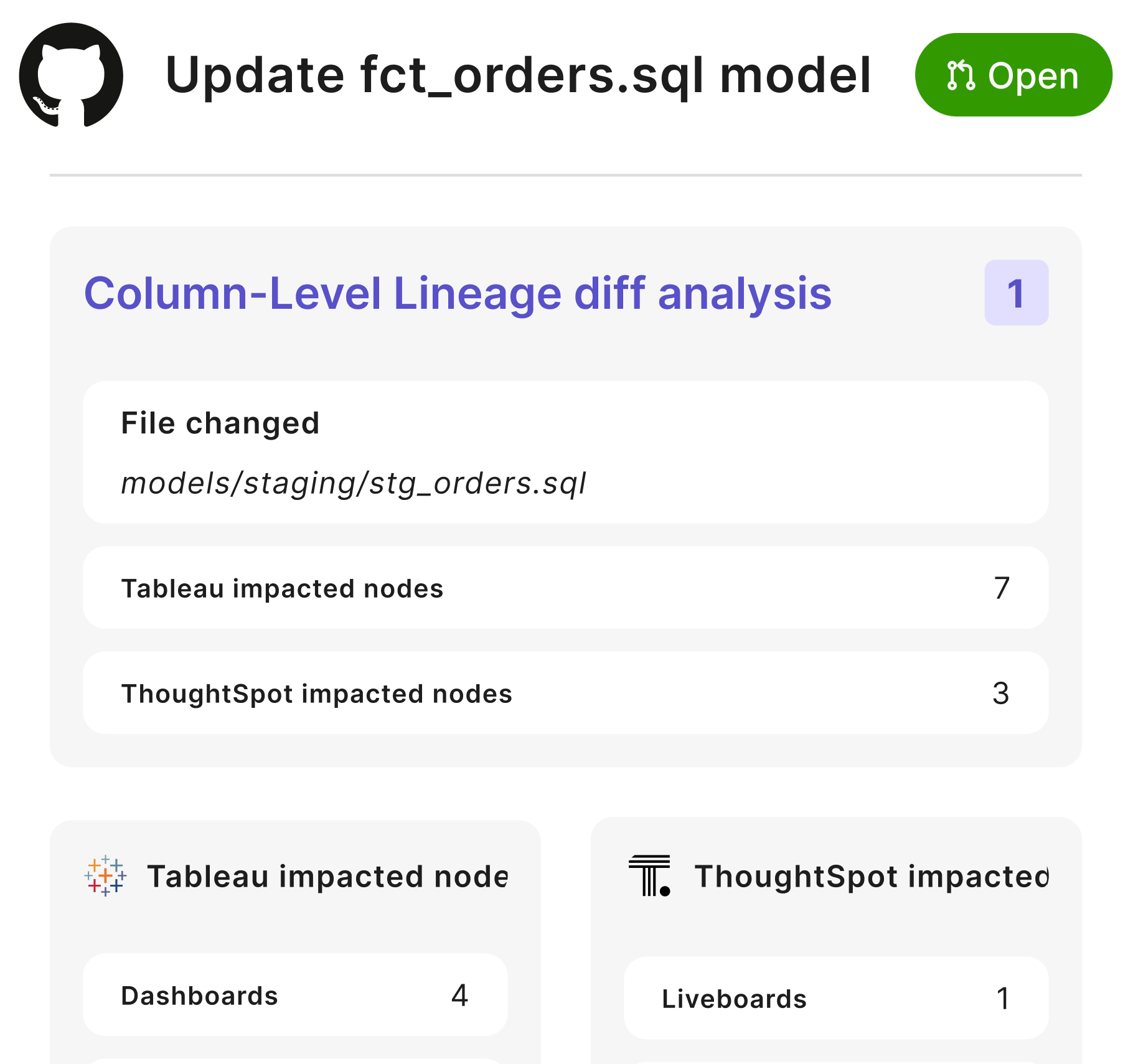
Understand the downstream impact of your changes directly within your pull requests. The lineage diff report identifies changes to columns in your dbt™ models and lists all the downstream objects impacted, including other dbt™ models and nodes in your BI layer. This feature enables you to assess the potential impact of your changes before merging them into the main branch.
 ### [**Bolt Turbo CI**](/products/bolt/ci-cd/turbo-ci/index)
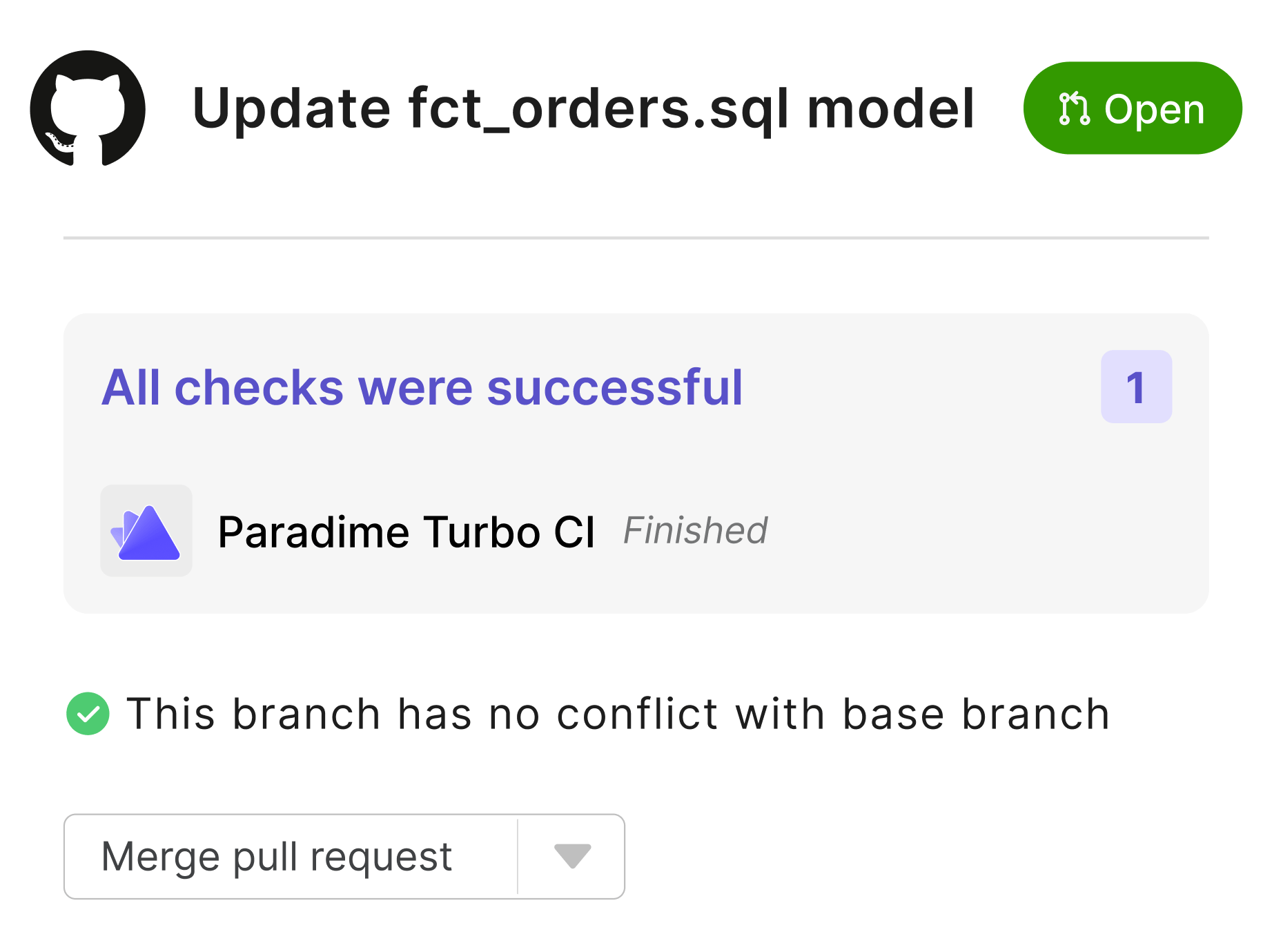
Turbo CI allows you to run and test code changes in your dbt™ project before merging them into the main branch. By configuring a Bolt schedule, you can trigger Turbo CI jobs that build and test models in a temporary schema, ensuring that all changes pass necessary tests. Turbo CI works with [GitHub](/products/bolt/ci-cd/turbo-ci/github), [GitLab](/products/bolt/ci-cd/turbo-ci/gitlab), and [Azure DevOps](/products/bolt/ci-cd/turbo-ci/azure-devops).
### [**Bolt Turbo CI**](/products/bolt/ci-cd/turbo-ci/index)
Turbo CI allows you to run and test code changes in your dbt™ project before merging them into the main branch. By configuring a Bolt schedule, you can trigger Turbo CI jobs that build and test models in a temporary schema, ensuring that all changes pass necessary tests. Turbo CI works with [GitHub](/products/bolt/ci-cd/turbo-ci/github), [GitLab](/products/bolt/ci-cd/turbo-ci/gitlab), and [Azure DevOps](/products/bolt/ci-cd/turbo-ci/azure-devops).
 ### [**Custom CD**](/products/bolt/ci-cd/continuous-deployment-with-bolt/continuous-deployment)
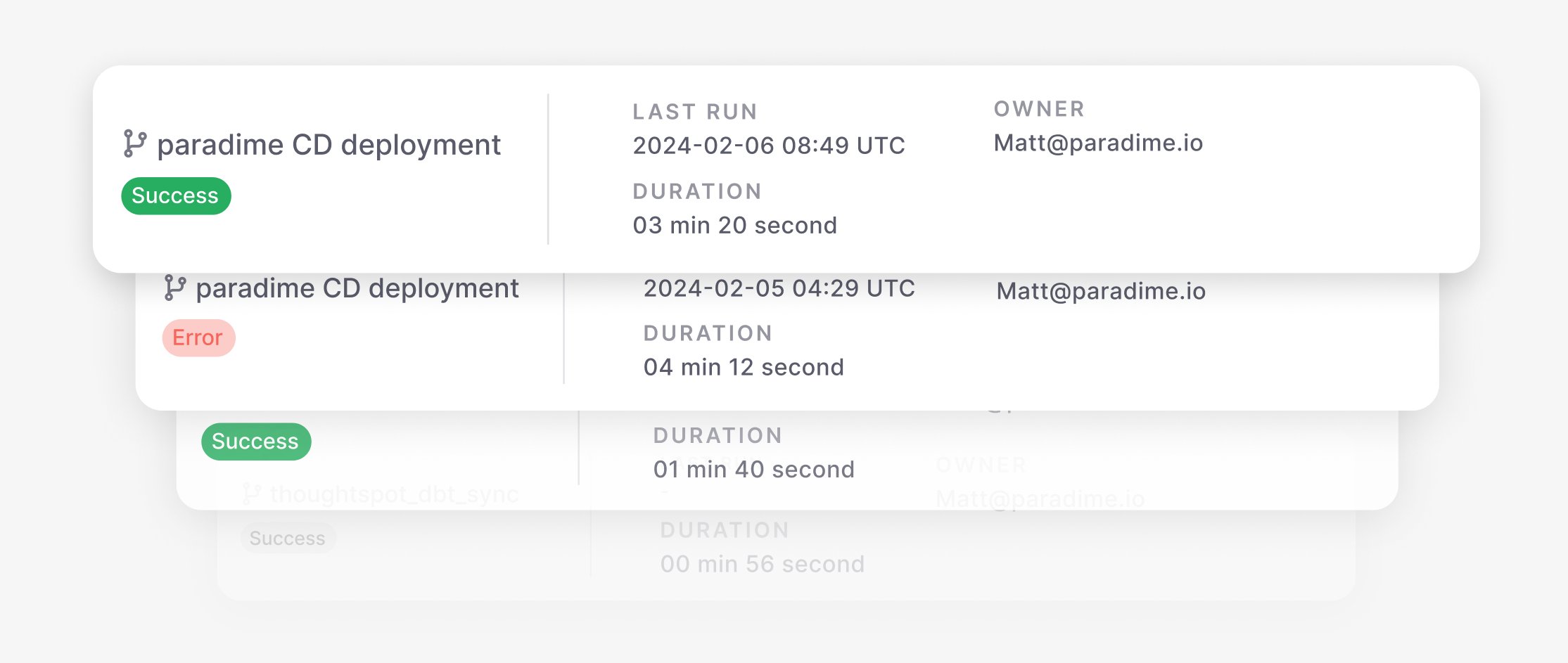
Build your custom Continuous Deployment jobs using Bolt APIs and integrate them with Azure Pipelines, GitHub Actions, or GitLab Pipelines. Custom CD schedules allow for flexible deployment strategies tailored to your specific needs. Custom CD works with GitHub Actions, [GitLab Pipelines](/products/bolt/ci-cd/continuous-deployment-with-bolt/using-gitlab-pipelines), and [Azure Pipelines](/products/bolt/ci-cd/continuous-deployment-with-bolt/using-azure-pipelines).
### [**Custom CD**](/products/bolt/ci-cd/continuous-deployment-with-bolt/continuous-deployment)
Build your custom Continuous Deployment jobs using Bolt APIs and integrate them with Azure Pipelines, GitHub Actions, or GitLab Pipelines. Custom CD schedules allow for flexible deployment strategies tailored to your specific needs. Custom CD works with GitHub Actions, [GitLab Pipelines](/products/bolt/ci-cd/continuous-deployment-with-bolt/using-gitlab-pipelines), and [Azure Pipelines](/products/bolt/ci-cd/continuous-deployment-with-bolt/using-azure-pipelines).
 ## Related topics
- [CI/CD Templates](/products/bolt/creating-schedules/templates/ci-cd-templates/index.md)
- [Paradime Turbo CI Schema Cleanup](/products/bolt/ci-cd/turbo-ci/paradime-turbo-ci-schema-cleanup.md)
- [GitLab](/products/bolt/ci-cd/turbo-ci/gitlab.md)
- [Translation of Key Terms](/guides/migrations/dbt-cloud-tm-importer/translation-of-key-terms.md)
- [Testing Source Freshness](/guides/dbt-fundamentals/configuring-your-dbt-project/testing-source-freshness.md)
## Related topics
- [CI/CD Templates](/products/bolt/creating-schedules/templates/ci-cd-templates/index.md)
- [Paradime Turbo CI Schema Cleanup](/products/bolt/ci-cd/turbo-ci/paradime-turbo-ci-schema-cleanup.md)
- [GitLab](/products/bolt/ci-cd/turbo-ci/gitlab.md)
- [Translation of Key Terms](/guides/migrations/dbt-cloud-tm-importer/translation-of-key-terms.md)
- [Testing Source Freshness](/guides/dbt-fundamentals/configuring-your-dbt-project/testing-source-freshness.md)