> ## Documentation Index
> Fetch the complete documentation index at: https://docs.paradime.io/llms.txt
> Use this file to discover all available pages before exploring further.
# dbt™ Commands
> Streamline your dbt™ pipeline execution with Paradime Bolt: automate dependencies, orchestrate multiple commands, and configure warehouse connections for efficient workflows.
## Overview
Paradime Bolt streamlines dbt™ workflow management by executing and orchestrating dbt™ commands. With Bolt, you can efficiently manage your dbt™ projects and ensure smooth execution of your data transformation pipelines.
 For a comprehensive guide on dbt™ commands, selectors and graph operators, check our [Mastering the dbt™ CLI in our dbt™ fundamentals](/guides/dbt-fundamentals/running-dbt/mastering-the-dbt-cli/index).
## Automatic Dependency Installation
Paradime Bolt automatically includes the `dbt deps` command in every Bolt run invocation. This means that you don't need to explicitly add the `dbt deps` command to the **Commands** list in your commands settings. Bolt takes care of installing the necessary dependencies for your dbt™ project, saving you time and effort.
## How to Write and Configure Commands
**Basic Commands**: Specify the primary command, such as `dbt run` or `edr monitor`, to perform data transformations or observability checks.
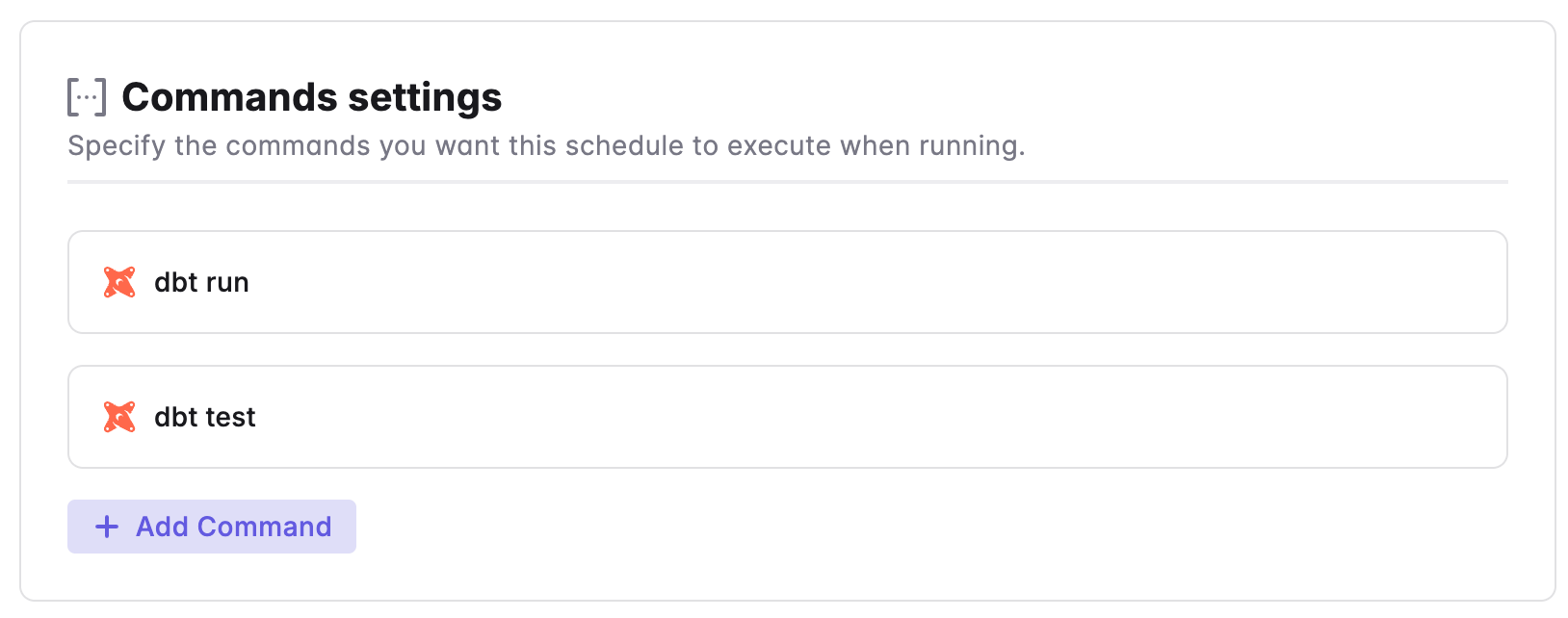
**Multiple commands:** you can have one ore more commands in an given schedule, by simply define the commands each in a separate line or save multiple dbt™ commands block.
```bash theme={"system"}
dbt seed
dbt run --select +orders
dbt test
```
## **Use of target to point to different data warehouse connections**:
* **Default Connection**: Paradime uses the Scheduler Environment default connection for executing runs.
* **Alternative Connections**: To use a different connection in your Scheduler Environment, apply the `--target` flag to specify an alternative connection, such as staging or ci (e.g., `dbt run --target ci`).
***
Now, let's learn how to configure the [Trigger Types](/products/bolt/creating-schedules/trigger-types) of a Bolt Schedule.
## Related topics
- [dbt™ Commands](/integrations/pre-commit/dbt-tm-checkpoint-hooks/dbt-tm-commands.md)
- [dbt™-checkpoint Hooks](/integrations/pre-commit/dbt-tm-checkpoint-hooks/index.md)
- [3. Command Settings](/products/bolt/creating-schedules/command-settings/index.md)
- [Monte Carlo Commands](/products/bolt/creating-schedules/command-settings/monte-carlo-commands.md)
- [Re-executes the last dbt™ command from the point of failure](/products/bolt/creating-schedules/templates/dbt-tm-templates/re-executes-the-last-dbt-command.md)
For a comprehensive guide on dbt™ commands, selectors and graph operators, check our [Mastering the dbt™ CLI in our dbt™ fundamentals](/guides/dbt-fundamentals/running-dbt/mastering-the-dbt-cli/index).
## Automatic Dependency Installation
Paradime Bolt automatically includes the `dbt deps` command in every Bolt run invocation. This means that you don't need to explicitly add the `dbt deps` command to the **Commands** list in your commands settings. Bolt takes care of installing the necessary dependencies for your dbt™ project, saving you time and effort.
## How to Write and Configure Commands
**Basic Commands**: Specify the primary command, such as `dbt run` or `edr monitor`, to perform data transformations or observability checks.
**Multiple commands:** you can have one ore more commands in an given schedule, by simply define the commands each in a separate line or save multiple dbt™ commands block.
```bash theme={"system"}
dbt seed
dbt run --select +orders
dbt test
```
## **Use of target to point to different data warehouse connections**:
* **Default Connection**: Paradime uses the Scheduler Environment default connection for executing runs.
* **Alternative Connections**: To use a different connection in your Scheduler Environment, apply the `--target` flag to specify an alternative connection, such as staging or ci (e.g., `dbt run --target ci`).
***
Now, let's learn how to configure the [Trigger Types](/products/bolt/creating-schedules/trigger-types) of a Bolt Schedule.
## Related topics
- [dbt™ Commands](/integrations/pre-commit/dbt-tm-checkpoint-hooks/dbt-tm-commands.md)
- [dbt™-checkpoint Hooks](/integrations/pre-commit/dbt-tm-checkpoint-hooks/index.md)
- [3. Command Settings](/products/bolt/creating-schedules/command-settings/index.md)
- [Monte Carlo Commands](/products/bolt/creating-schedules/command-settings/monte-carlo-commands.md)
- [Re-executes the last dbt™ command from the point of failure](/products/bolt/creating-schedules/templates/dbt-tm-templates/re-executes-the-last-dbt-command.md)