> ## Documentation Index
> Fetch the complete documentation index at: https://docs.paradime.io/llms.txt
> Use this file to discover all available pages before exploring further.
# Lightdash Commands
> Integrate Lightdash CLI with Paradime Bolt to automate deployment, testing, and management of dbt™ + Lightdash projects with streamlined workflows.
Paradime Bolt seamlessly integrates with the Lightdash CLI, providing a powerful and efficient way to develop and manage your dbt™ + Lightdash projects.
By leveraging the Lightdash CLI with Paradime Bolt, you can significantly speed up your development process and simplify your workflow, automatically test and deploy changes in your Lightdash project.
**Prerequisites**
* [Configure the Lightdash API credentials](/integrations/lightdash#id-1.-add-your-lightdash-credentials-to-your-paradime-workspace)
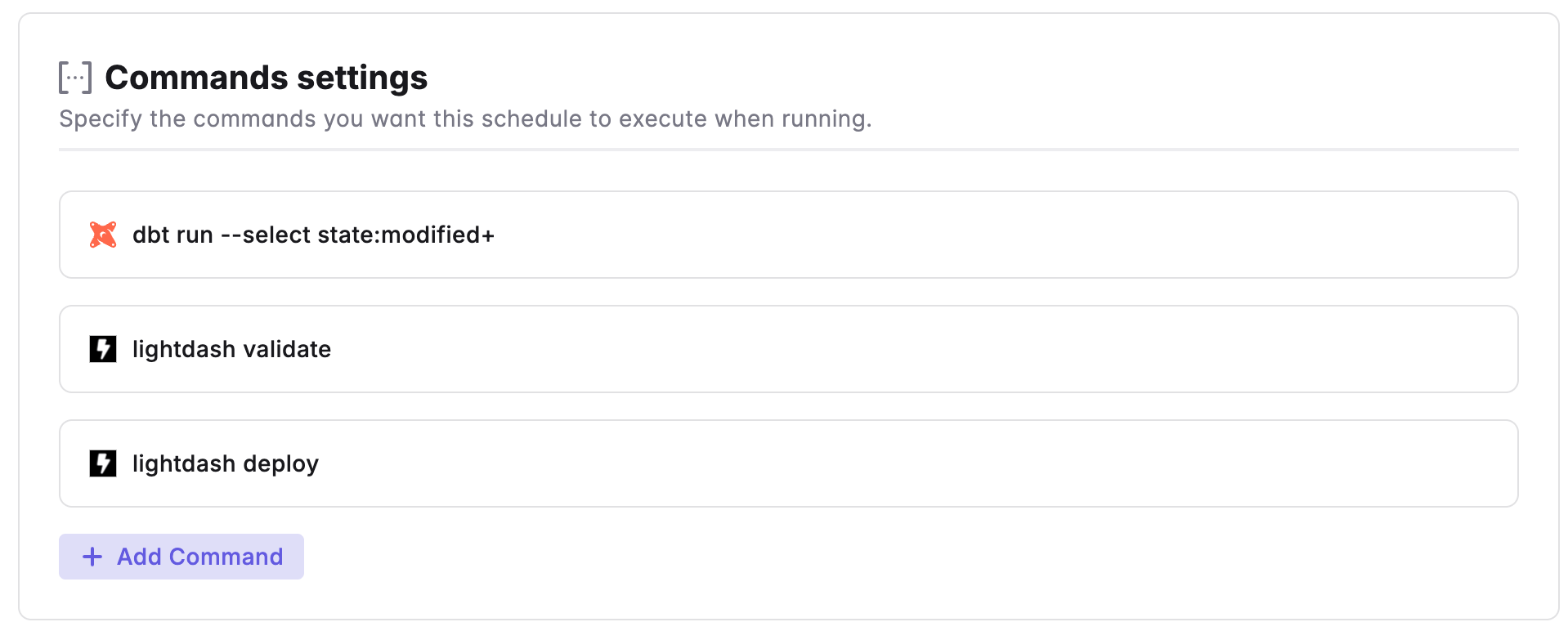 For a comprehensive guide on Lightdash CLI commands and argument check the [Lightdash guide](https://docs.lightdash.com/guides/cli/intro).
***
Now, let's learn how to configure the [Trigger Types](/products/bolt/creating-schedules/trigger-types) of a Bolt Schedule.
## Related topics
- [3. Command Settings](/products/bolt/creating-schedules/command-settings/index.md)
- [Lightdash](/integrations/lightdash.md)
- [CLI and feature availability errors](/get-help/error-list/cli-and-feature-availability-errors.md)
- [Commands](/guides/dbt-fundamentals/running-dbt/mastering-the-dbt-cli/commands.md)
- [dbt™ Commands](/products/bolt/creating-schedules/command-settings/dbt-tm-commands.md)
For a comprehensive guide on Lightdash CLI commands and argument check the [Lightdash guide](https://docs.lightdash.com/guides/cli/intro).
***
Now, let's learn how to configure the [Trigger Types](/products/bolt/creating-schedules/trigger-types) of a Bolt Schedule.
## Related topics
- [3. Command Settings](/products/bolt/creating-schedules/command-settings/index.md)
- [Lightdash](/integrations/lightdash.md)
- [CLI and feature availability errors](/get-help/error-list/cli-and-feature-availability-errors.md)
- [Commands](/guides/dbt-fundamentals/running-dbt/mastering-the-dbt-cli/commands.md)
- [dbt™ Commands](/products/bolt/creating-schedules/command-settings/dbt-tm-commands.md)