

What You’ll Get
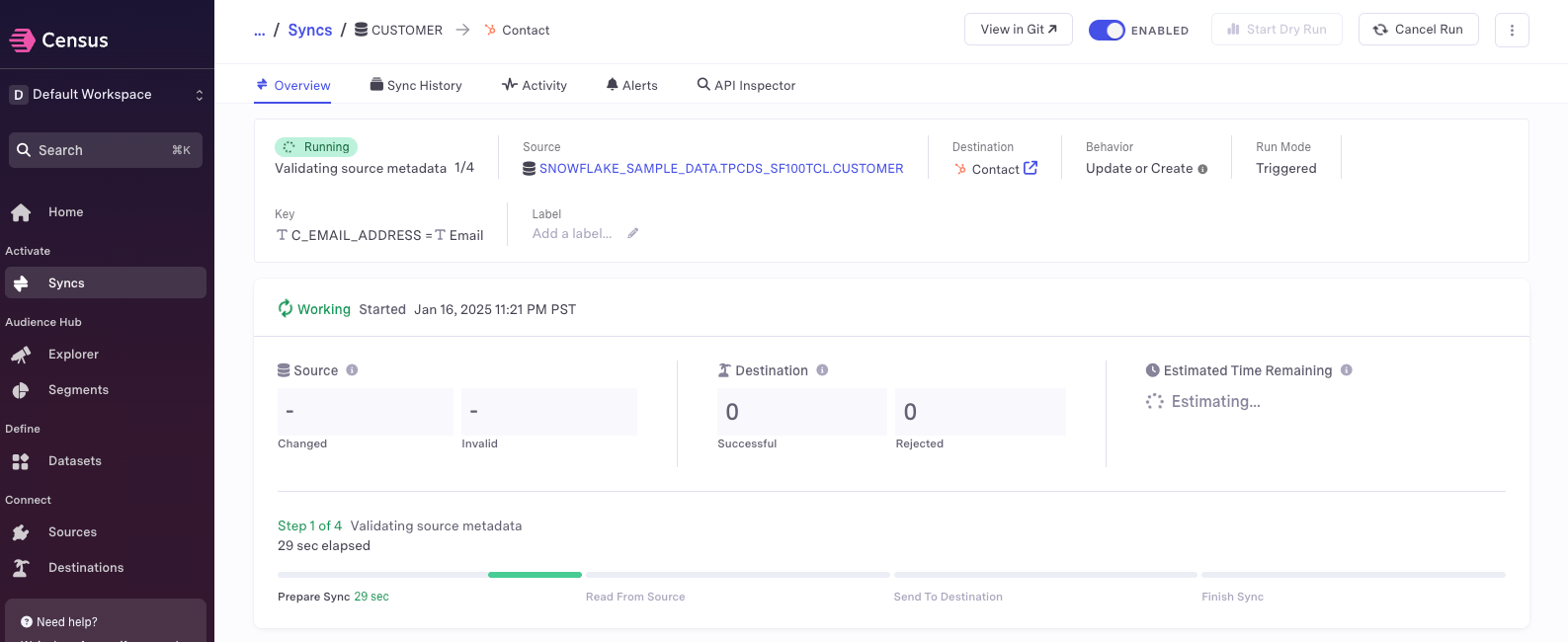
When a run succeeds, Bolt automatically triggers your Census sync:- Census receives the webhook
- Sync process begins immediately
- Fresh data flows to your operational tools
Key Benefits for Data Teams
- Automatic Census sync triggering after successful Bolt runs
- Real-time data synchronization with operational tools
- Streamlined workflow between dbt™ pipelines and data syncs
- Faster time-to-value for fresh data
Setup Guide
Set up Census sync triggering for successful runs. Follow the steps below, and watch our interactive tutorial.Step 1: Get Your Census Sync URL
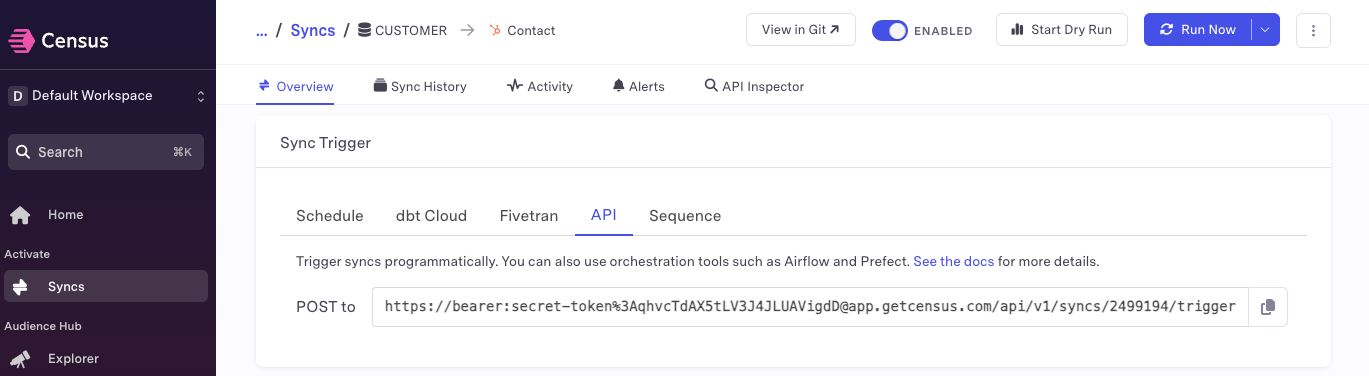
- Open Census and navigate to your syncs
- Find and select the sync you want to trigger
- In the Sync Trigger section, copy the API URL
Step 2: Configure the Webhook
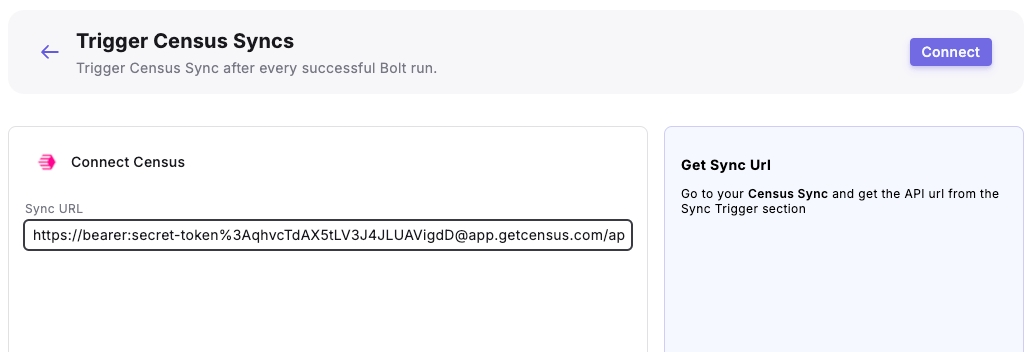
- From the Bolt home screen, go to Templates
- Click Reverse ETL and use the “Trigger Census Sync” template
- Enter your Census Sync URL.
Sync URL: "
- Click “Connect”
Step 3: Test the Integration
- Run a Bolt schedule manually (the webhook triggers only on successful runs)
- After the run succeeds:
- From the Bolt homescreen, go to Webhooks
- Select your Census Sync Webhook
- Check the Endpoints tab to verify the webhook triggered