

method:value syntax. This gives you the power to target exactly what you need during your data transformations.
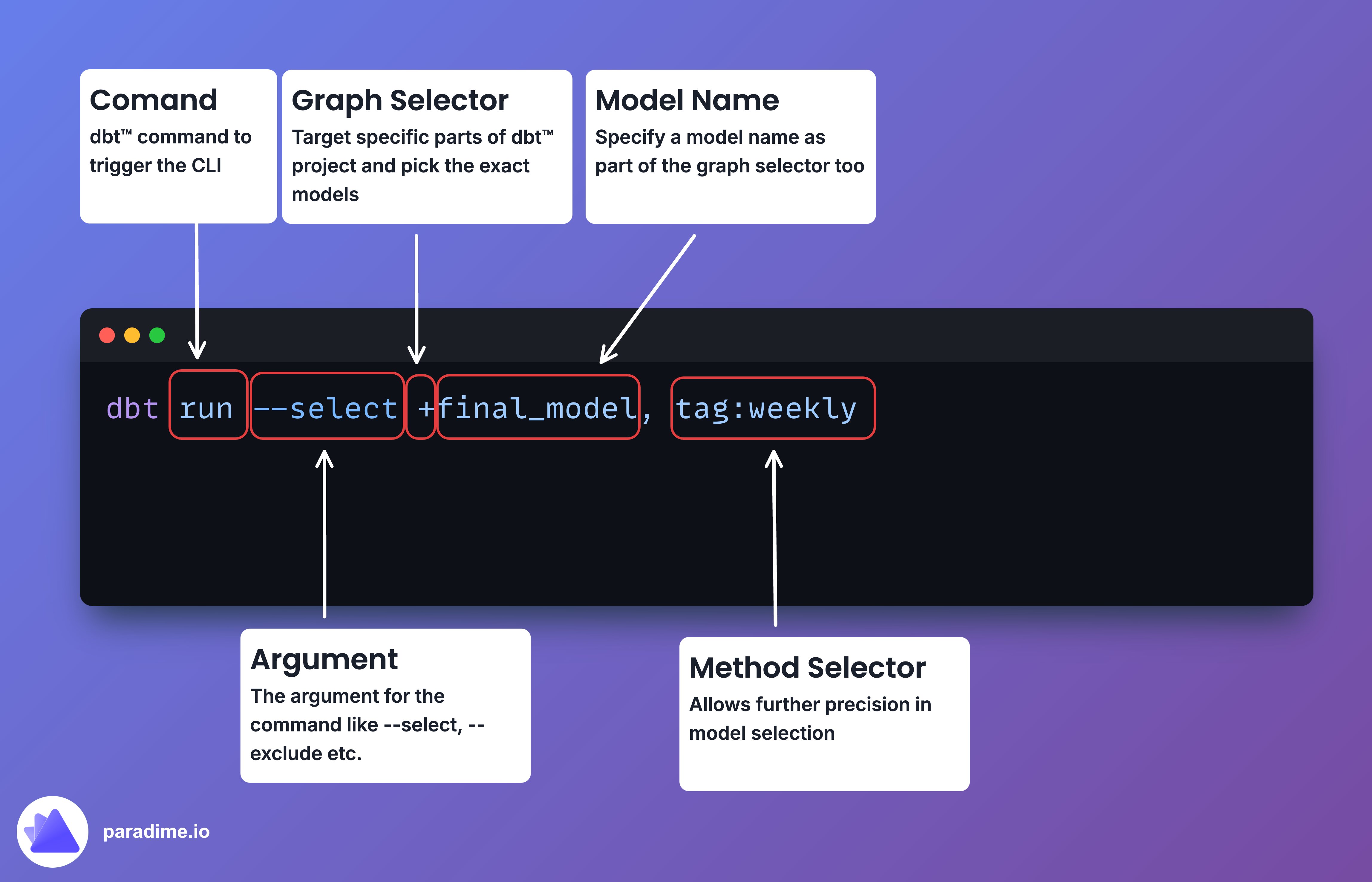
Wildcard Magic
Most selector methods support Unix-style wildcards, which can help you target a broader set of resources:*: Matches any number of characters (including none)?: Matches any single character[abc]: Matches one character listed in the bracket[a-z]: Matches one character from the specified range in the bracket
The Selectors
Tag Selector
Usetag: to select models with a specific tag.
Source Selector
Usesource: to select models that reference a specified source.
Resource Type Selector
Useresource_type: to select nodes of a specific type (e.g., model, test, exposure).
Path Selector
Usepath: to select models/sources defined at or under a specific path.
File Selector
Usefile: to select a model by filename.
FQN (Fully Qualified Name) Selector
Usefqn: to select nodes based on their fully qualified name.
Package Selector
Usepackage: to select models defined within the root project or an installed dbt package.
Config Selector
Useconfig: to select models that match a specified node config.
Test Type Selector
Usetest_type: to select tests based on type (generic, singular, unit, data).
Test Name Selector
Usetest_name: to select tests based on the name of the test defined.
State Selector
Usestate: to select nodes by comparing them against a previous version of the project.
Exposure Selector
Useexposure: to select the parent resources of an exposure.
Metric Selector
Usemetric: to select parent resources of a metric.
Results Selector
Useresult: to select resources based on their results status from a previous execution.
Source Status Selector
Usesource_status: to select based on the freshness of sources.
Group Selector
Usegroup: to select models defined within a specified group.
Access Selector
Useaccess: to select models based on their access property.
Version Selector
Useversion: to select versioned models.
Semantic Model Selector
Usesemantic_model: to select semantic models.
Saved Query Selector
Usesaved_query: to select saved queries.
Unit Test Selector
Useunit_test: to select dbt unit tests.
Pro Tips
- Combine selectors for laser-focused selection:
- Use graph operators like
+and@for complex selections:
- Exclude models using the
--excludeflag:
- If you omit the method, dbt will default to one of
path,file, orfqn.