

Configuring Redshift-managed PrivateLink
Redshift Serverless
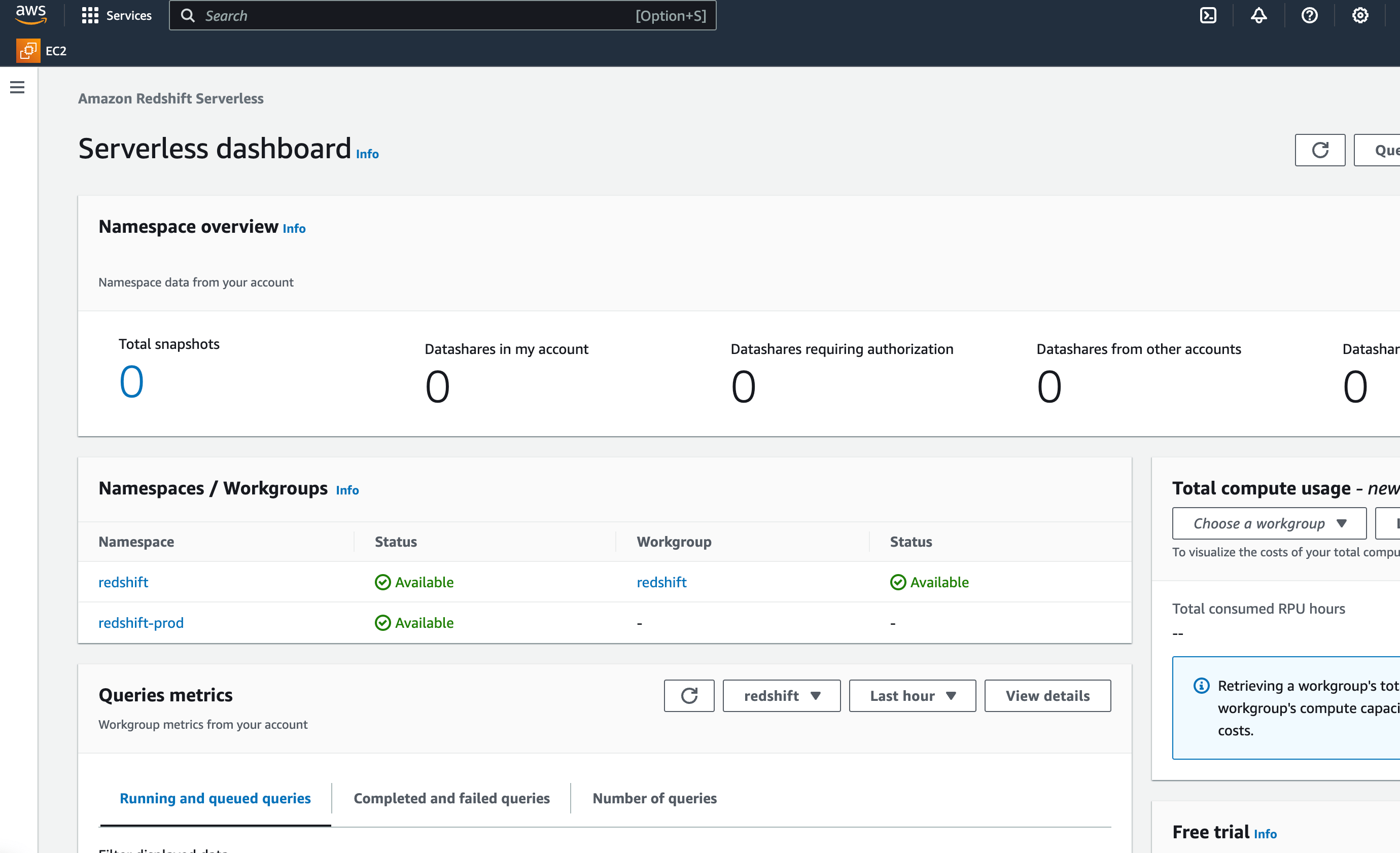
- On the running Redshift cluster, select the desired namespace.
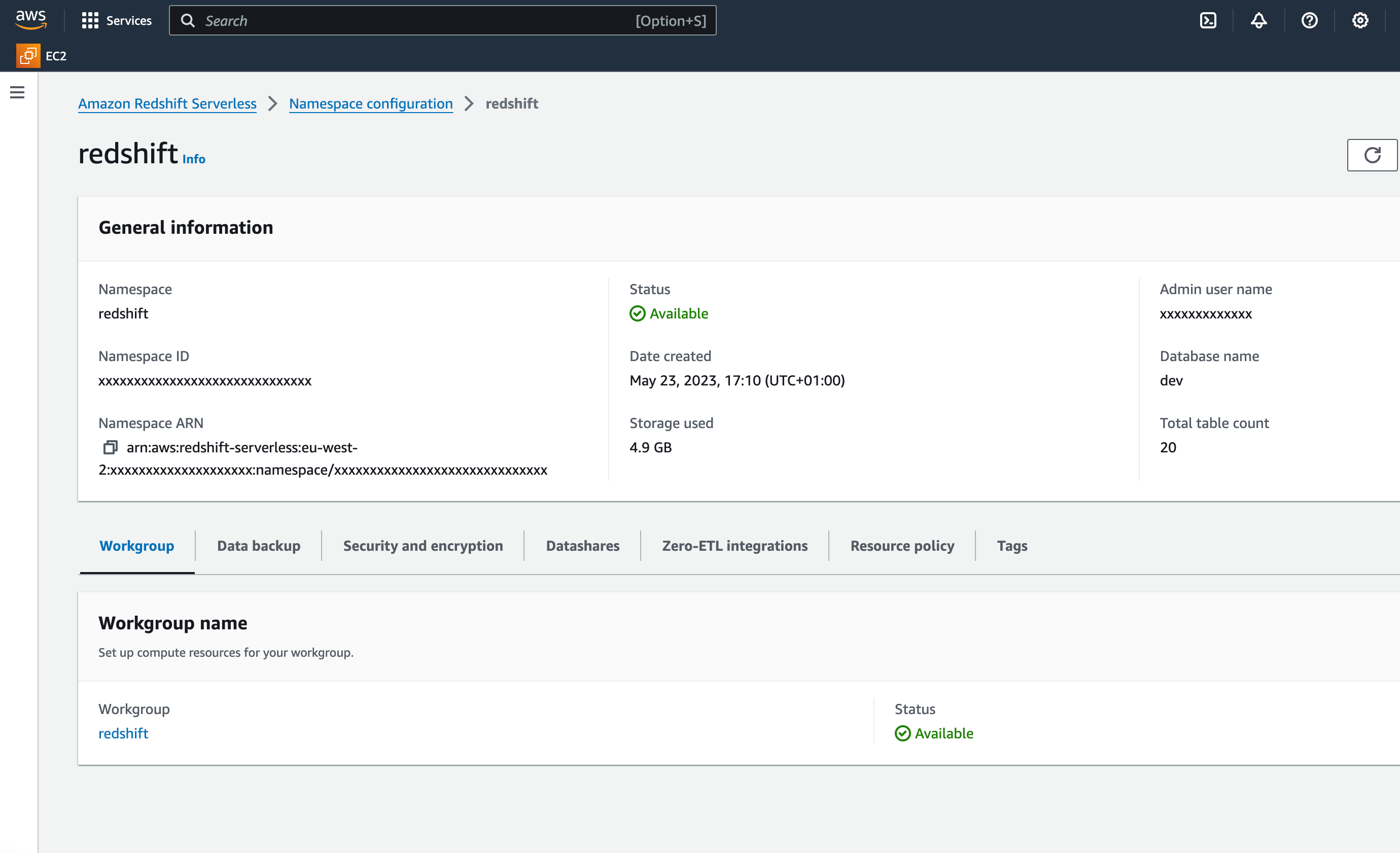
- In the Namespace configuration view, in the Workgroup tab, select the relevant workgroup name.
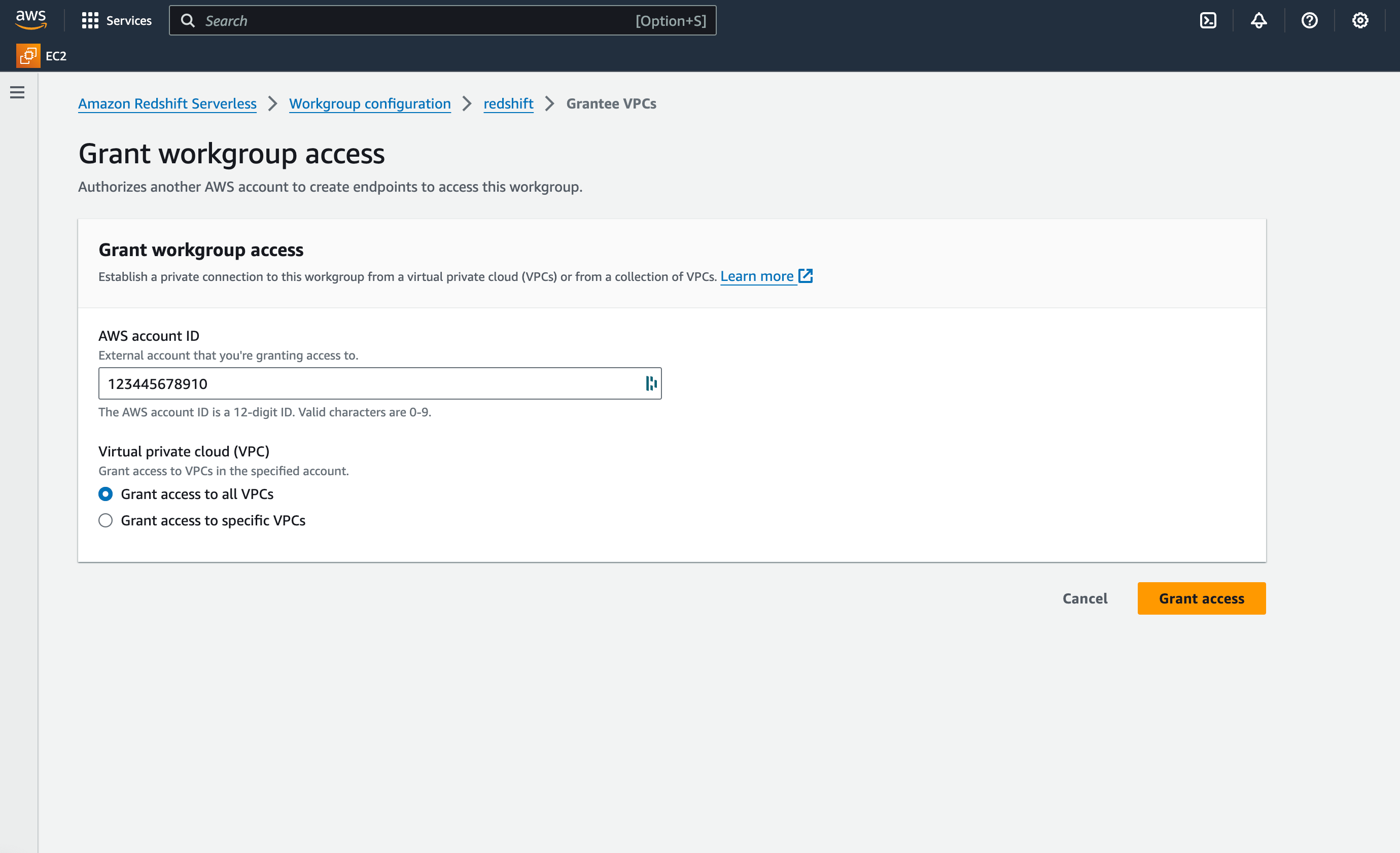
- In the Granted accounts section, click Grant access.
- Choose Grant access to all VPCs and enter Paradime AWS account ID. Contact the Paradime support team to request it.
- When done , submit to the Paradime Support team the below information:
Required information to submit to Paradime support:
- Type: Redshift-managed
- Redshift cluster name
- Redshift cluster AWS account ID
- Redshift cluster AWS Region (e.g., us-east-1, eu-west-2)