

PARA-1015: Clear Paradime local storage
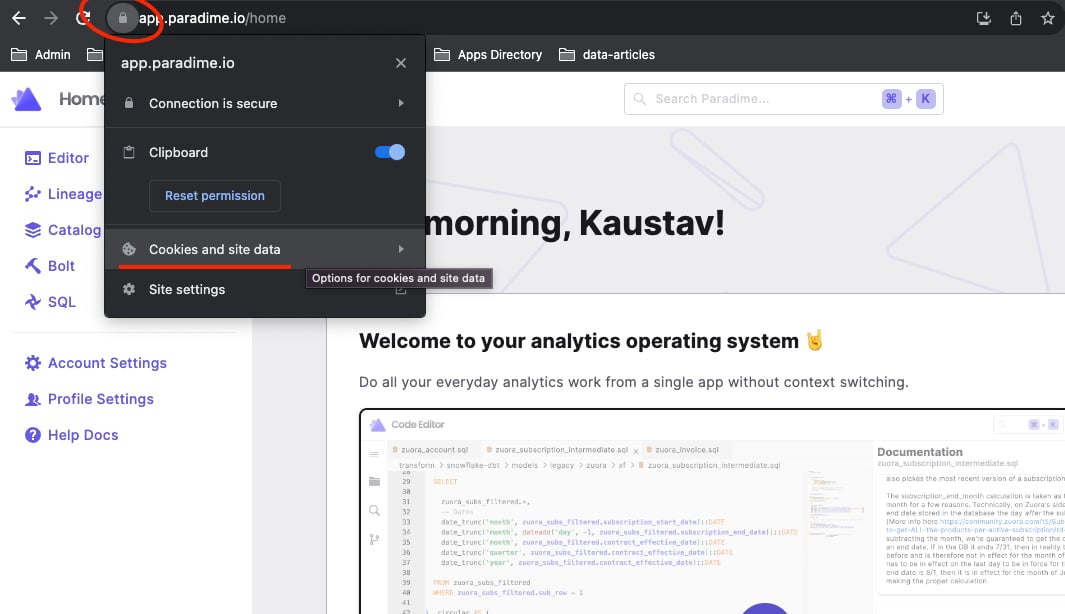
Some UI issues come from stale local browser data. In Chrome, clear the stored site data for Paradime:- Select the lock icon next to the URL.
- Click Cookies and site data.
- Click Manage on-device site data.
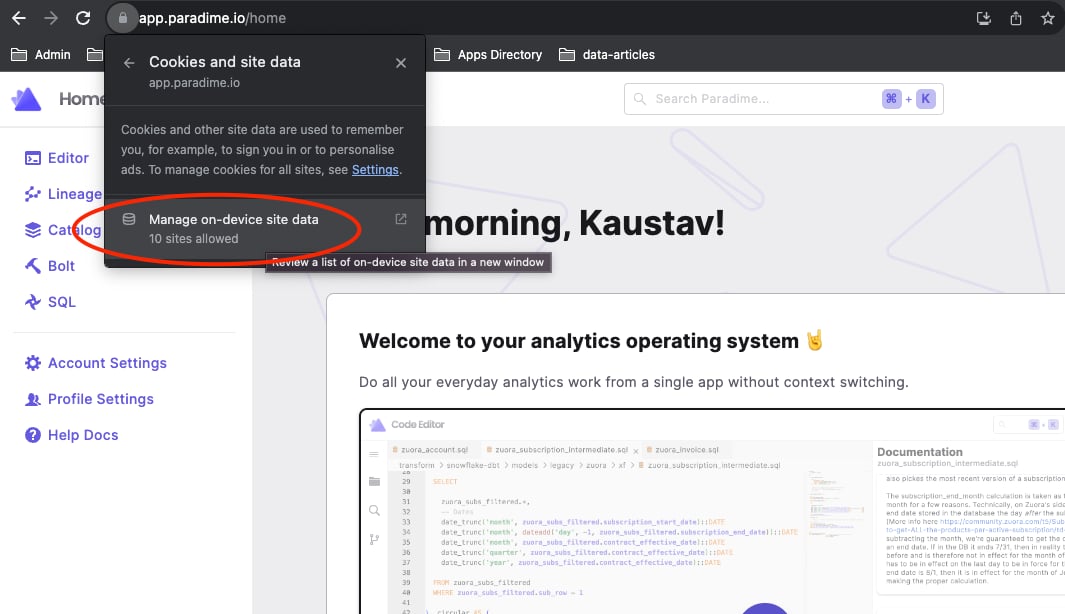
- Remove data for these domains:
api.paradime.io/api.us.paradime.ioapp.paradime.io/app.us.paradime.ioparadime.io