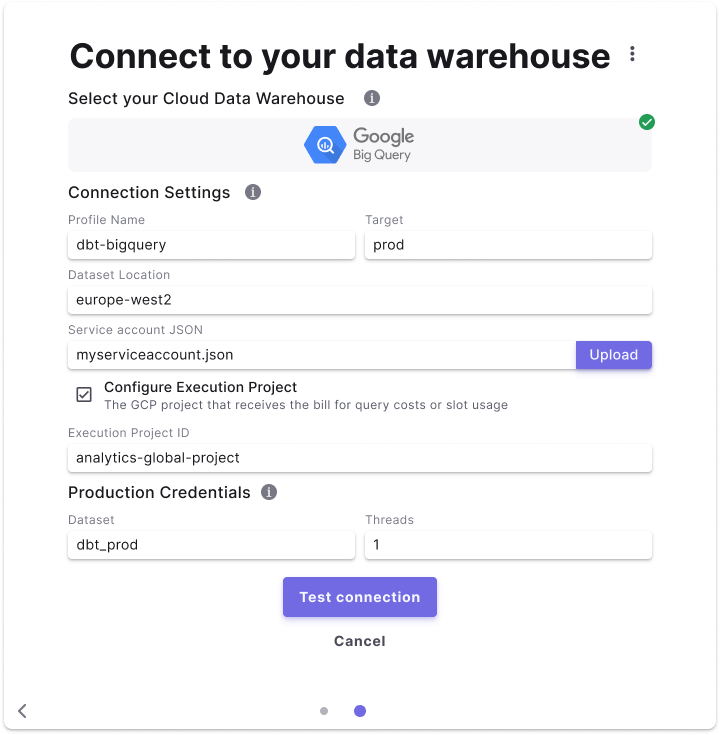
We recommend creating a dedicated BigQuery service account for the DinoAI agent environment, with the minimum permissions required to create tables and views in your BigQuery project.
Create a service account
To create a service account in BigQuery, follow the detailed steps in Google Cloud’s Creating and managing service account keys.Required permissions
This set of permissions will enable DinoAI to read from and create tables and views during background agent sessions in your BigQuery project.Add the DinoAI agent environment connection
To add the BigQuery DinoAI agent environment connection, follow these instructions:- Click Settings in the top menu bar of the Paradime interface to access Account Settings
- In the left sidebar, click Connections
- Click Add New next to the DinoAI Background Agent Environment section
- Select BigQuery