

Configuring Bolt Schedule Variables
- From any page in the Paradime application, Click Settings
- Navigate to Workspaces > Environment Variables
- In the Bolt Schedules section, click Add New
- Configure your variable:
- Enter Key name
- Enter Value
- Click Save icon (💾)
These variables will can be used in the command settings of your Bolt Schedules
Bulk Upload Environment Variables
Instead of adding environment variables one at a time, you can upload multiple variables at once using a CSV file. To bulk upload variables:- From any page in the Paradime application, click Settings
- Navigate to Workspaces > Environment Variables
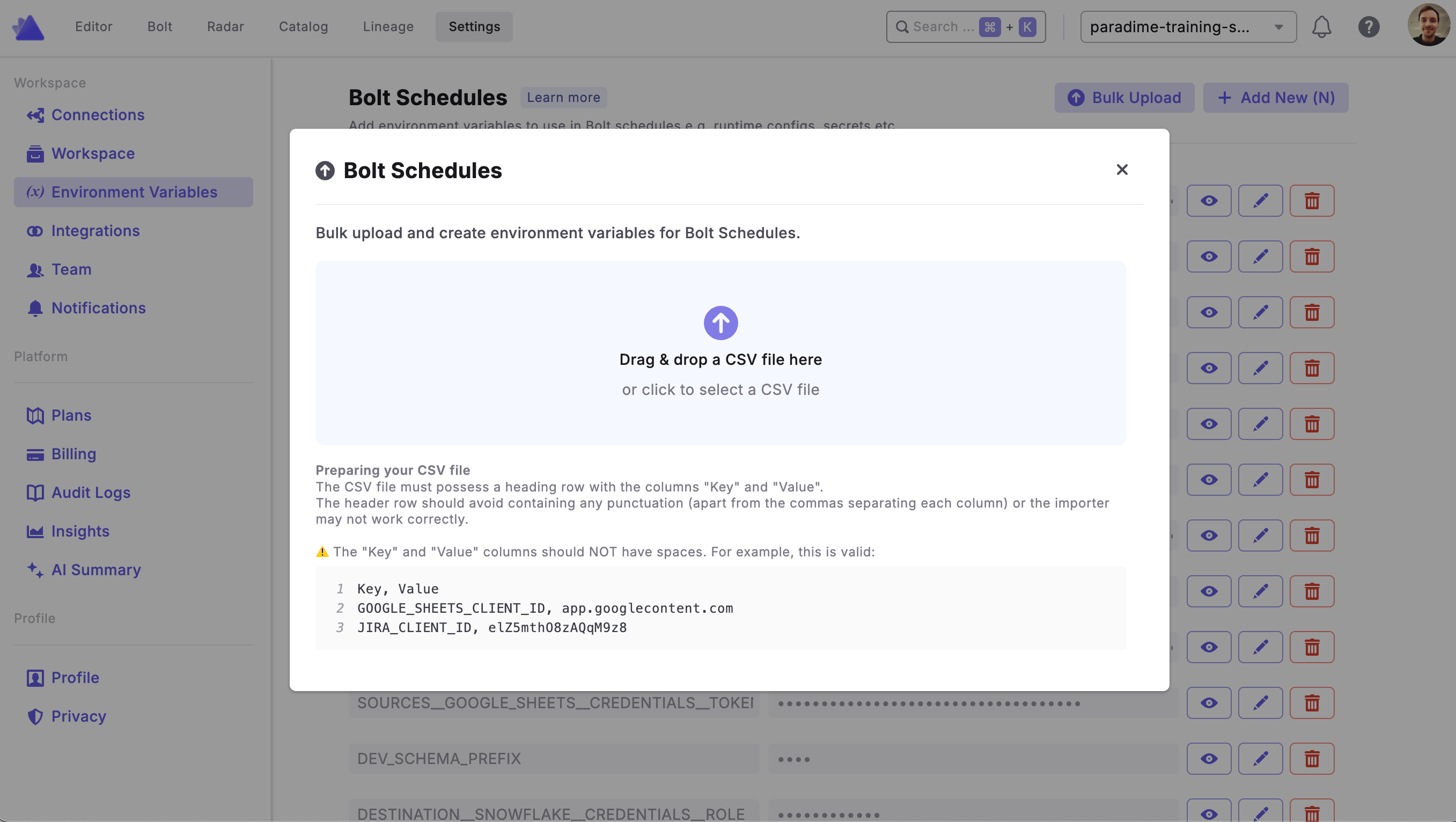
- In the Bolt Schedules section, click Bulk Upload
- Drag and drop your CSV file or click to select a file
- Review and confirm the upload
Environment Variable Overrides at Schedule Level
While environment variables are configured globally at the workspace level, you may need different values for specific schedules. For example, you might want to use different database connections or parameter values for production versus staging schedules. Paradime allows you to override environment variable values at the individual schedule level, giving you flexibility without duplicating your entire configuration.How Overrides Work
- Global defaults: Variables configured here serve as the default values for all Bolt schedules
- Schedule-level overrides: Individual schedules can override these default values
- Fallback behavior: If no override is set for a schedule, it uses the global value configured here
- Admin only: Only workspace administrators can configure overrides at the schedule level