Introduction
This short guide explains the process of login into Paradime using Google SSO.Step 1 - Enter Organization Name
When the user visitshttps://app.paradime.io they have to enter their organization name.

Step 2 - Choose SSO Auth Method
When the user enters their organization name, then they are presented with Google or Github SSO option for login. Personal emails are blocked on Paradime, so the user has to sign in with their business email.
Step 3 - Log in using Google SSO
Choose your Google Login credentials that is registered on Paradime. If you use a domain that is not registered on Paradime, you will be blocked. If you are not signed into the Google account, you will be prompted at this point to enter your username and password.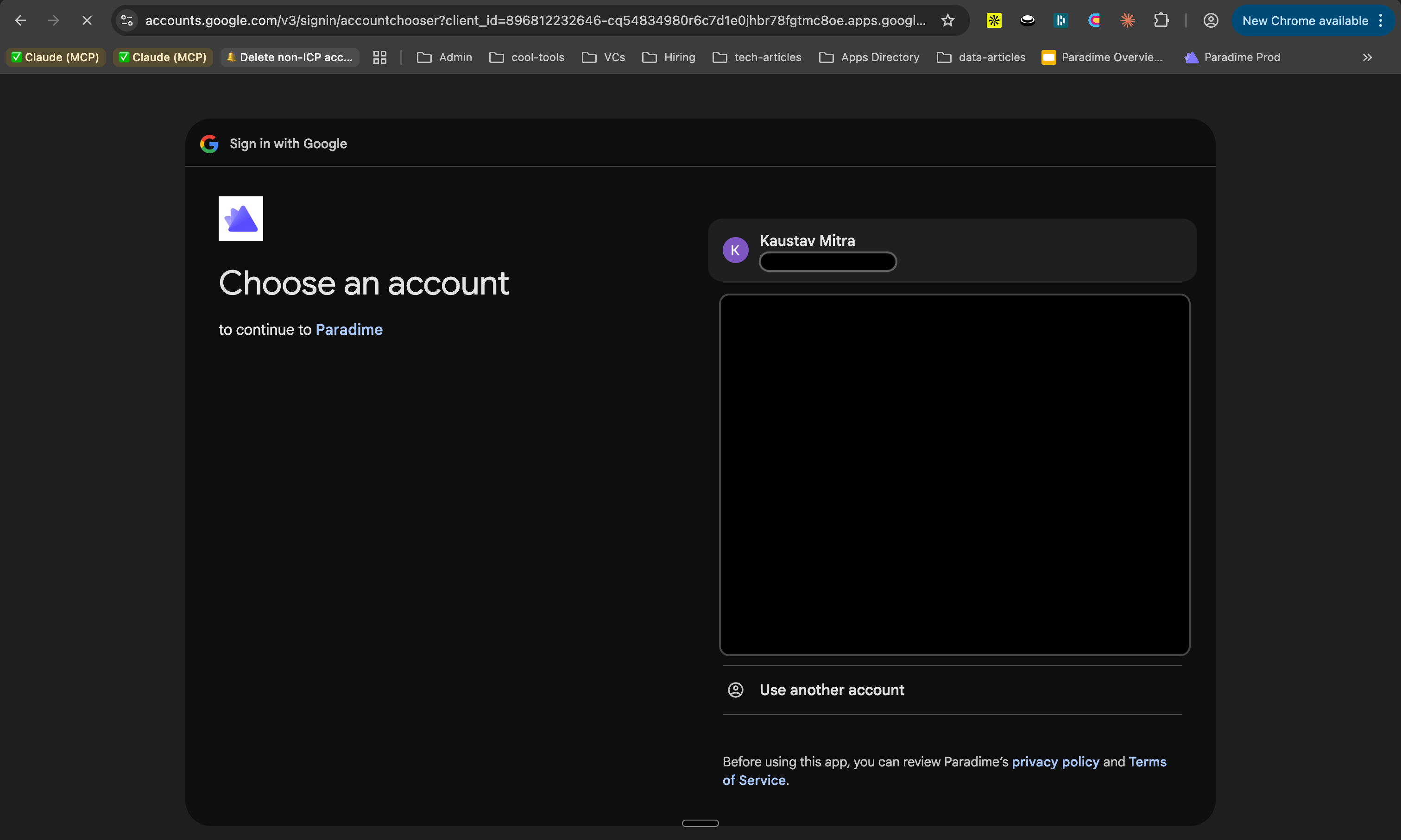
Step 4 - Optionally complete Google MFA
Once you choose the credentials to login, depending on your organization settings, you may have to complete an additional MFA authentication step.Step 5 - Logged In to Paradime
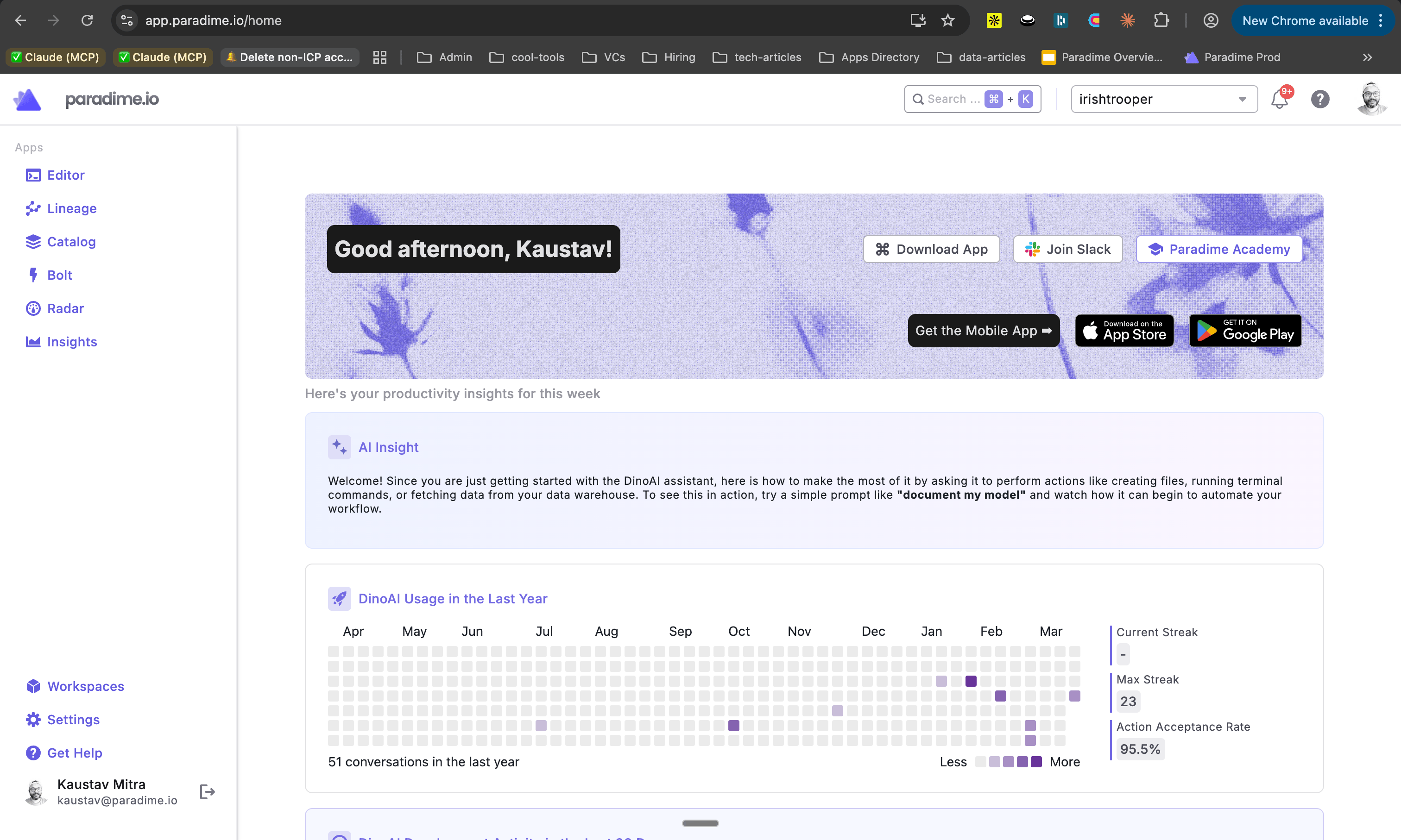
Once the login process is complete, you will be on the Paradime home page.