We advise creating a new Firebolt user and grant the suggested access required to create tables and views your Production database.
Create a Firebolt user
Create a new Firebolt user and assign theDB Admin. This user will need to have access to your Production database.
Add Scheduler Connection
To add the Firebolt Scheduler connection, follow these instructions:- Click Settings in the top menu bar of the Paradime interface to access Account Settings
- In the left sidebar, click “Connections”
- Click “Add New” next to the Bolt Schedules section
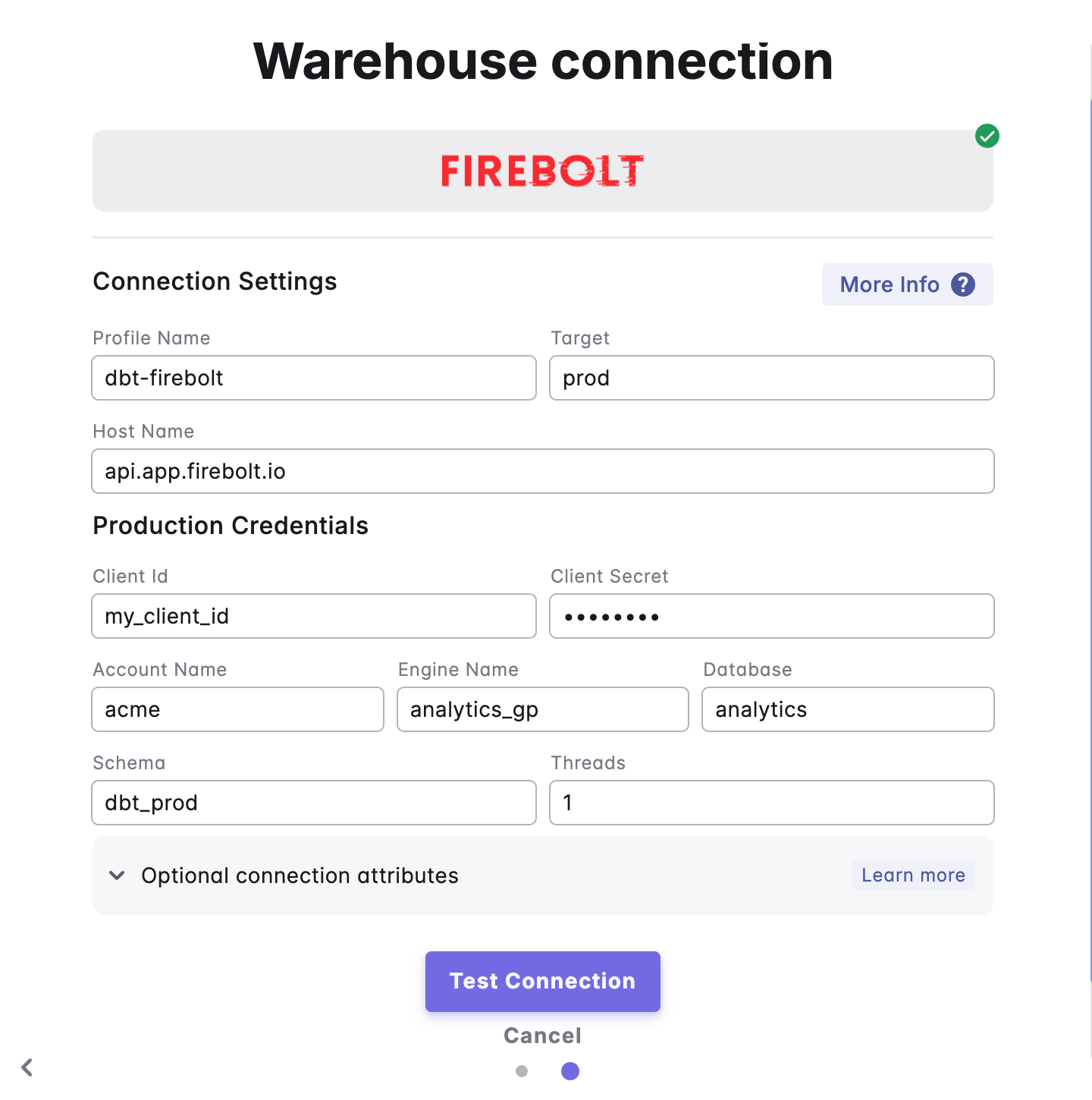
- Select “Firebolt” and fill out the corresponding fields.