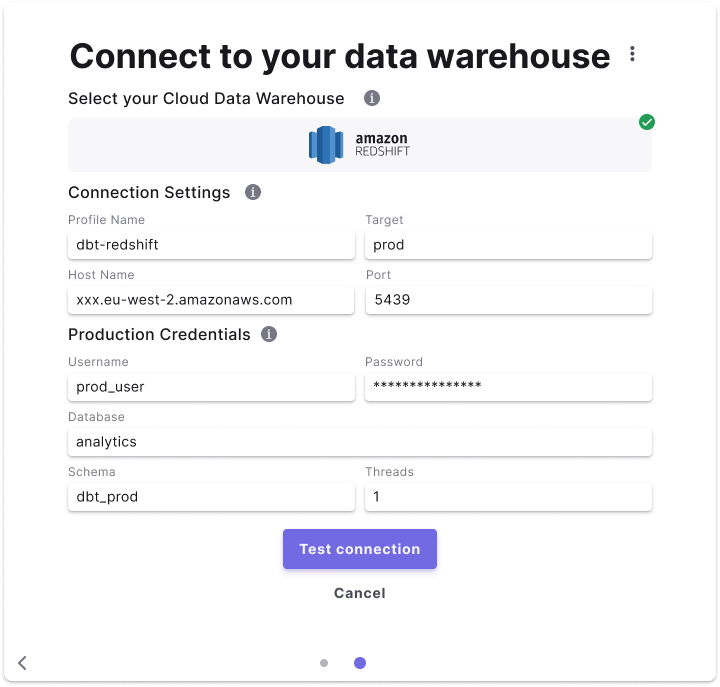
We advise creating a new Redshift user and grant the suggested access required to create tables and views in your Production database.
Create a Redshift user
In Redshift, you can run the below script to create a new user and grant access to your database/schema. Make sure you run these commands as anAccount Admin.
Suggested permissions
This set of permissions will enable Paradime to read from and create tables and views when running production jobs in you Redshift database.lineNumbers
Maintain privileges
In Redshift after each dbt™️ run in production you need to make sure to grants the correct privileges as Redshift doesn’t not support grant on future schemas. Theparadime_prod_user user should be able to read new schemas created in your production runs.
Check this guide on using grants and hooks.
Add Scheduler Connection
- Click Settings in the top menu bar of the Paradime interface to access Account Settings
- In the left sidebar, click “Connections”
- Click “Add New” next to the Bolt Schedules section
- Select “Redshift” and fill out the corresponding fields.