Add Scheduler Connection
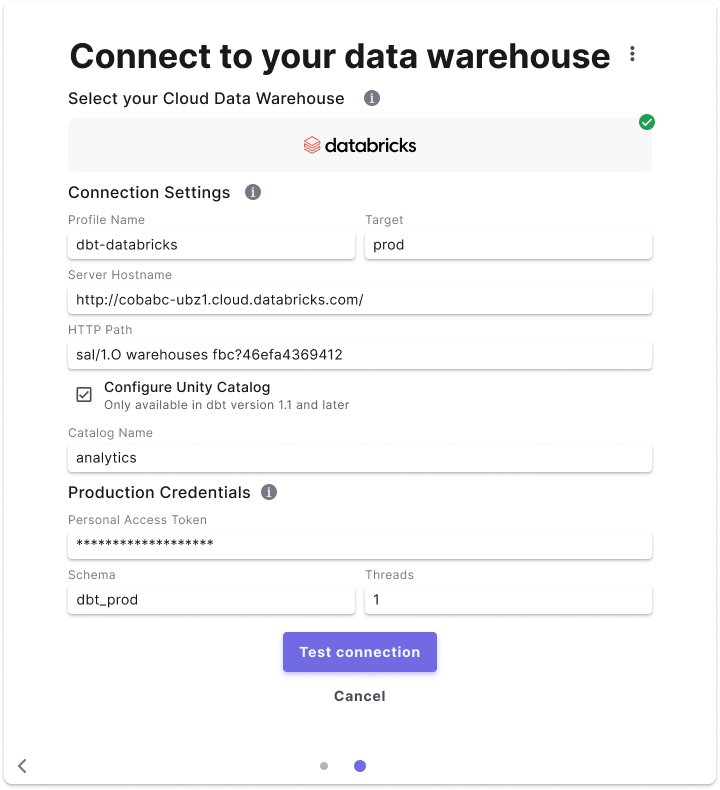
To add the Databricks Scheduler connection, complete the following steps:- Click Settings in the top menu bar of the Paradime interface to access Account Settings
- In the left sidebar, click “Connections”
- Click “Add New” next to the Bolt Schedules section
- Select “databricks” and fill out the cooresponding fields.