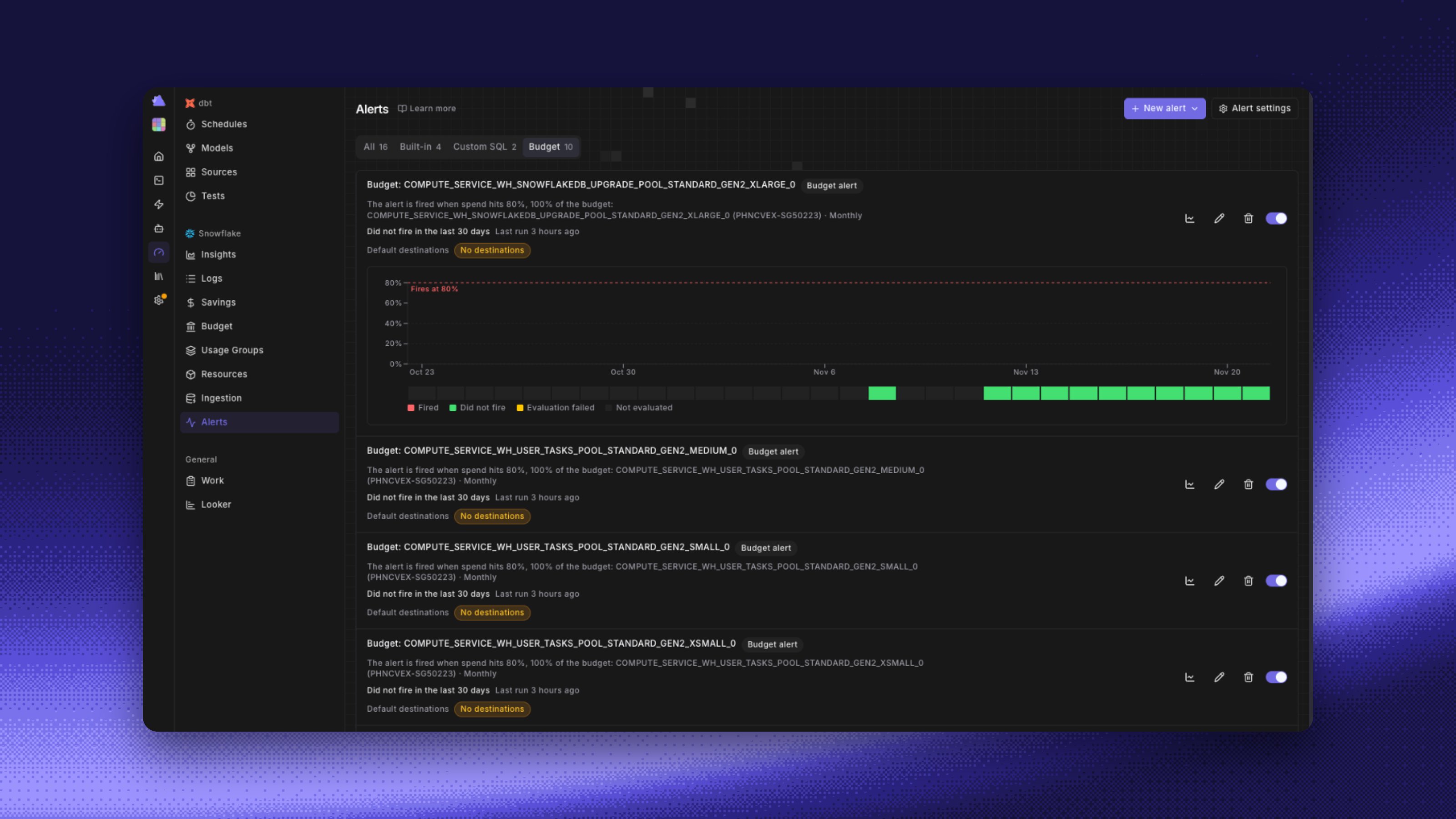
What a budget alert watches
Each budget alert follows one budget:- the whole account,
- one Snowflake warehouse or one BigQuery project,
- a usage group.
Create a budget alert
On the Alerts page, click New alert > Budget alert, select the budget, and enter its thresholds as whole percentages of the budget, for example80, 100. See Budget alert for each step, and Choose where alerts deliver for its destinations.
Budgets you set before budget alerts came to the Alerts page each have a budget alert already, named Budget: and the budget’s target, with the thresholds they used before.
When it fires
Radar checks budget alerts on the daily cost run. It compares the spend so far in the budget’s period (day, week, month, quarter, or year) with the budget amount. Daily budgets are checked against yesterday’s spend, the last complete day (UTC).- Each threshold alerts at most once per budget period.
- If spend crosses more than one threshold between two runs, only the highest is sent.
- Editing or removing the budget re-arms its alerts for the rest of the period.
The 30-day chart