

BitBucket Cloud
We advise creating a service account user in your BitBucket account like
paradime.bitbucket.maintainer@yourcompany.com with write access to the repository, and letting this user own the SSH key.- In BitBucket Cloud, open the SSH keys tab in your Personal Settings.
- Click Add key and paste in the deploy key generated by Paradime.
- Save the key.
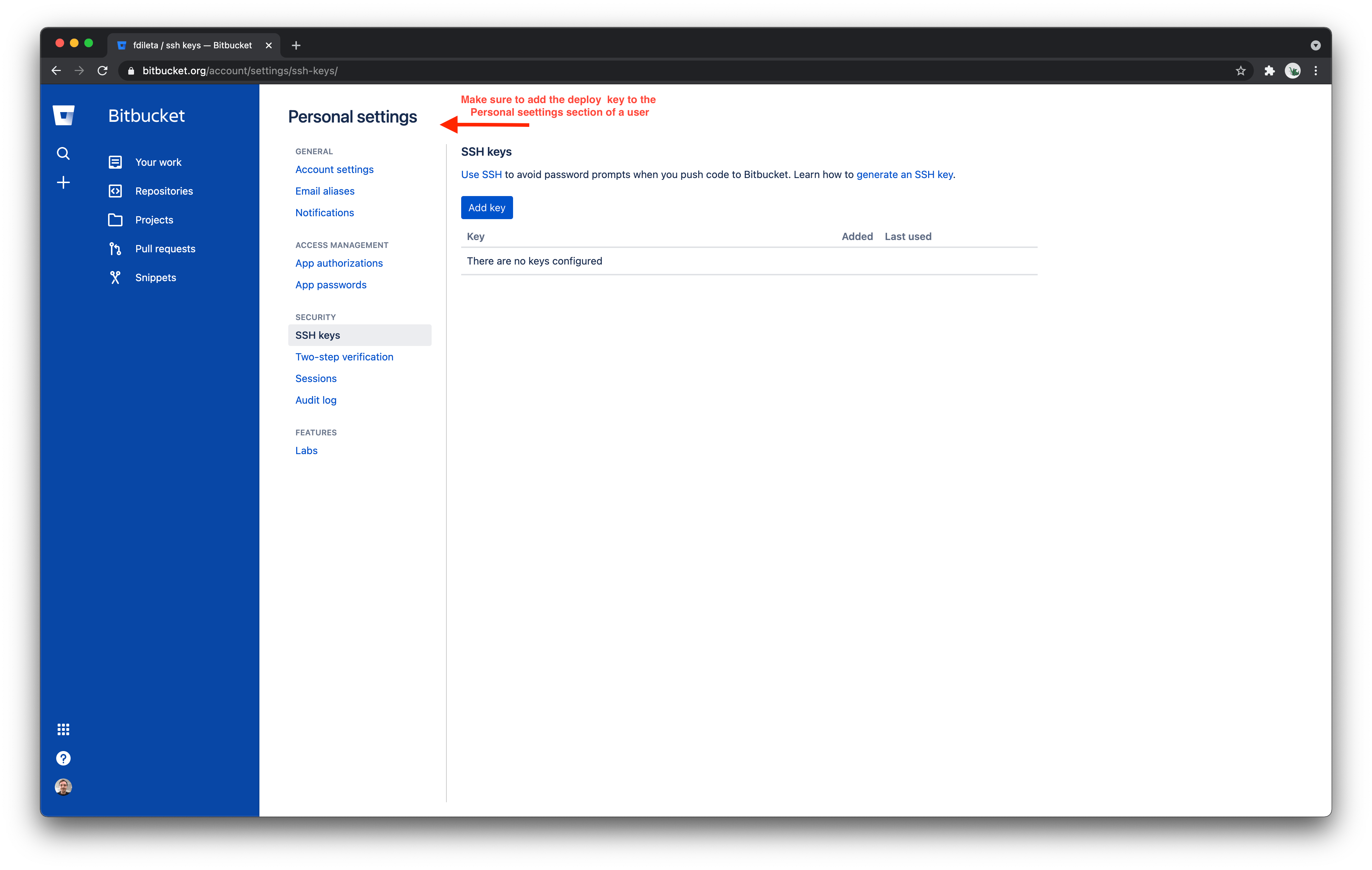
Configuring a BitBucket Cloud deploy key
BitBucket Server
BitBucket Server supports
SSH access keys for system use with Read/Write access.- In your BitBucket Server repository, open the Settings tab.
- Click Access keys, then Add key.
- Choose the Read/Write permission, paste in the key generated by Paradime, and click Add Key.