

What you can do
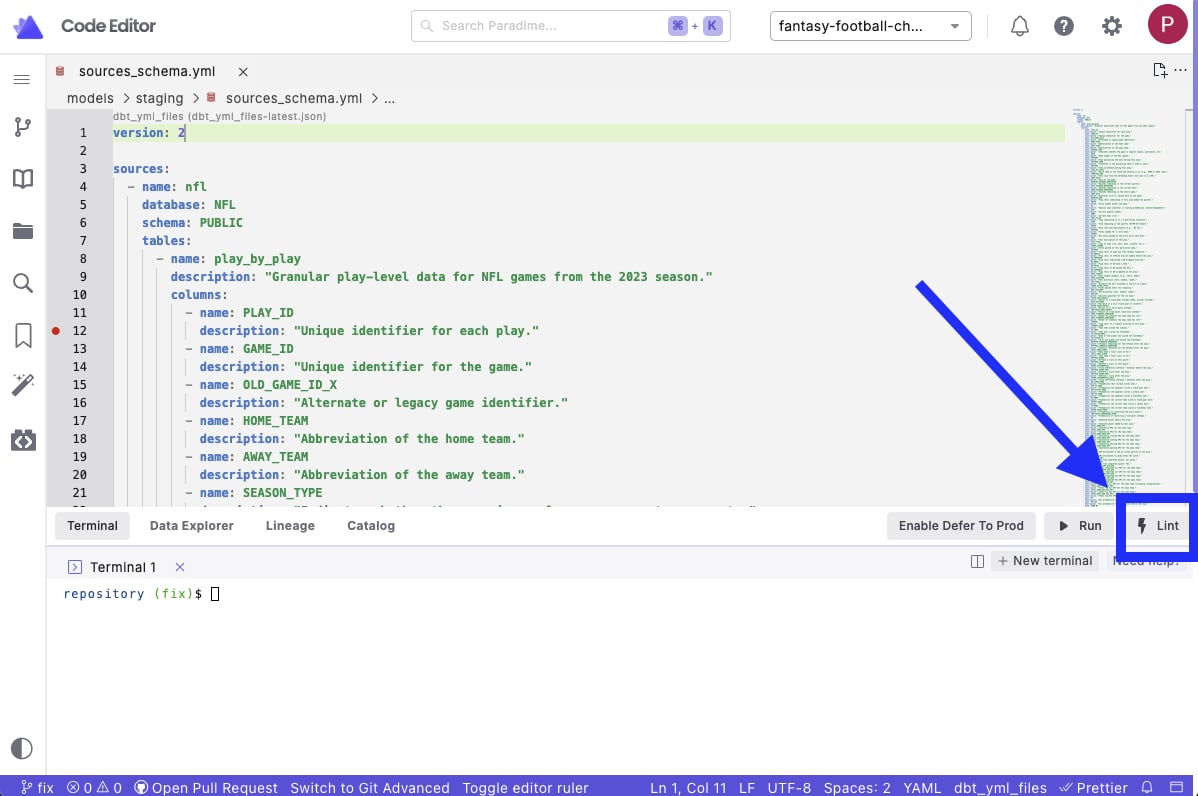
- One-click YAML formatting through the Lint button
- Built-in error detection
- Native IDE integration
- Customizable formatting rules
Using the integration
- Open a
.sqlfile in your editor - Click the Lint button in the Command Panel
- Review the changes made in Git Lite
- Syntax errors
- Style violations
- Formatting suggestions
- If satisfied with Lint updates, commit and push your changes to your remote branch.
Configuration
While the integration works out of the box, you can customize Prettier’s behavior:- Create a
.prettierrc.yamlfile in your dbt™ project root directory (same location as yourdbt_project.yml) - Add your configuration:
Visit prettier documentation a complete list of configuration options.
Error detection
When the integration runs Prettier on a.yml file, it automatically:
- Validates YAML syntax
- Flags potential errors
- Shows formatting issues
- Provides error details in the output tab
Want to automate YAML formatting? Learn how to set up Prettier pre-commit hooks to format files before each commit.