

What you can do
- Send Bolt schedule notifications to Slack channels or users when a run succeeds or fails
- Receive Bolt System alerts and Radar Data Alerts in Slack
- Use the DinoAI Slack agent to interact with DinoAI from Slack
Connecting the Slack integration
Paradime Slack App integration is set up by the Admin user for the organization profile. In Paradime, go to Settings → Integrations (see connecting integrations), find the Paradime Slack App, and click Connect.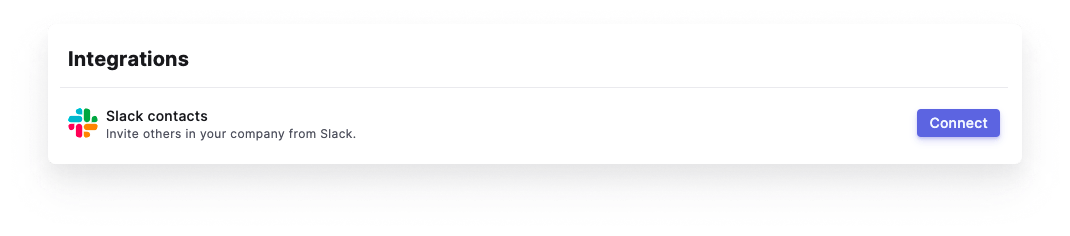
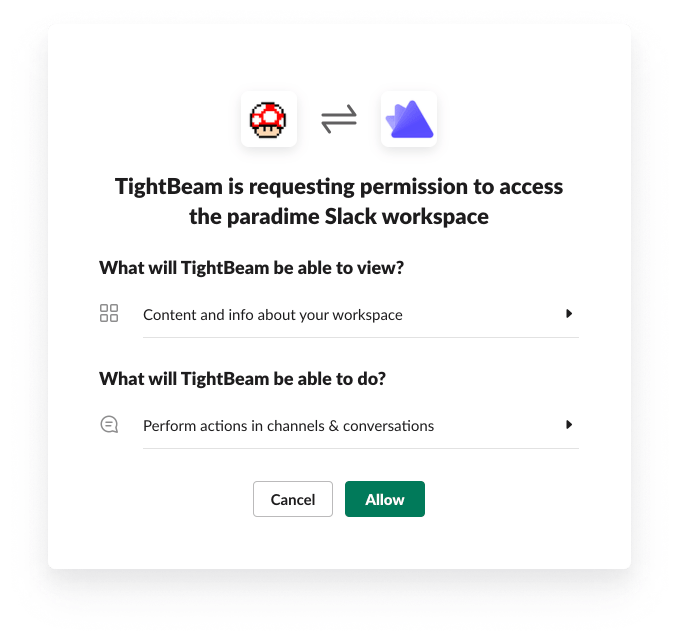
Get notifications via Slack
The Slack integration in Paradime enables you to send alerts to a Slack channel and/or Slack users when a schedule run succeeds or fails.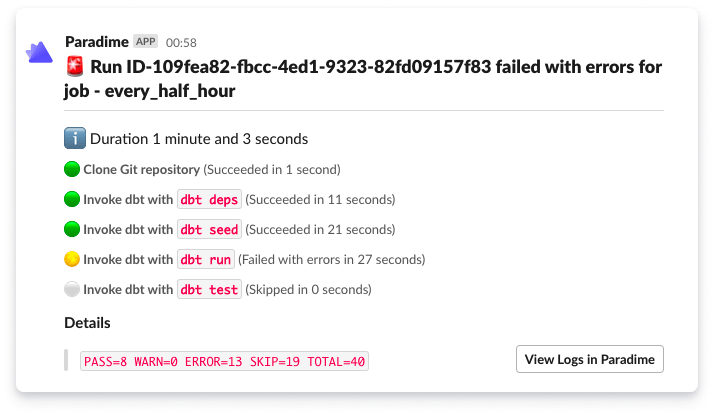
Slack notification job failed with errors