

What you can do
- One-click SQL linting through the Lint button
- Built-in dbt™ templating support
- Native IDE integration
- Customizable linting rules
- Auto-fix capabilities for common issues
Using the integration
- Open a
.sqlfile in your editor - Click the Lint button in the Command Panel
- Review the changes made in Git Lite
- Syntax errors
- Style violations
- Formatting suggestions
- If satisfied with Lint updates, commit and push your changes to your remote branch.
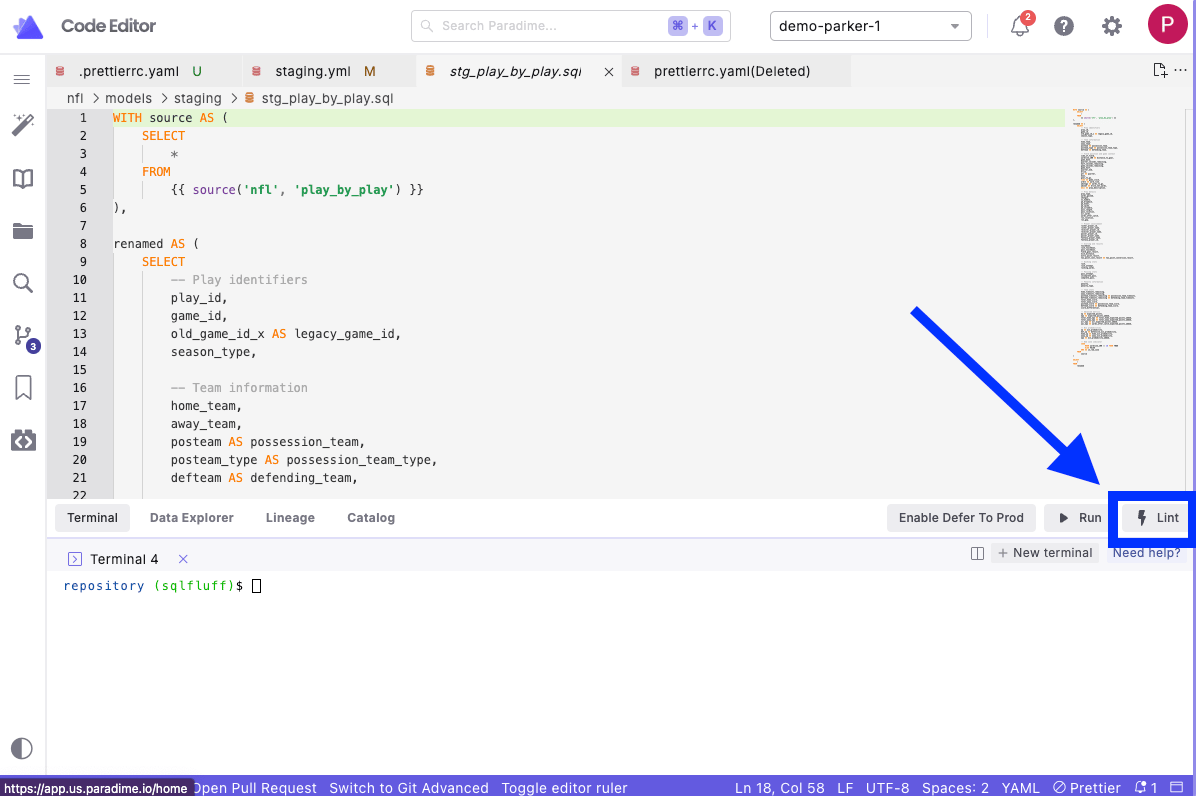
Using the Lint button for .sql file using SQLfluff
Configuration
Configure SQLFluff by creating a.sqlfluff file in your dbt™ project root directory:
- Create a
.sqlflufffile in your dbt™ project root directory (same location as yourdbt_project.yml) - Add your configuration:
.sqlfluff example file
Visit SQLfluff documentation for a complete list of configuration options.
Want to automate SQLfluff linting? Learn how to set up SQLfluff pre-commit hooks to automatically lint SQL files before each commit.
Common rules
SQLFluff enforces several key formatting rules:- Consistent keyword capitalization
- Required table aliasing
- Maximum line length
- Proper indentation
- Column ordering
dbt™ support
The integration automatically handles dbt™-specific features:- Jinja templating
- ref() and source() functions
- dbt™ macros
- Project configurations