What you can do
Once connected, DinoAI can access Google Docs on your behalf using the Google Docs Tool.Step 1: Connect Google Docs in Paradime
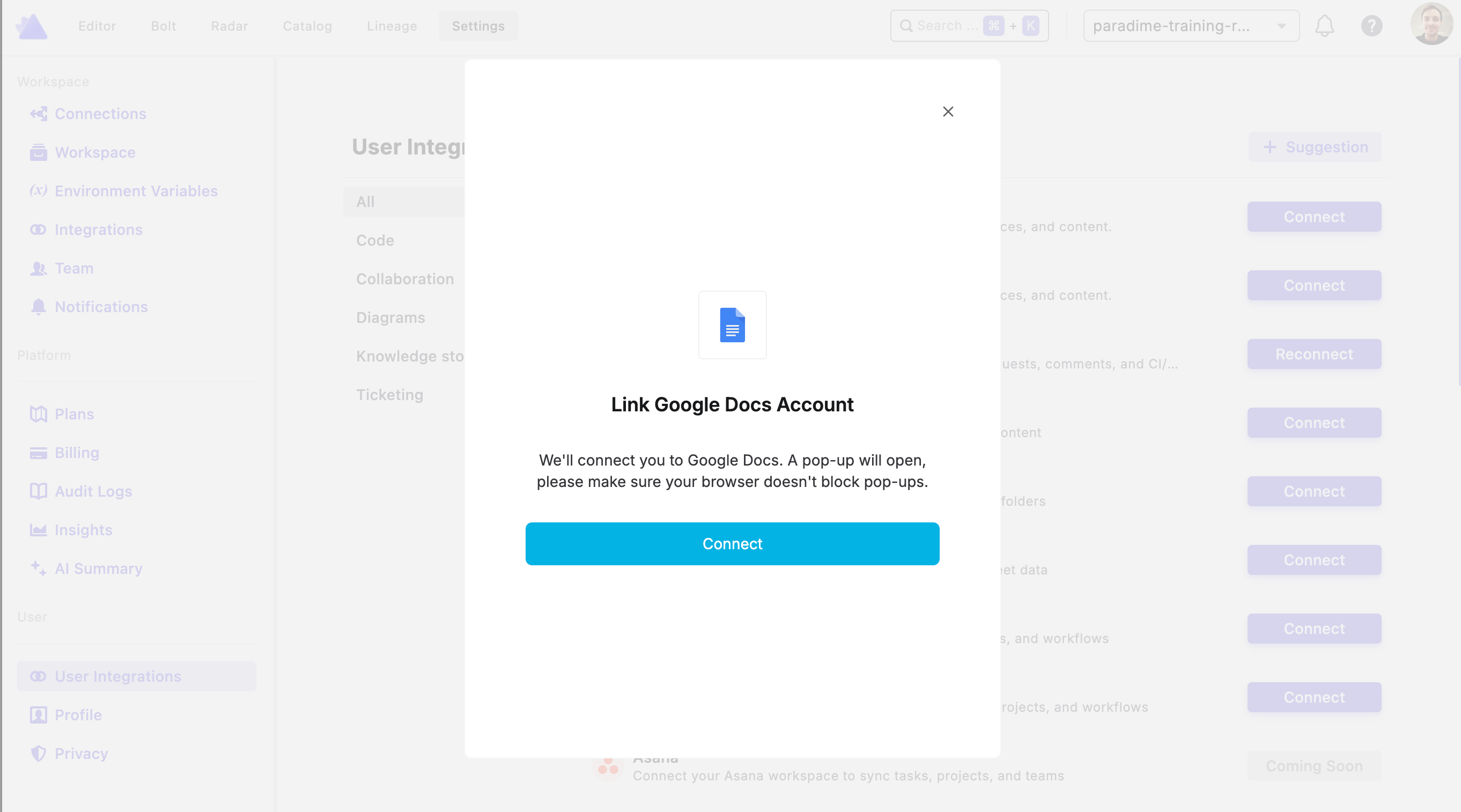
To authorize Google Docs, go to Settings → Integrations (see connecting integrations), find the Google Docs integration, and click Connect. You’ll then be prompted to log in to your Google account to complete the authorization.