

What you can do
Orchestration
Trigger Paradime Bolt schedules from Azure Data Factory pipelines via the Paradime API, so dbt™ runs execute as part of your ADF orchestration.
Prerequisites
- Create a Bolt schedule in Paradime and set the configuration as
OFF. - Generate API credentials for your Paradime Workspace.
Step 1: Setup an Azure Key Vault to store API credentials
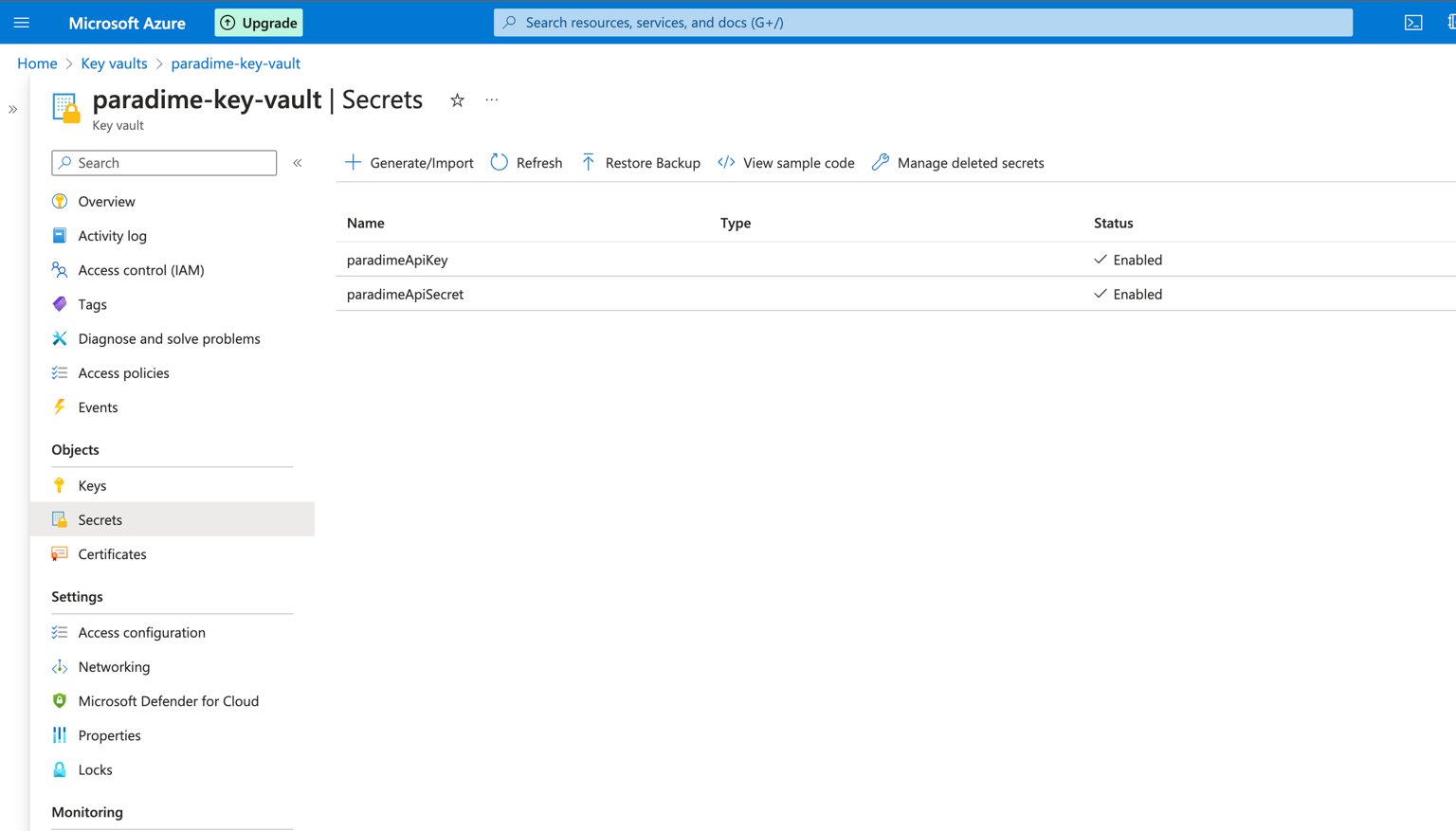
To get started, you will want to create an Azure Key Vault and store the Paradime API key and Secret securely. Select Secrets in the left Panel and then click on the Generate/Import option. Here you will be able to store the Paradime API credentials. Name the secret respectively:paradimeApiKeyparadimeApiSecret
- the name of your Azure Key Vault
- the name of your stored secrets name in the Key Vault
Step 2: Create your ADF pipeline
First upload the template provided in this guide, this will create all the tasks, parameters and variables needed to execute your ADF pipeline and trigger a Paradime Bolt run via the API 📎 Download paradime_bolt_pipeline_template.zip Complete the configuration of your ADF pipeline by entering in the Parameter Value the required fields. Required fields:apiURL: you can get this when generating the API credentials in Paradime.scheduleName: the Bolt schedule name you want to trigger from the ADF pipelinekeyVaultName: the name of the Azure Key Vault where your API secrets are stored