# Google Drive

To authorize Google Drive, navigate to your **Workspace Settings** and then **User Integrations** page, find the **Google Drive** integration, and click **Connect**. You'll then be prompted to log in to your Google account to complete the authorization.
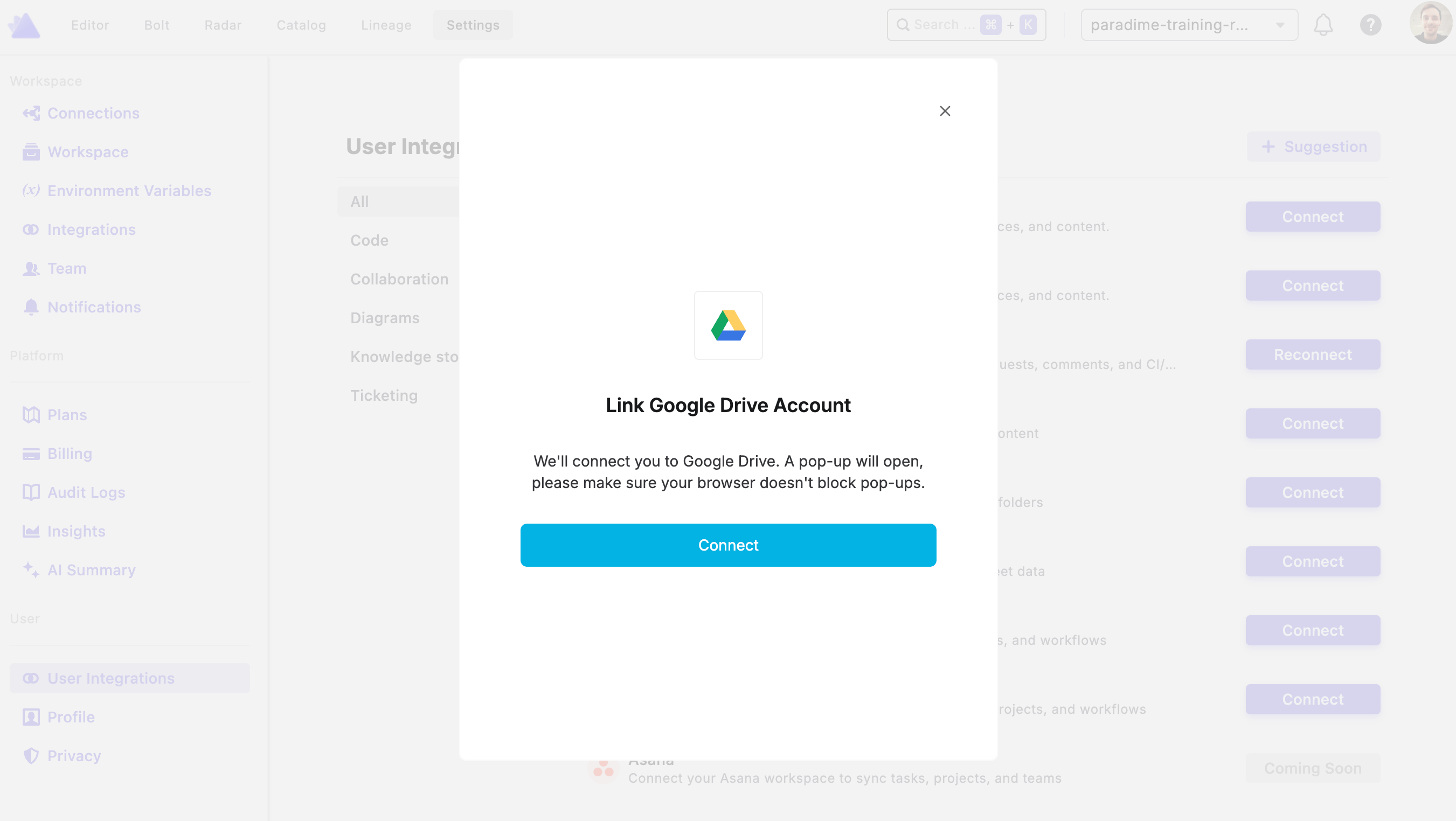
Once connected, DinoAI will be able to access Google Drive on your behalf using the [Google Drive Search Tool](https://docs.paradime.io/app-help/documentation/dino-ai/tools-and-features/google-drive-search-tool).

<div data-with-frame="true"><figure><img src="https://2337193041-files.gitbook.io/~/files/v0/b/gitbook-x-prod.appspot.com/o/spaces%2FHET0AD04uHMgdeLAjptq%2Fuploads%2F5ZKPsq75y7nTg63VBWJi%2Fimage.png?alt=media&#x26;token=c55f376e-a276-43ce-8852-c40f10ee1c55" alt=""><figcaption></figcaption></figure></div>
