PagerDuty is an incident management and on-call platform. Connecting PagerDuty to Paradime automatically creates incidents in PagerDuty whenever a Bolt schedule fails, so your team can respond to dbt™ pipeline issues through the on-call schedules and escalation policies you already use.
What you can do
- Receive immediate notifications when pipelines fail
- Automatically create incidents in PagerDuty for orchestration errors
- Leverage PagerDuty’s on-call schedules and escalation policies
- Track and respond to data pipeline issues through your existing incident management workflow
Paradime uses the PagerDuty Events API v2 to send real-time alerts for Bolt Schedules.
Prerequisites
Before connecting PagerDuty to Paradime, make sure you have:
- Admin or manager permissions in PagerDuty
- Access to create API Access Key
- Log in to your PagerDuty account and navigate to Integrations → API Access Keys.
- Click on Generate API Keys.
- Copy the generated API Key. You will need this to complete the setup in Paradime.
Important: Store the integration key securely. You will need it to configure the Paradime integration.
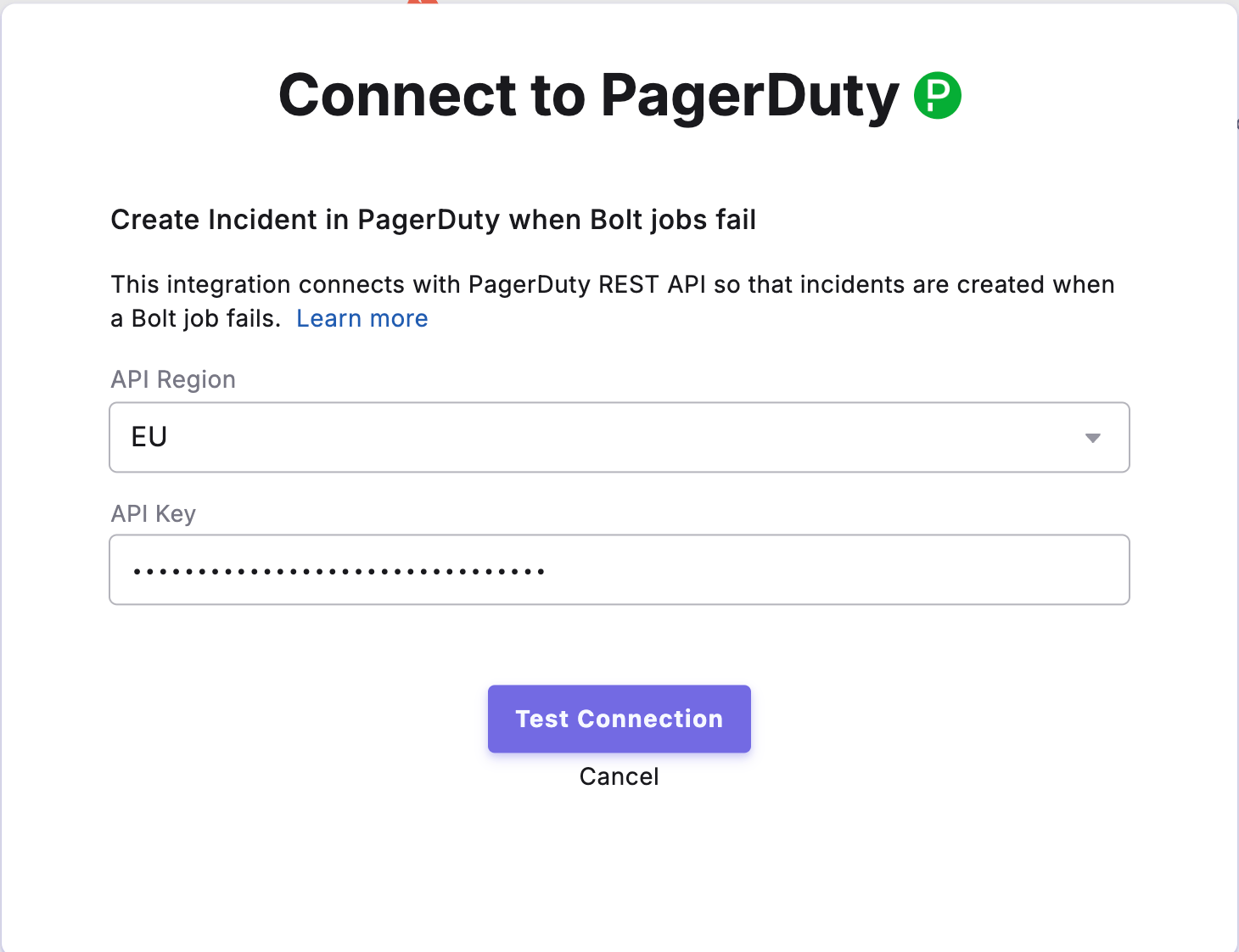
- In Paradime, go to Settings → Integrations (see connecting integrations), and find PagerDuty.
- Select the API region where your PagerDuty account is located
- Paste the PagerDuty integration key into the field provided.
- Click Connect to establish the connection.
Once connected, Paradime will send alerts to your configured PagerDuty service whenever pipeline or task failures occur.
After enabling the integration, you can configure which Bolt Schedules should create incidents in PagerDuty when they fail.
To configure incident creation:
- Navigate to Bolt > Schedules in the Paradime interface.
- Select the schedule you want to monitor.
- Open the Integration Settings for that schedule.
- Enable PagerDuty Incident Creation to automatically create incidents in PagerDuty when the schedule fails.
Once enabled, any failures in the configured Bolt Schedules will automatically trigger incident creation in PagerDuty, allowing your team to respond quickly to data pipeline issues.