Prerequisites
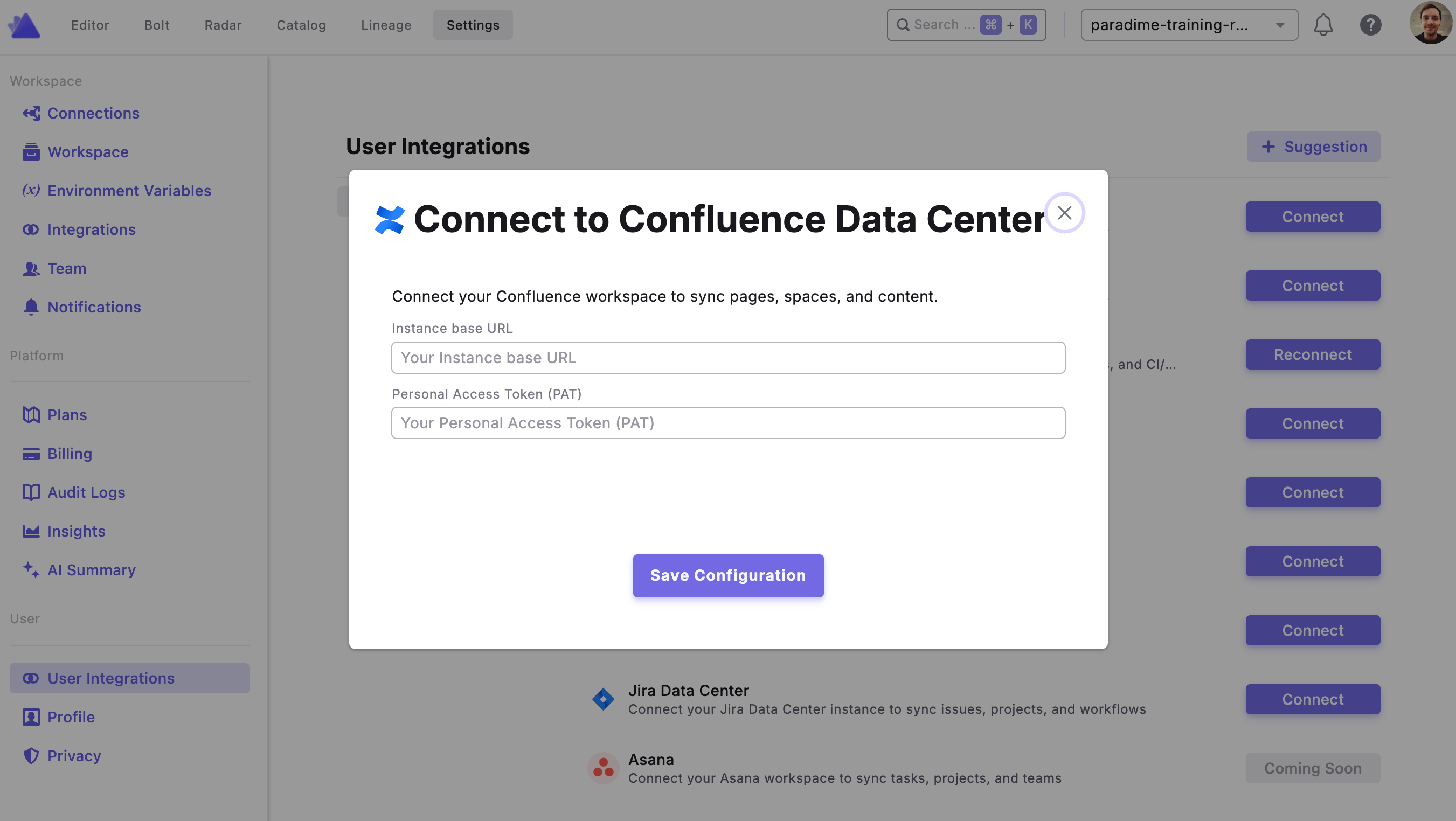
You will need a Personal Access Token (PAT) from your Data Center instance to connect. See the connection parameters below for where to find each required field.Step 1: Connect Confluence Data Center in Paradime
To authorize Confluence, go to Settings → Integrations (see connecting integrations), find the Confluence integration, and click Connect. You’ll then be prompted to enter your credentials.Connection parameters