Prerequisites
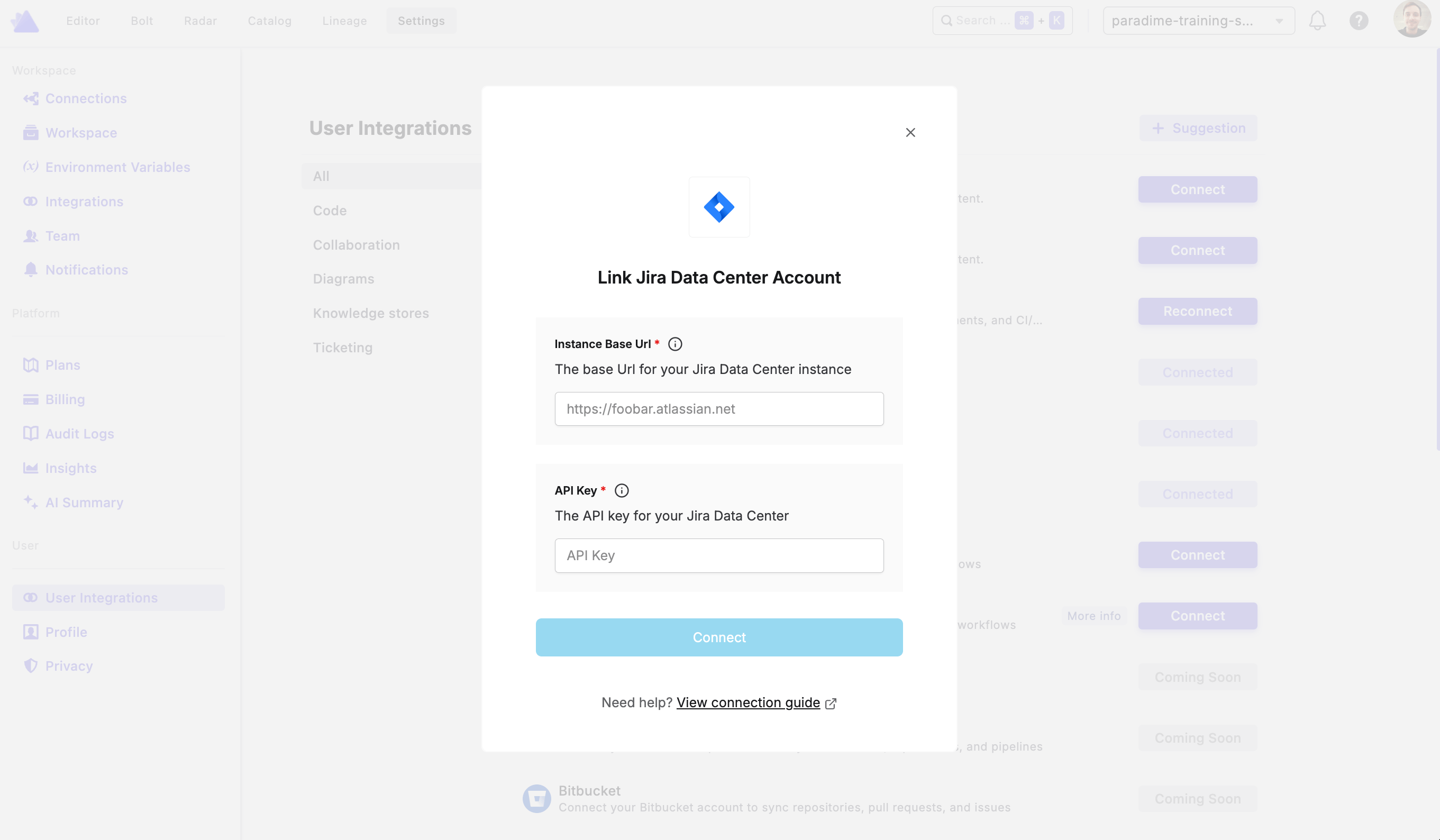
You will need a personal API key from your Jira Data Center instance to connect. See the connection parameters below for where to find each required field.Step 1: Connect Jira Data Center in Paradime
To authorize Jira, go to Settings → Integrations (see connecting integrations), find the Jira integration, and click Connect. You’ll then be prompted to enter your credentials.Connection parameters
Once all fields are filled in, click Connect to complete the connection.