

Toolbar Controls
Attach Context
Click the @ icon to attach context to your prompt, such as files or folders from your project. This helps DinoAI understand the specific parts of your codebase you are referring to, leading to more accurate and relevant responses.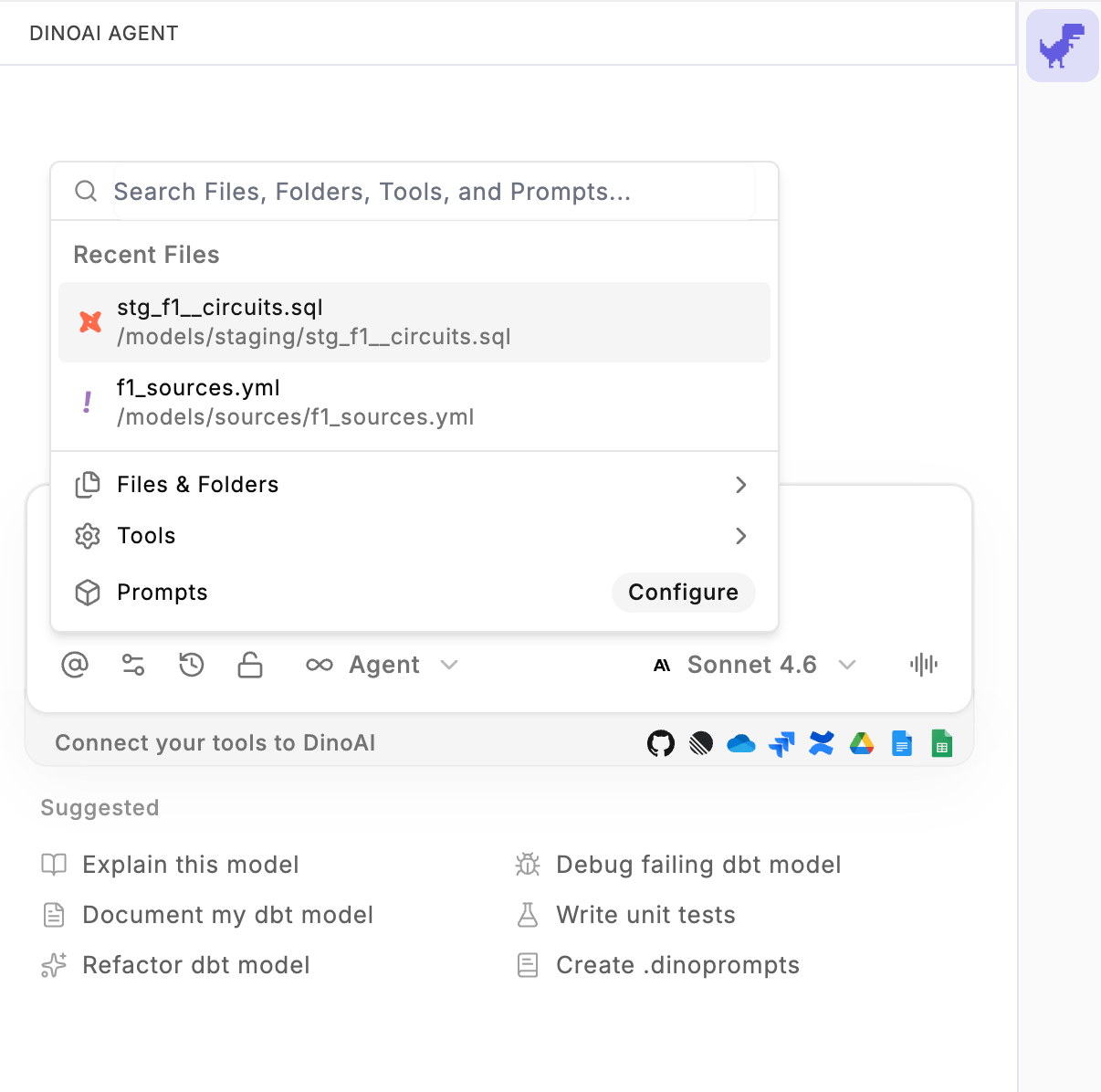
DinoAI Settings
Click the Settings icon to open the DinoAI Settings panel, where you can manage tool permissions and connected integrations for your DinoAI agent.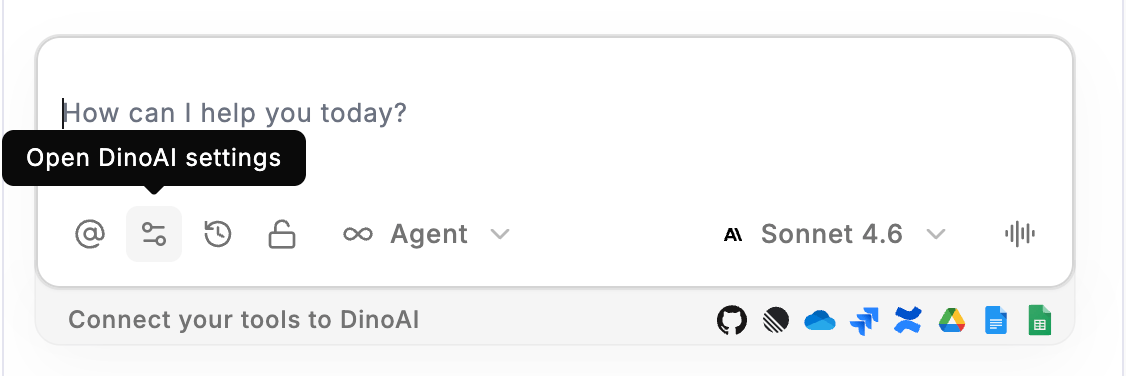
Chat History
Click the Clock icon to open your DinoAI Chat History, where you can browse and reopen previous conversations with the agent.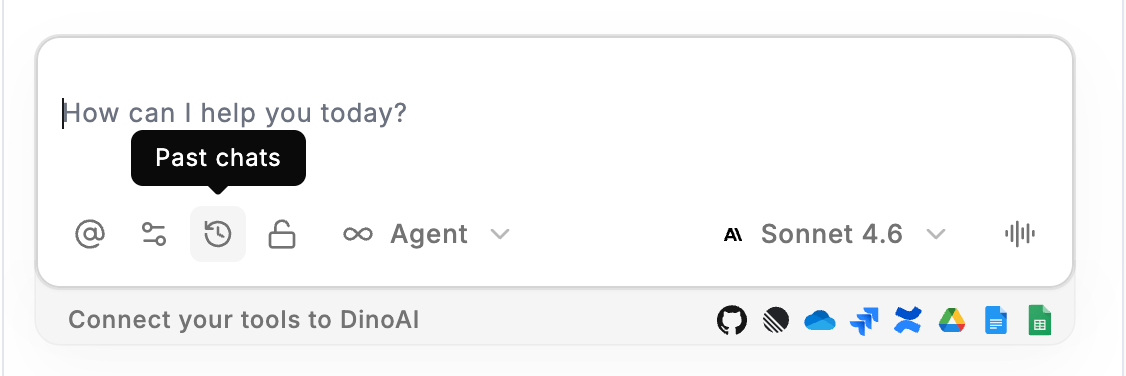
Credits and Context
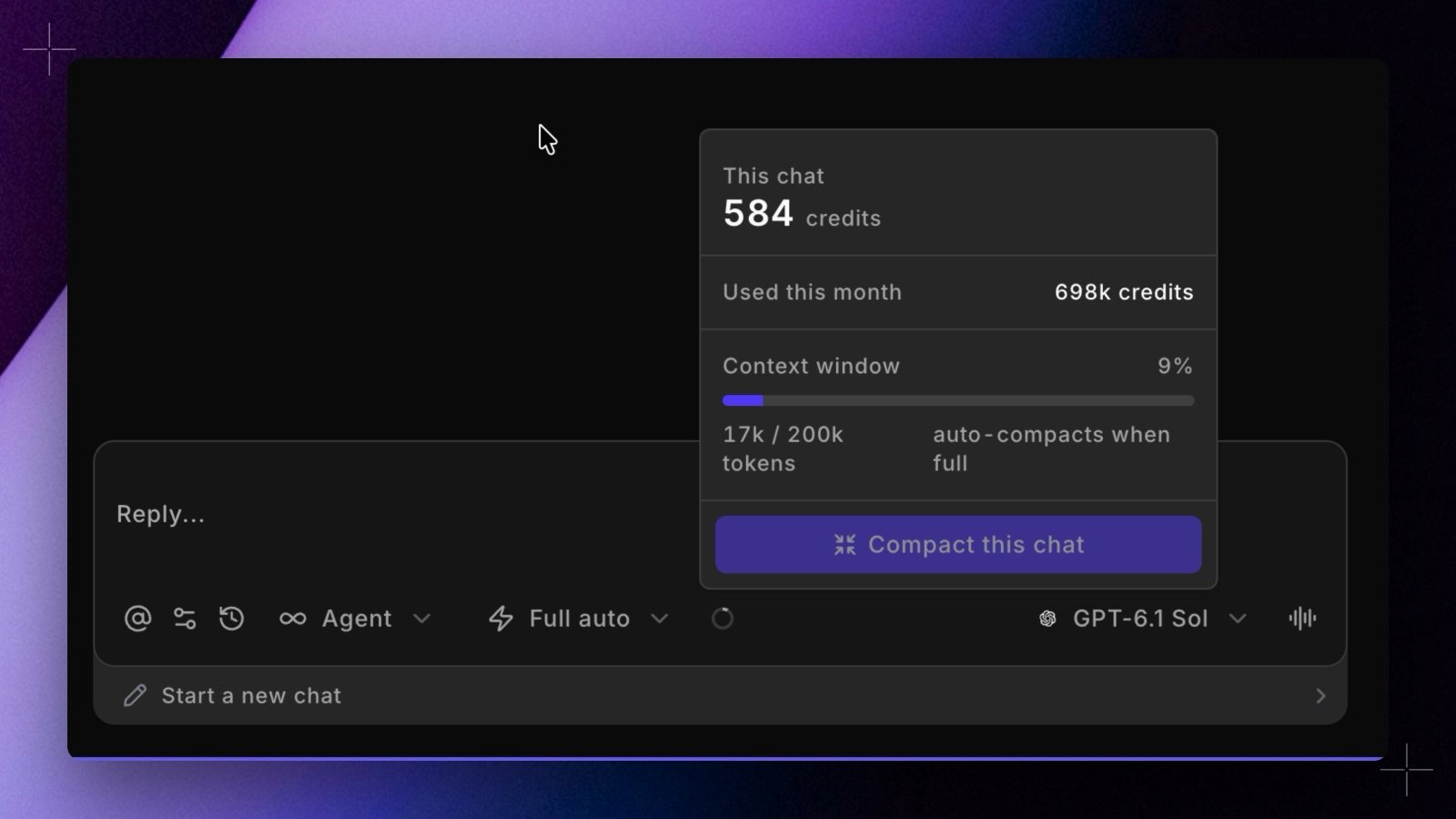
The ring next to the approval mode picker shows how full the chat’s context is. Click it to see:- This chat: the credits this chat has used.
- Used this month: your DinoAI credits this month.
- Context window: how much of the chat’s context limit is in use, in tokens. When it fills up, DinoAI compacts the chat automatically.
Approval Mode
Click the approval mode picker, which shows your current mode, to choose how often DinoAI asks for your approval before it acts in Agent mode: Manual, Auto, or Full auto. See Approval modes for what each mode runs without asking.Mode Selection
The ∞ Agent dropdown lets you switch between two modes of interaction: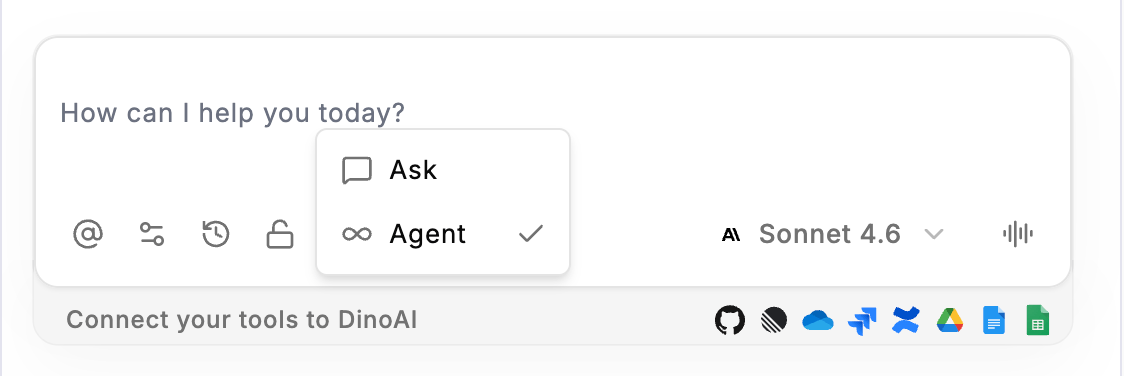
Model Selection
The model dropdown (displayed as GPT-6.1 Sol by default) allows you to choose which underlying AI model powers your DinoAI session. Different models may vary in speed, capability, and suitability for different types of tasks. See Supported models.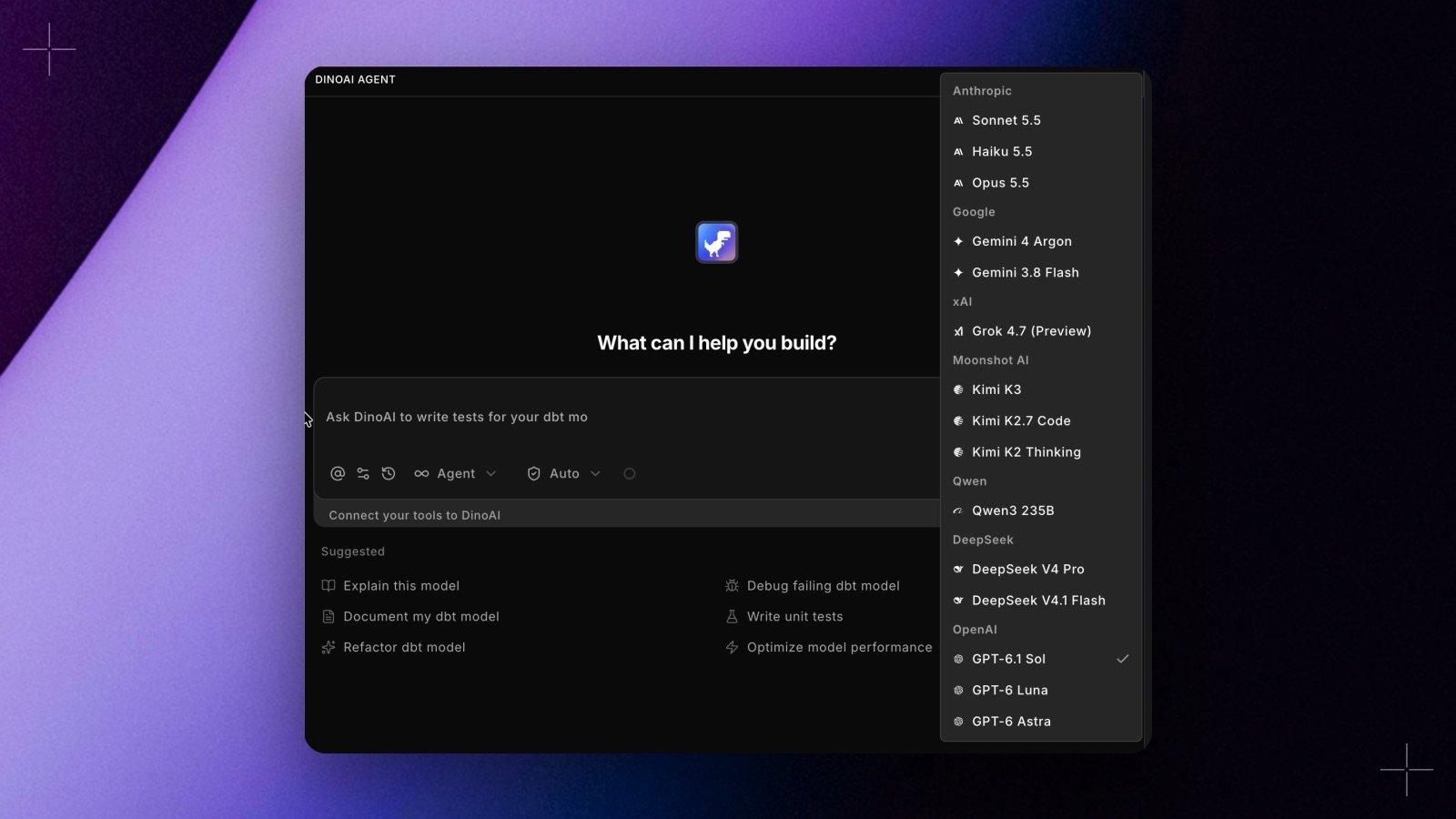
Suggested Actions
Below the prompt bar, DinoAI surfaces a set of Suggested Actions — one-click prompts that are dynamically generated based on the files you currently have open in the Editor.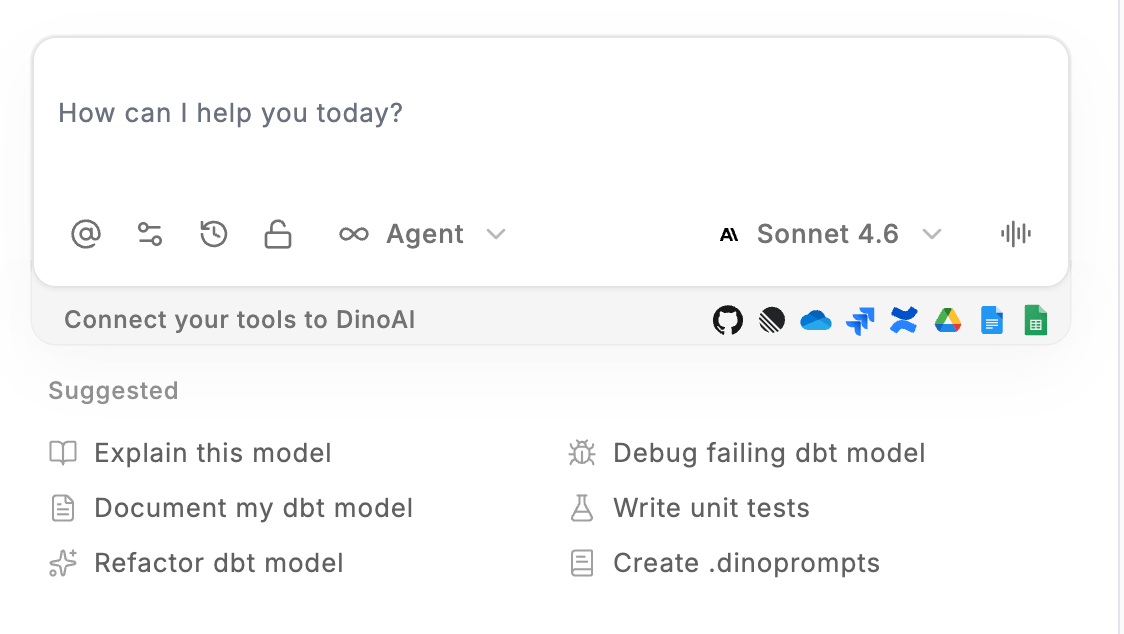
- Explain this model — get a plain language explanation of the dbt™ model currently open
- Document my dbt™ model — automatically generate documentation for your model
- Refactor dbt™ model — get recommendations or apply refactoring to your dbt™ model
- Debug failing dbt™ model — diagnose and fix issues with a failing dbt™ model
- Write unit tests — generate unit tests for the model in focus
- Create .dinoprompts — create a
.dinopromptsfile to save and reuse custom prompts in your project
Suggested actions are context-aware. For the most relevant suggestions, make sure the file you want to work on is active and open in the Editor.
Related
- .dinorules — Set rules that apply to all Copilot interactions
- .dinoprompts — Save and reuse prompts across your team
- DinoAI Settings — Configure Copilot behaviour and model preferences