

DinoAI Surfaces
Code Review
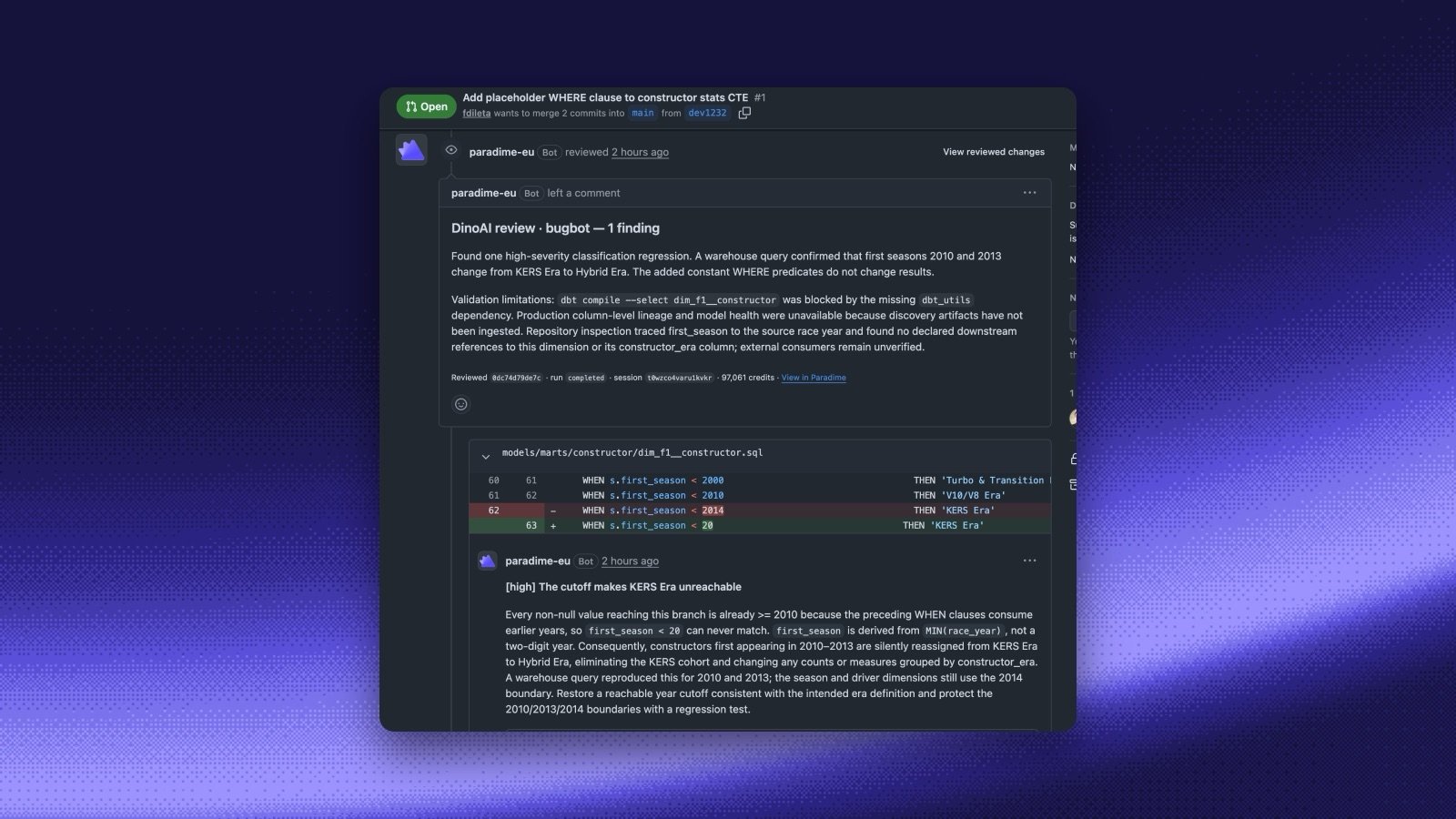
DinoAI Code Review runs your reviewer agents on every pull request on GitHub and every merge request on GitLab, with no workflow file in your repository. Add a reviewer in the Agent app under Code review: pick the target branches, the agent that writes the review, and when it reviews. DinoAI posts its findings as one review with inline comments, reports a Paradime Code Review check you can require before merging, and answers@paradime in a comment.
Set up DinoAI Code Review
Create the reviewer agent and your first reviewer, step by step, on GitHub or GitLab.
Code Review overview
Review modes, blocking merges on findings, mentions, custom reviewers, and limits.
Key Concepts
Before diving into a specific surface, it helps to understand a few concepts that apply across DinoAI..dinorules
.dinorules is a file you commit to your repo that defines rules and constraints for DinoAI agents. Use it to enforce coding standards, naming conventions, or any project-specific guidance that should apply across all agent interactions.
.dinoprompts
.dinoprompts lets you define reusable prompt templates, stored in your repo alongside your dbt™ project. Reference them in agent runs to keep prompts consistent and version-controlled.
Context
DinoAI agents are context-aware. Depending on the surface, they can read your dbt™ project files, query your data warehouse, access run logs, and more. Each surface page documents what context is available.Choosing the Right Surface
- Working in the IDE? → Copilot
- Want every pull request or merge request reviewed? → Code Review
- Using an external AI client? → MCP Server
- Want async updates in Slack? → Slack Agent
- Building automated pipelines? → Programmable Agents
- Dealing with failing Bolt Pipelines? → Bolt Pipeline Agent