We advise creating a service account user in your GitLab account like
paradime.gitlab.maintainer@yourcompany.com with write access to the repository, and letting this user own the deploy key.Add the deploy key
- In Paradime, import your repository using its SSH URL to generate a deploy key. See Importing a repository.
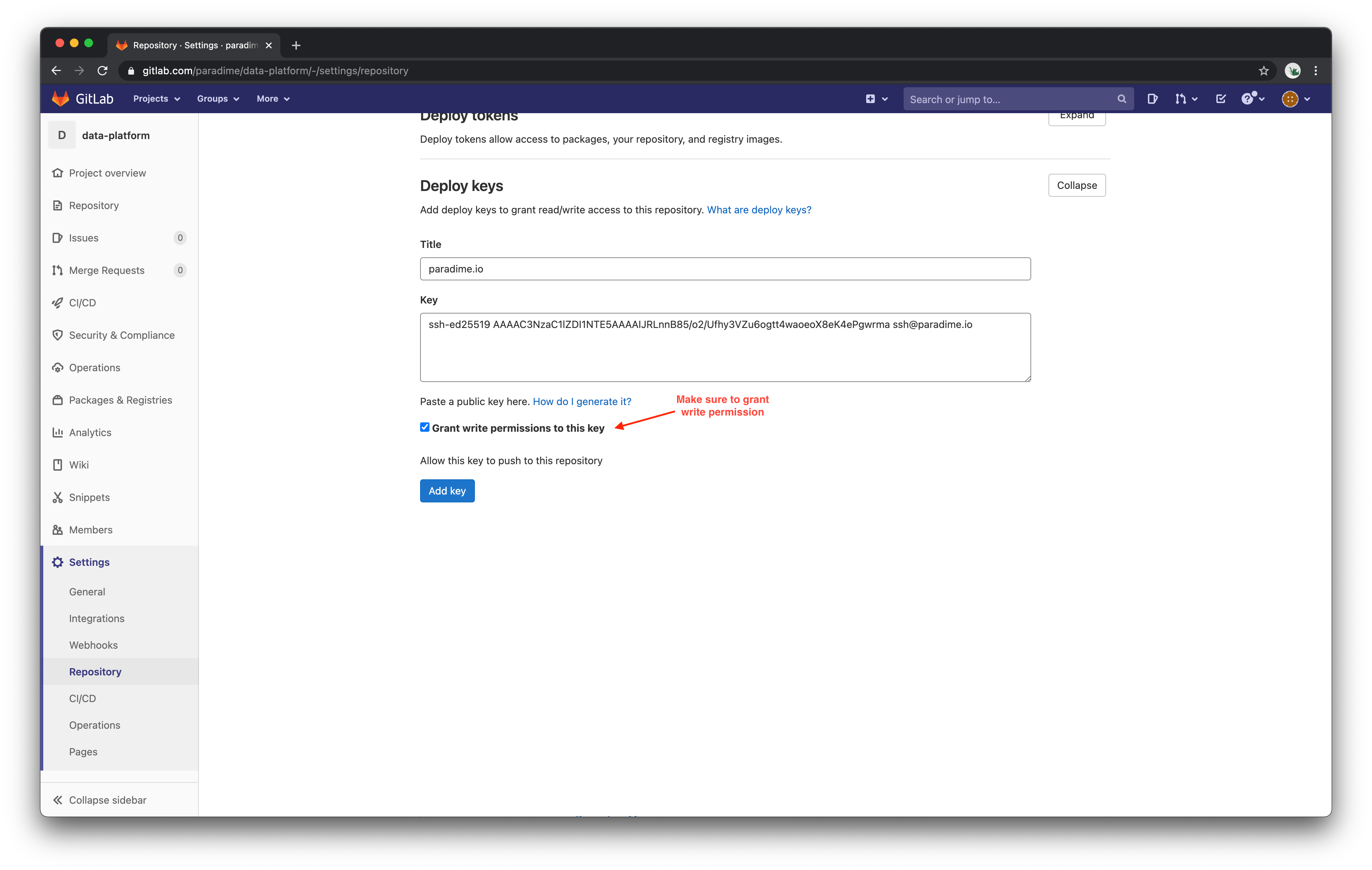
- In GitLab, navigate to your project’s Settings.
- Expand the Deploy keys section and paste in the deploy key generated by Paradime.
- Check Grant write permissions, then save the key.