First copy your MCP server URL from Step 1 in the Overview.
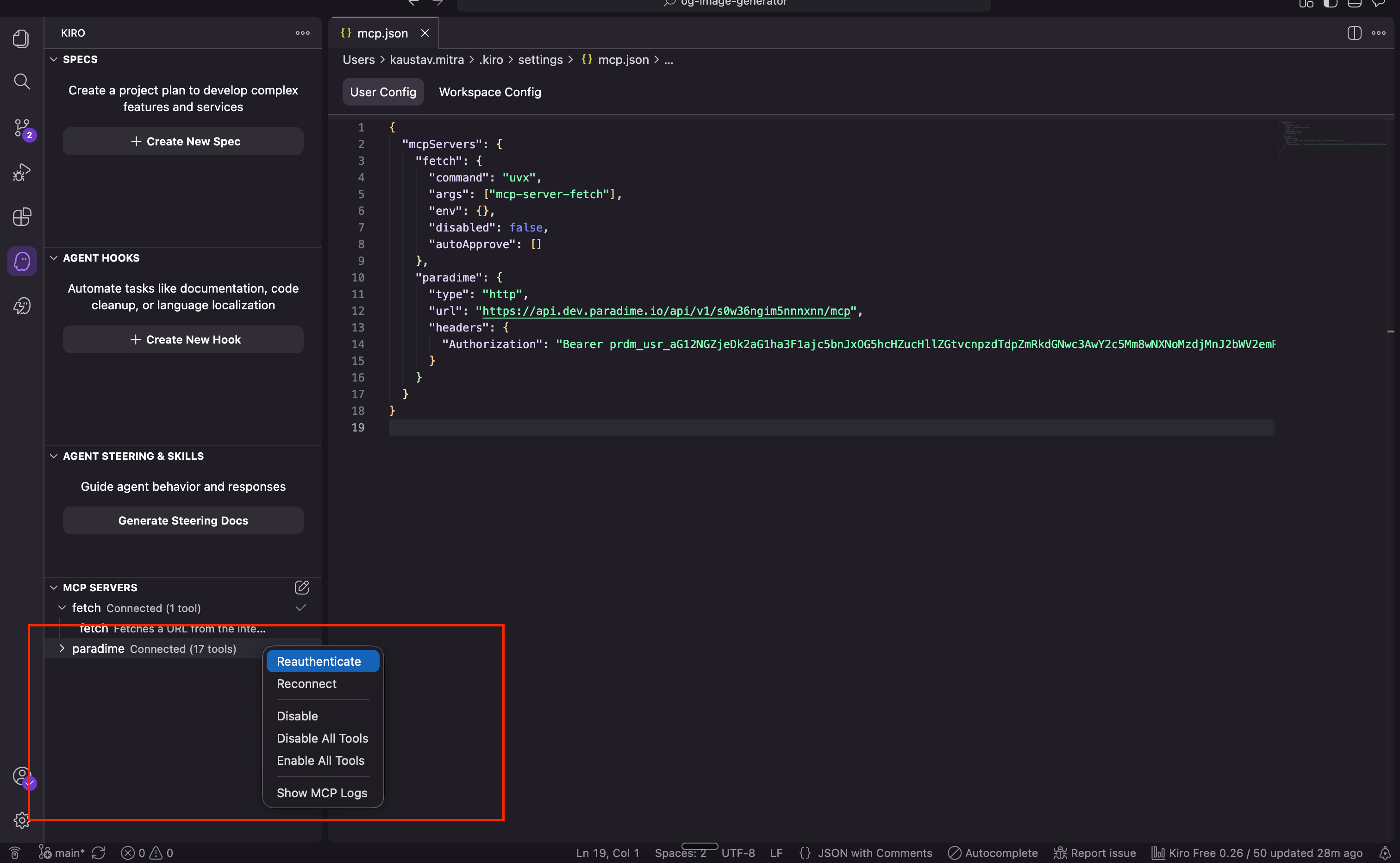
~/.kiro/settings/mcp.json (create it if it doesn’t exist) and add the Paradime entry:
~/.kiro/settings/mcp.json
<mcp-endpoint-url> with your MCP server URL.
Restart Kiro. When Kiro connects to the server for the first time, complete the sign-in in the browser and approve the connection. You can verify the connection under Settings → MCP, where Paradime should be listed with a green checkmark.
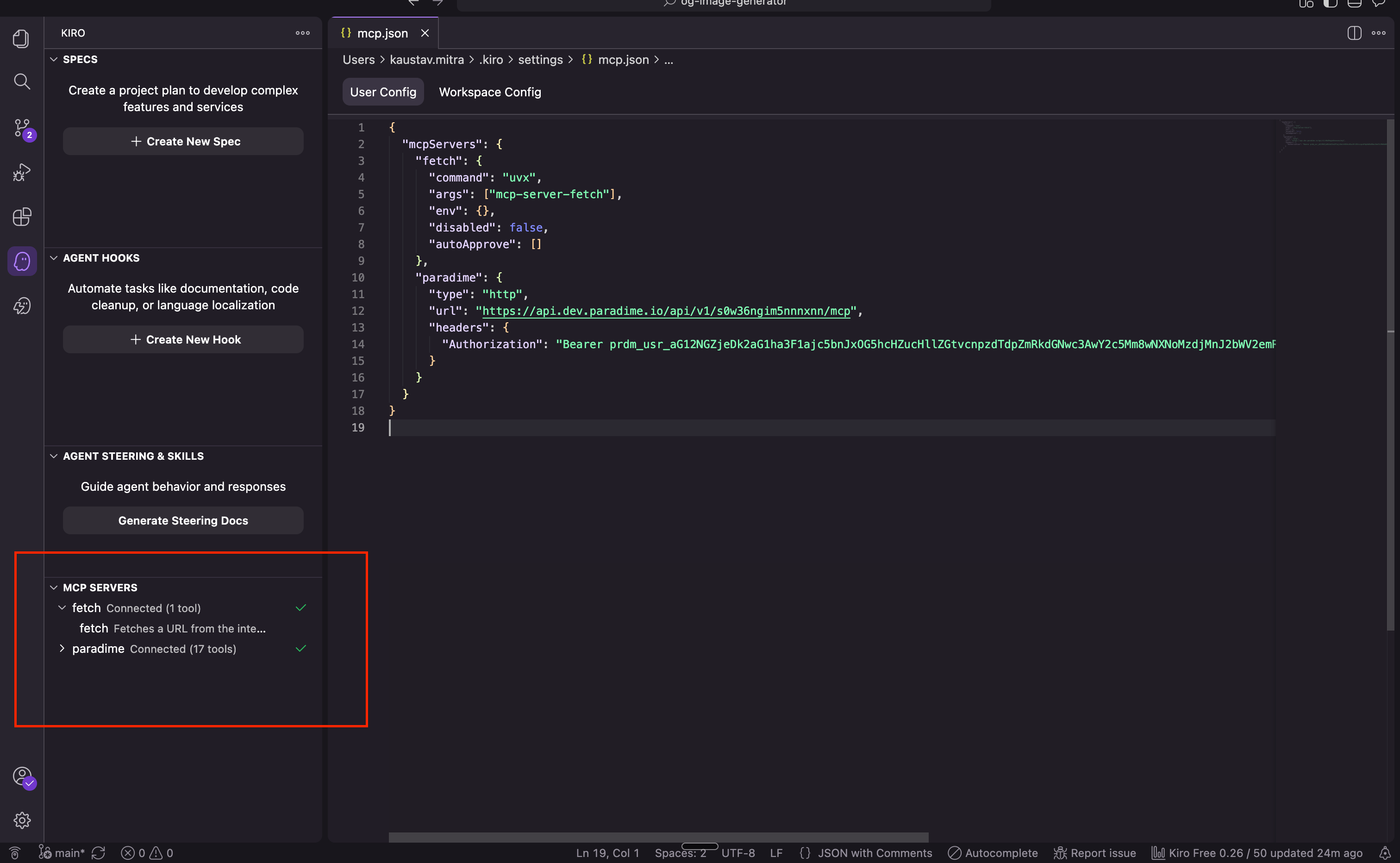
Reconnecting an expired connection
If the connection expires, click Reauthenticate on the Paradime entry in Kiro’s MCP Servers panel and complete the browser sign-in again. Restart the Kiro IDE if the tools don’t reappear straight away.