

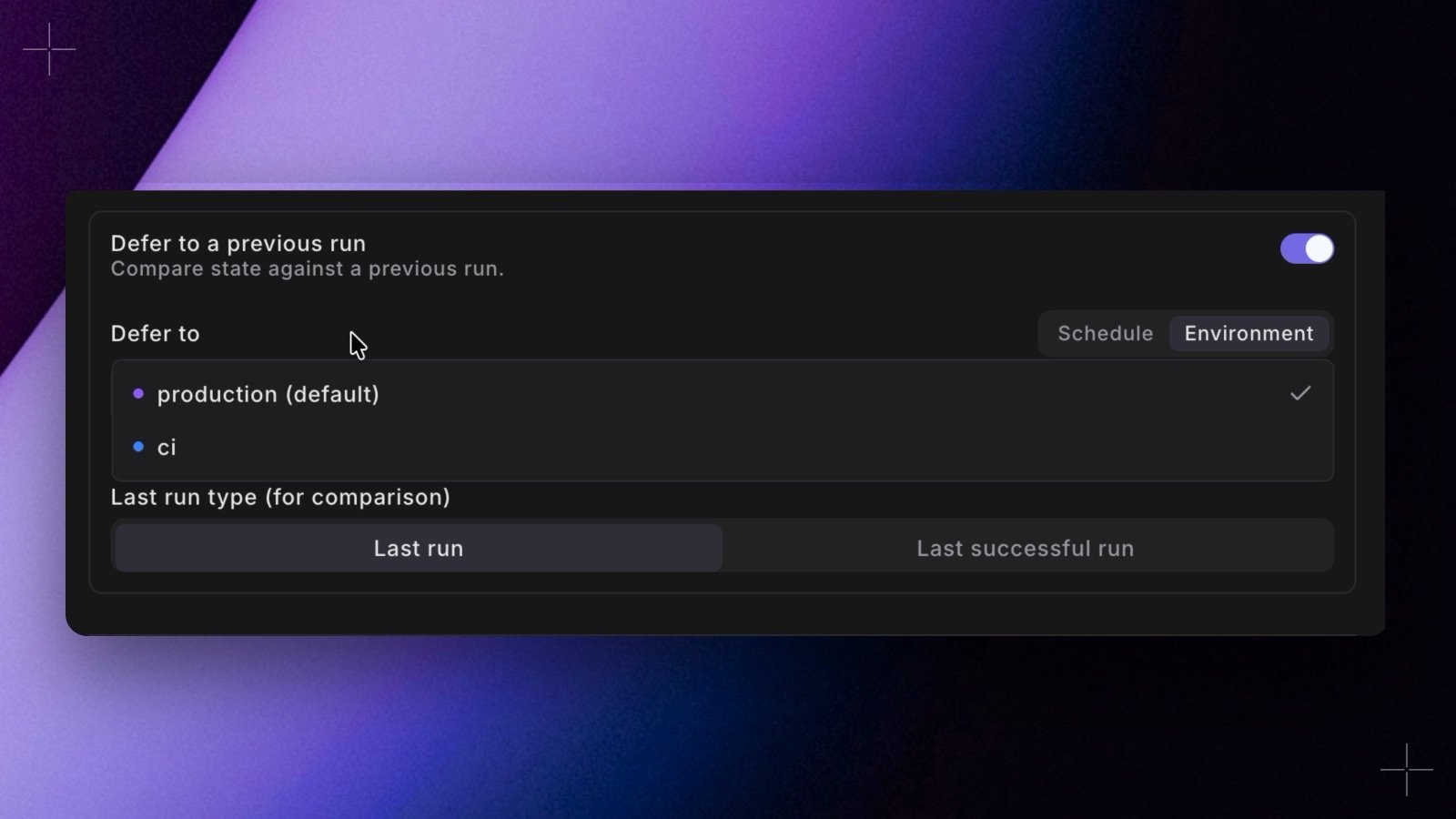
- In Bolt. In Schedule settings, set Defer to to Environment and pick one, such as Production. It’s there on Turbo CI schedules and under Defer to a previous run. Turbo CI schedules never count, and neither does the schedule that defers.
- In YAML. Set
defer_environment_sluginturbo_ciordeferred_scheduleinstead ofdeferred_schedule_slug.paradime bolt verifyaccepts it from Paradime CLI 6.9.0. - In the Code IDE. In the Defer to production menu, set Defer to to Environment. Terminal commands and data previews then defer to that environment’s latest successful run.
- See the target. The Deferred to pill on the schedule page names what a schedule defers to, Turbo CI schedules included.