

- Build it in the form or in YAML. On the Turbo CI and On merge tabs, turn on Run after another schedule and pick the step before. In YAML, use
run_after, a clearer alias forschedule_trigger. - One chain per pull request and per merge. Pull request steps run on the latest commit, in the pull request’s schemas, and a new push restarts the chain. Merge steps build the merge commit, even if more commits land while they run.
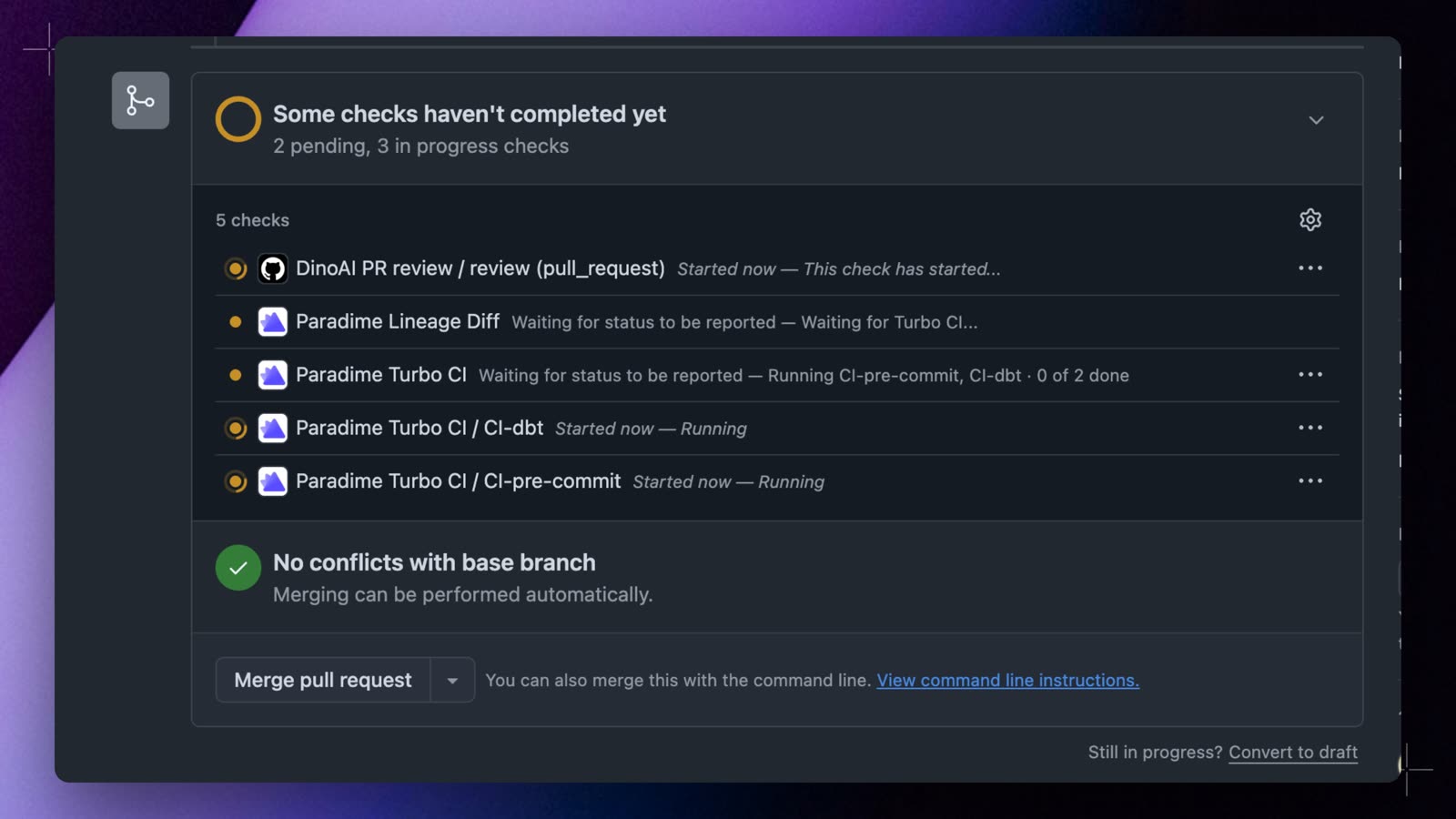
- One check per step on GitHub. With two or more Turbo CI schedules, each step gets its own
Paradime Turbo CI / <schedule name>check, andParadime Turbo CIholds the overall result. Select Re-run on a step’s check to run that step and the steps after it again. After a merge, one Paradime Merge Run Summary comment covers the whole chain. - Retry Turbo CI and merge runs. These runs couldn’t be retried before. On the run page, Retry this step runs the step and the steps after it again, and Retry the whole chain starts again from the first step. They can’t be retried from the API, CLI, or SDK, because the steps after them wouldn’t run.