

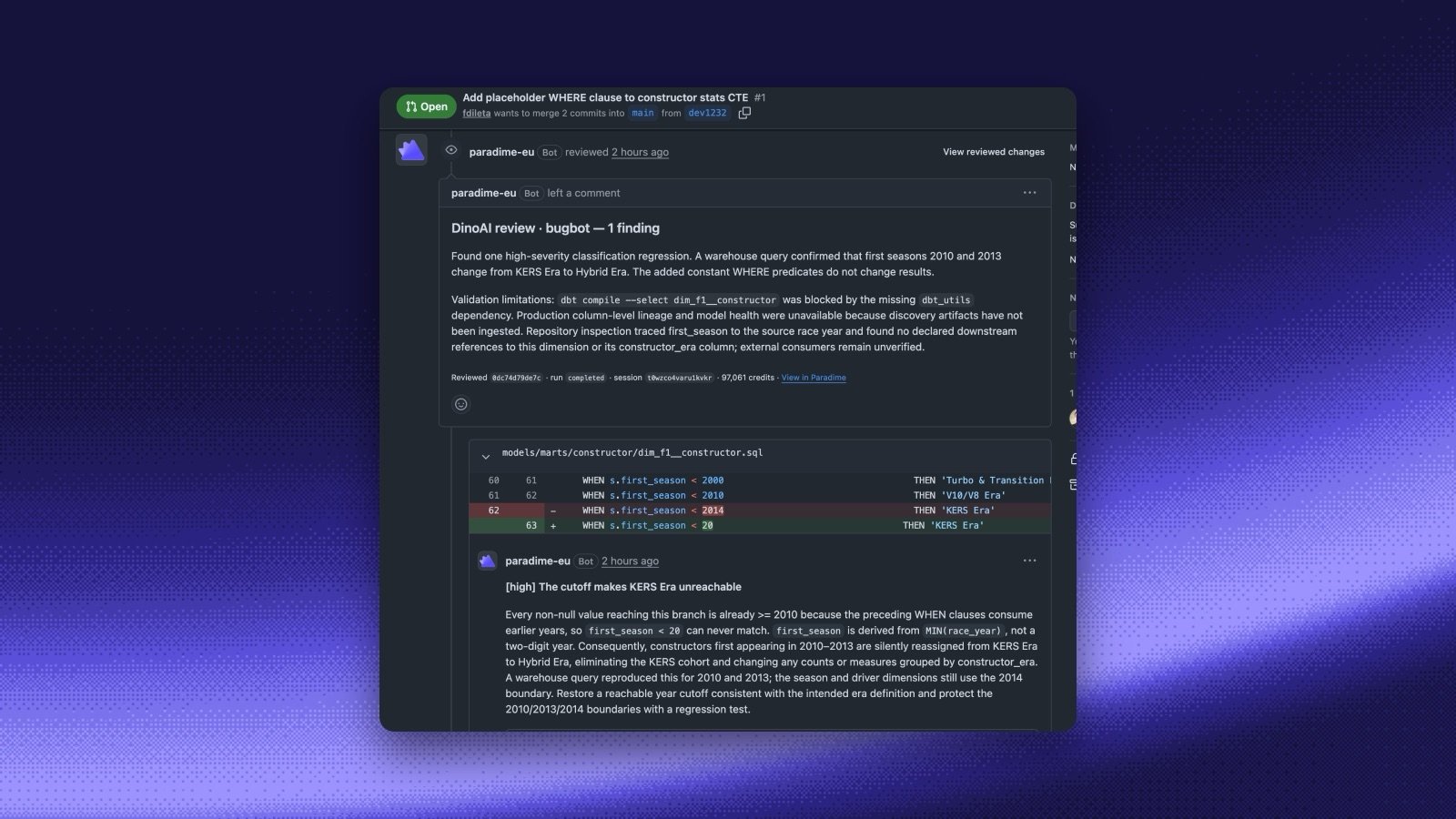
- Your agents as reviewers. In the Agent app, open Code review and add a reviewer. Pick Custom reviewer and choose any of your agents, for example the end-to-end PR reviewer or the impact assessor. It runs on every pull request into its target branches, posts its findings as one GitHub review, and reports a Paradime Code Review check you can require before merging. See Custom reviewers.
- Ask DinoAI in the pull request. Comment
@paradimewith a question on a pull request, or in a review thread on a changed line. DinoAI starts a session on the pull request’s head commit and replies in the thread. Later mentions continue the same session.@paradime reviewruns your reviewers on demand. See Mention @paradime. - Sessions you can follow. Review and mention sessions show in Sessions with the repository and a link to the pull request, and Turbo CI runs show which reviewer reviewed the change. See Agent sessions.