

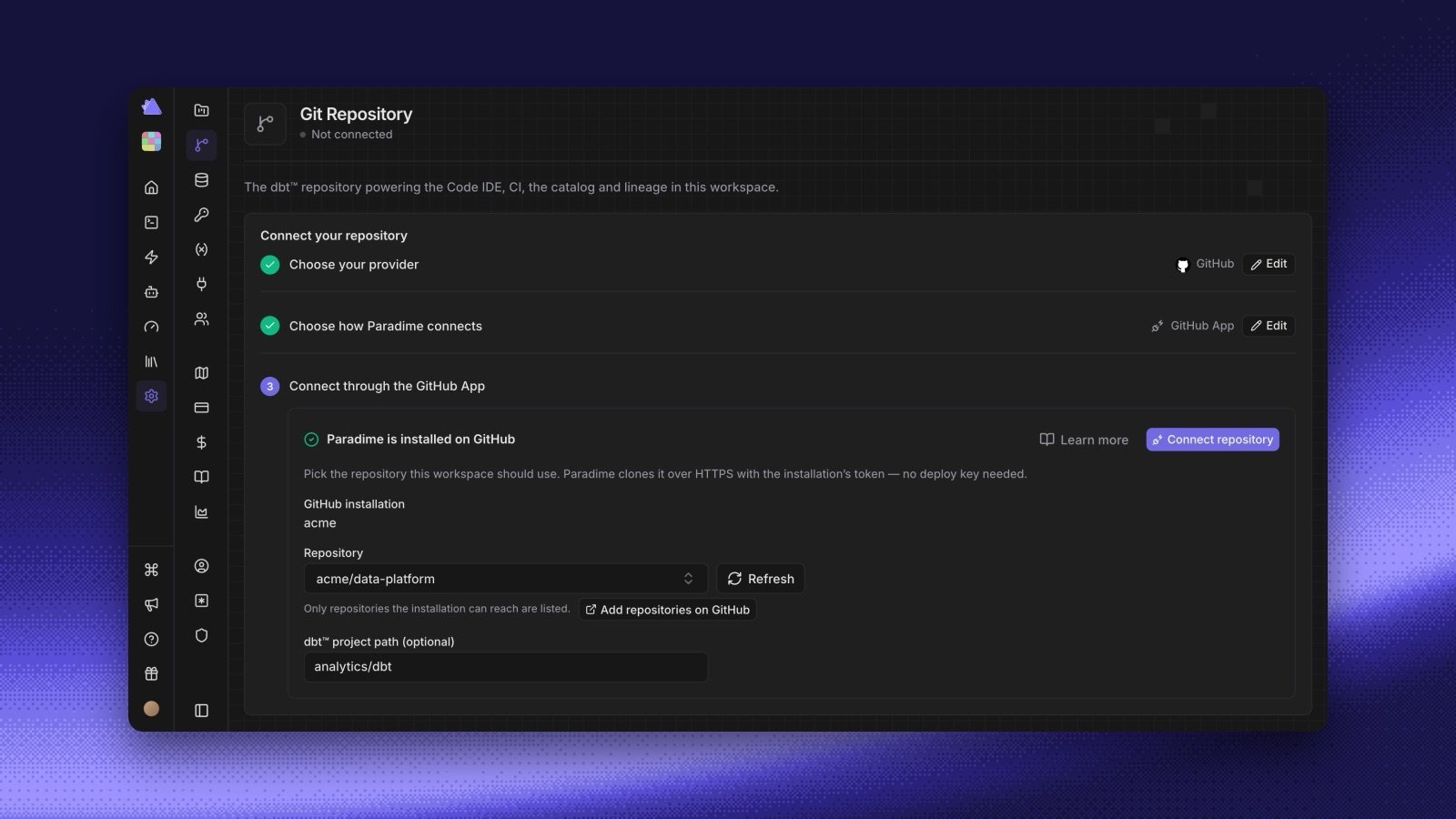
- Set the path when you connect. Fill in dbt™ project path (optional) next to the repository or project picker, or in the repository step when you create a workspace. Paradime checks that
dbt_project.ymlis in that folder on the workspace’s branch. - Change it later. Edit the path from the connected repository card on the Git Repository page.
- Your own push access. To connect or switch a repository through the GitHub App, you need your own linked GitHub account, with push access to the repository. If your organization enforces SAML SSO, authorize your account for it.