

Private preview. Paradime State is in private preview. To get early access for your workspace, reach out to the Paradime team at support@paradime.io.
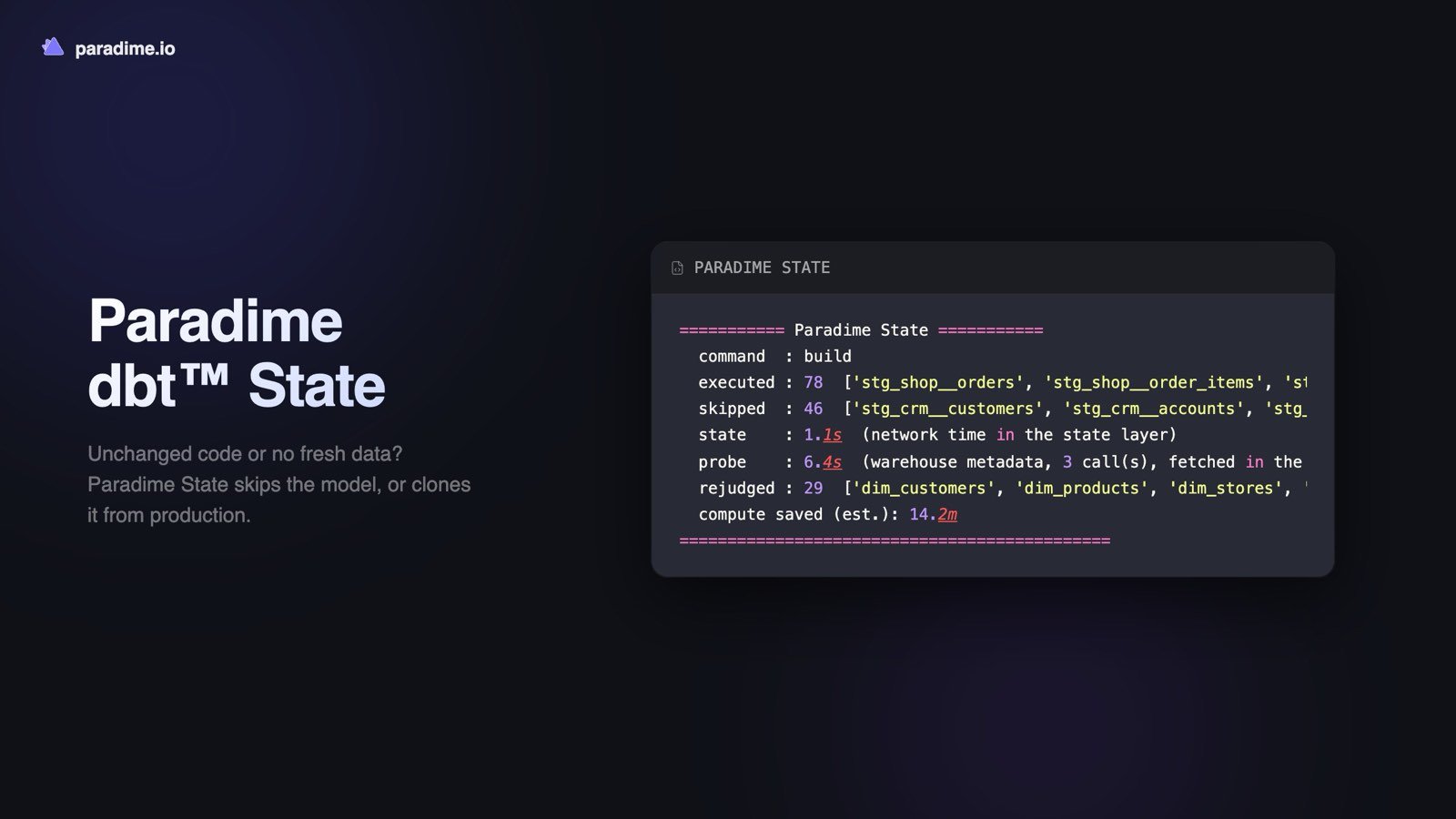
dbt run and dbt build can now skip what hasn’t changed. With Paradime State on, each model, seed, snapshot, and test is compared with its last successful build before anything runs. If neither its code nor its upstream data has changed, it’s skipped and costs no warehouse compute. A table that a Bolt schedule has already built from the same logic is cloned instead of rebuilt, so a development run in the Code IDE doesn’t redo what production already has.
- Turn it on with one variable. On dbt™
2.0-latest, setPARADIME_STATE_ENABLEDto1in Settings > Environment Variables: for every environment, for one Bolt environment, or only for your own Code IDE. Nothing in your project needs to change. - See what it saved. Every state-aware run ends with a summary of what it built, skipped, and cloned, and an estimate of the compute saved. In the Code IDE,
paradime-state explainshows why each node was skipped, cloned, or built. - Tune it with dbt™ State configs.
lag_tolerance,require_fresh_data_from,pre_clone, andevaluate_volatile_sqlwork asstateconfigs, so a project set up for dbt™ State carries over. - Where it works. Snowflake, BigQuery, Databricks, Redshift, DuckDB, and MotherDuck, in Bolt schedules and the Code IDE terminal.
state: methods, such as most Turbo CI jobs, should keep it off. See Paradime State, Turn on Paradime State, and the configuration reference. Shipped in Paradime v6.15.0.