

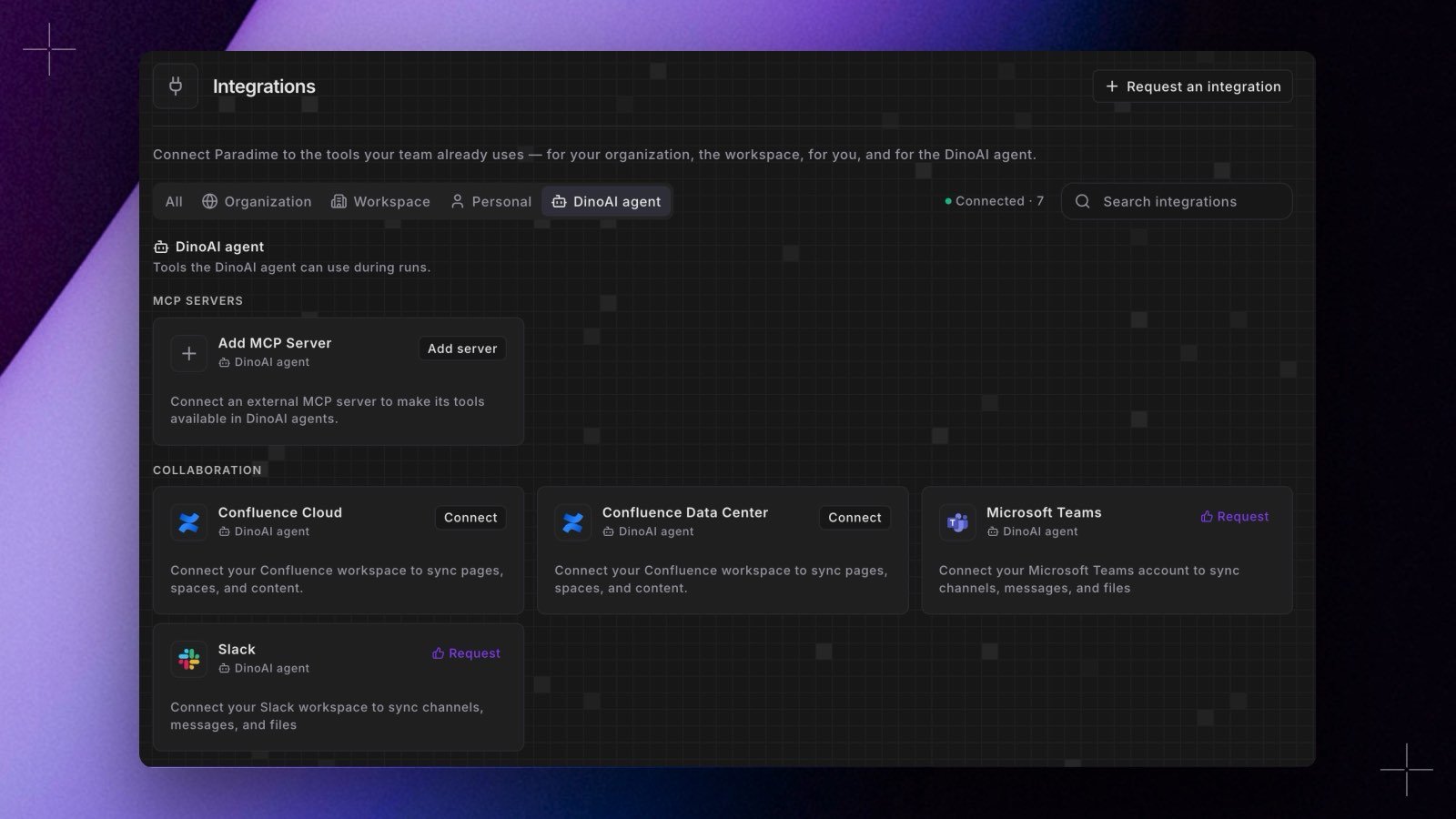
- Public or OAuth 2.1 servers. Add the server’s URL and choose Public (no auth) or OAuth 2.1. For a server that doesn’t support dynamic client registration, such as Looker, enter the Client ID you registered for Paradime.
- Choose which tools agents get. Each server’s page lists its tools with a toggle for each. An Agent environment can turn off a server or single tools, and each agent can allow or deny specific tools in the builder or with
mcpToolsin its YAML. - Named by server. MCP tools appear as
mcp__<server>__<tool>, somcp__looker__*covers every tool from a server named Looker.