

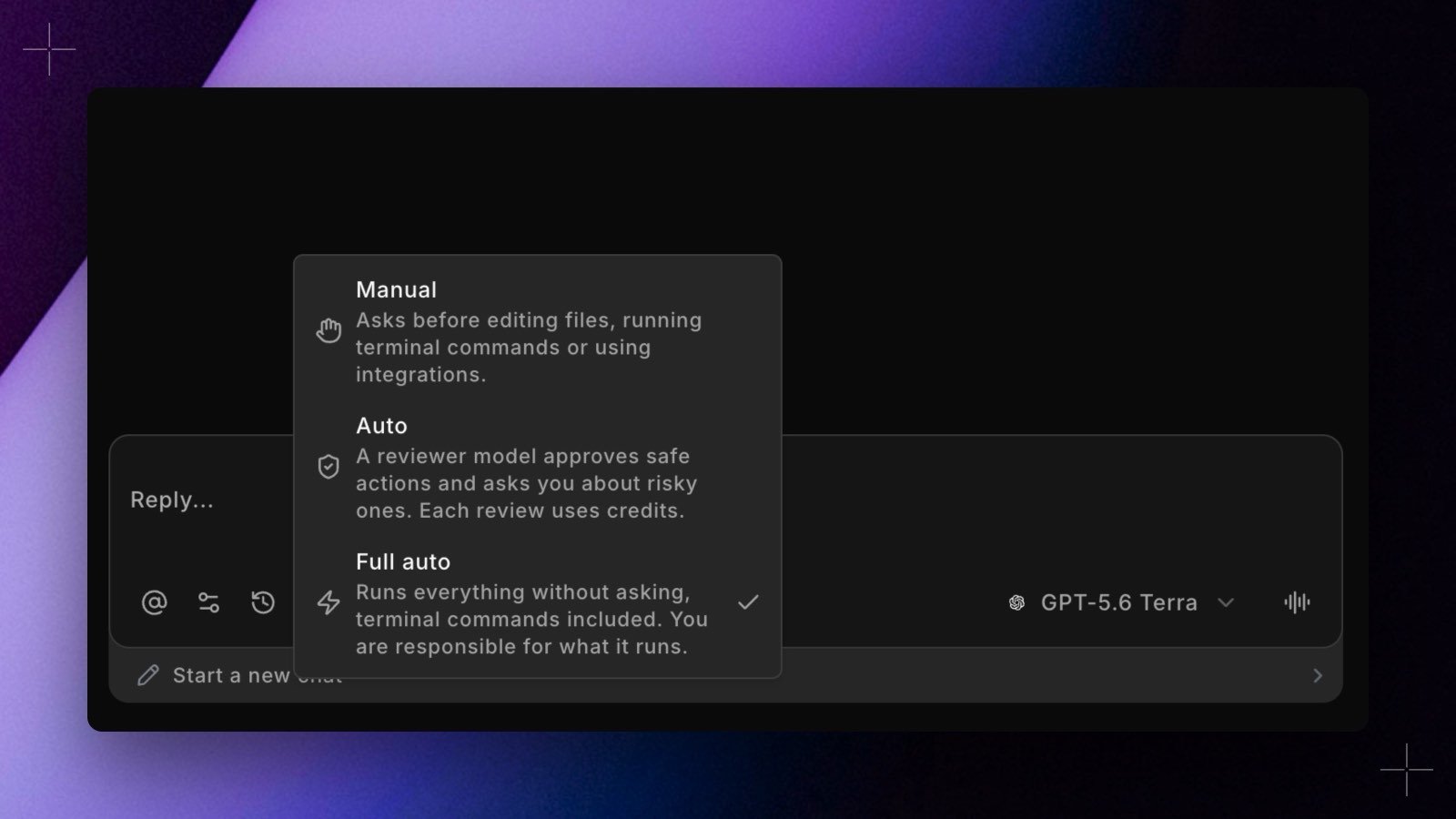
- Manual asks before editing files, running terminal commands, or using integrations. Allowlisted terminal commands and tools you’ve set to Always Accept still run without asking.
- Auto sends whatever Manual would ask about to a reviewer model first. Safe actions run, risky ones come to you as the usual approval card with the reviewer’s reason, and file edits inside your repo go ahead without a review, except changes to Git and CI configuration, DinoAI’s own rules and agent files,
dbt_project.yml, andprofiles.yml. Each review uses credits. - Full auto runs everything without asking, terminal commands included. You’re responsible for what it runs.