

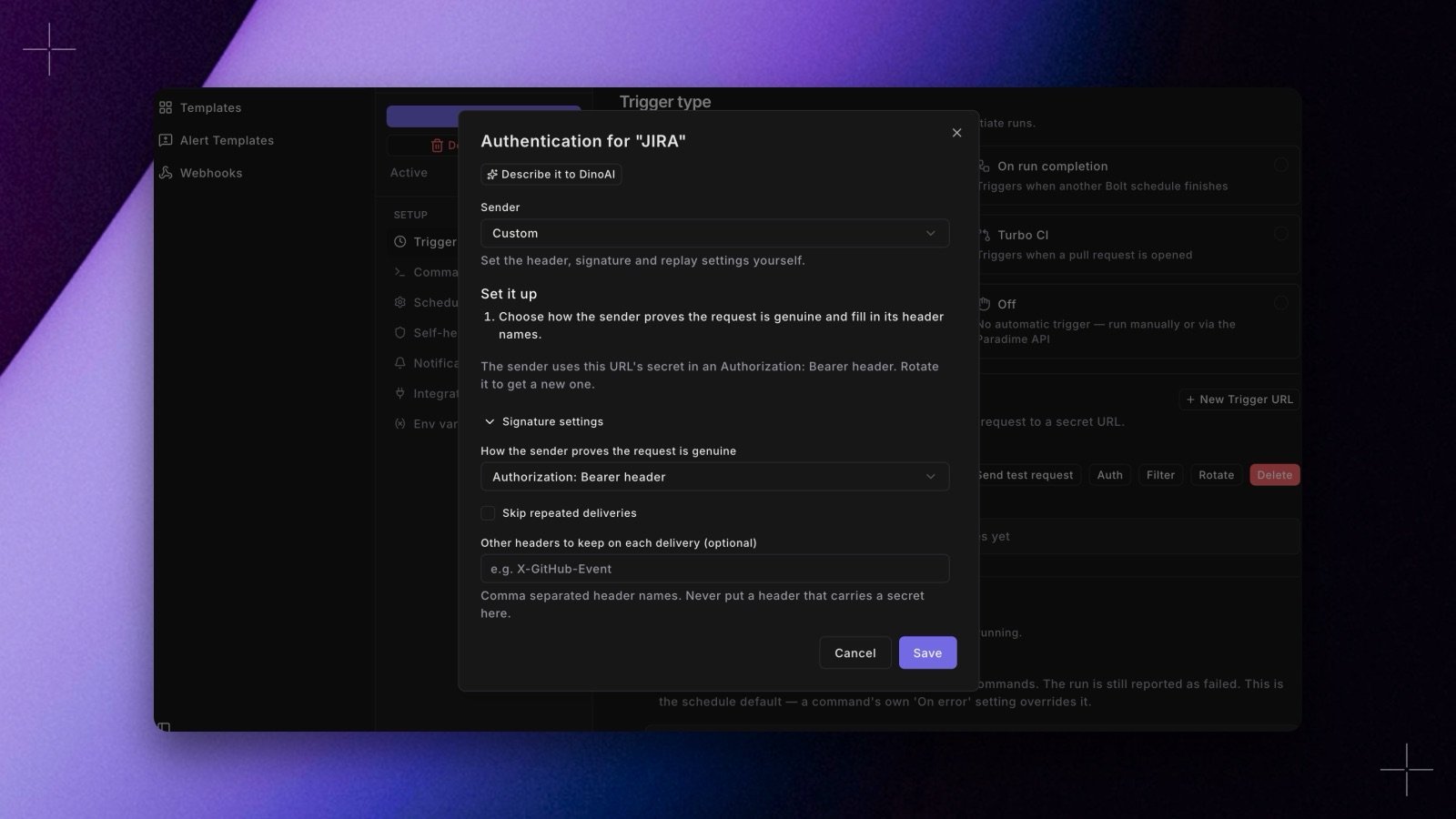
Authorization header, and every request started a run. Many tools can’t send a custom header, and most send far more events than you want to run on. Each Trigger URL now has two new buttons, Auth and Filter.
- Auth: sign in the sender’s own way. Pick the sender, such as Linear, GitHub, GitLab, Stripe, Jira, Fivetran, or Standard Webhooks, and the Trigger URL checks that tool’s signature or token header. For another tool, choose Custom and set the HMAC algorithm, encoding, and signed content yourself. For tools that give you a signing secret, such as Linear and Stripe, paste it in. For the others, Paradime makes the secret and shows it once. A delivery Paradime has already seen is skipped, not run twice. See Authenticate the sender.
- Filter: run only on the deliveries you want. Add conditions on body fields or headers, such as
data.status is SUCCESSFULordata.labels[*].name is one of bug, incident, and choose whether all or any must match. Check recent deliveries shows which of the last 20 requests would run. A delivery that doesn’t match gets a200and shows as skipped. Fivetran gets a suggested filter that runs only when a sync ends successfully. See Filter which deliveries start a run. - Describe it to DinoAI. Type what should start the run, for example “Linear issues moved to In Progress in the DATA team”, and DinoAI fills in the sender, the signature settings, and a filter. Nothing is saved until you click Save, and DinoAI never sees your secrets. See Describe it to DinoAI.
401. Test requests from the Trigger URLs card skip the filter.
Shipped in Paradime v6.22.0.