

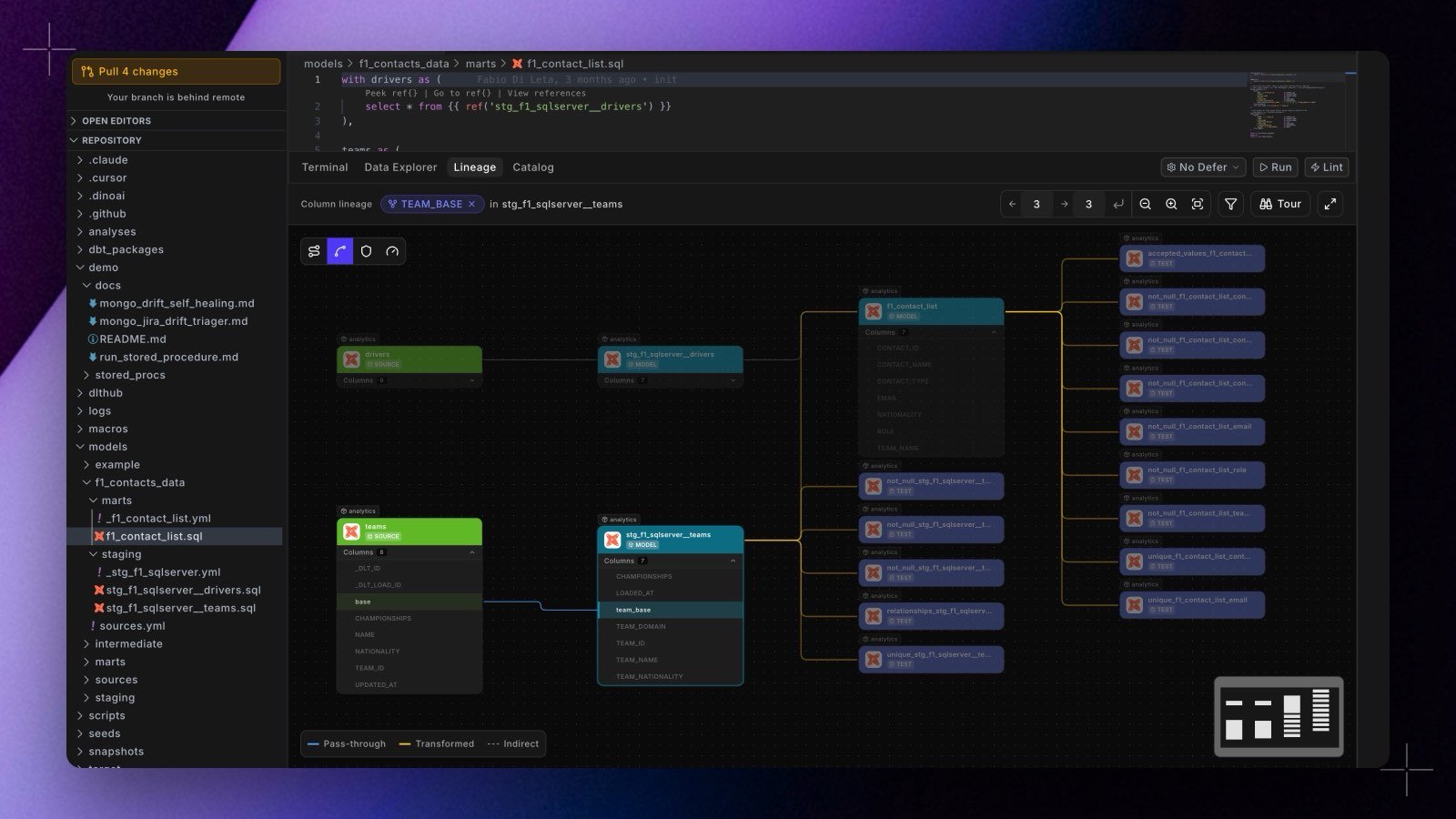
- Click any column on any card to trace where that value comes from and where it goes, without leaving the editor. The trace runs against your development catalog, so it reflects the branch you are working on.
- Click a card’s model name to open that model’s file in the editor.
- Lenses are on the canvas now, as a layer strip rather than a menu: one icon per lens, filled when applied, with its name and description on hover. Your selection is remembered between sessions.
- A new lens, “Only this column’s path”, strips the graph to the cards the traced value actually flows through and refits the view. Everything the column does not touch leaves the canvas. The walk follows column-to-column edges only, so an edge ending at a dataset no longer drags unrelated models onto the path.
- A guided tour of the canvas is one click away from the Tour button in the lineage bar, in both the editor and the Catalog.