

- One connection per account. In Workspace Settings > Environments > Radar, click Add connection and give the connection a Connection name. The first connection is the default. To change the default, open another connection and select Set as default in its More (…) menu. See Connect several accounts or projects.
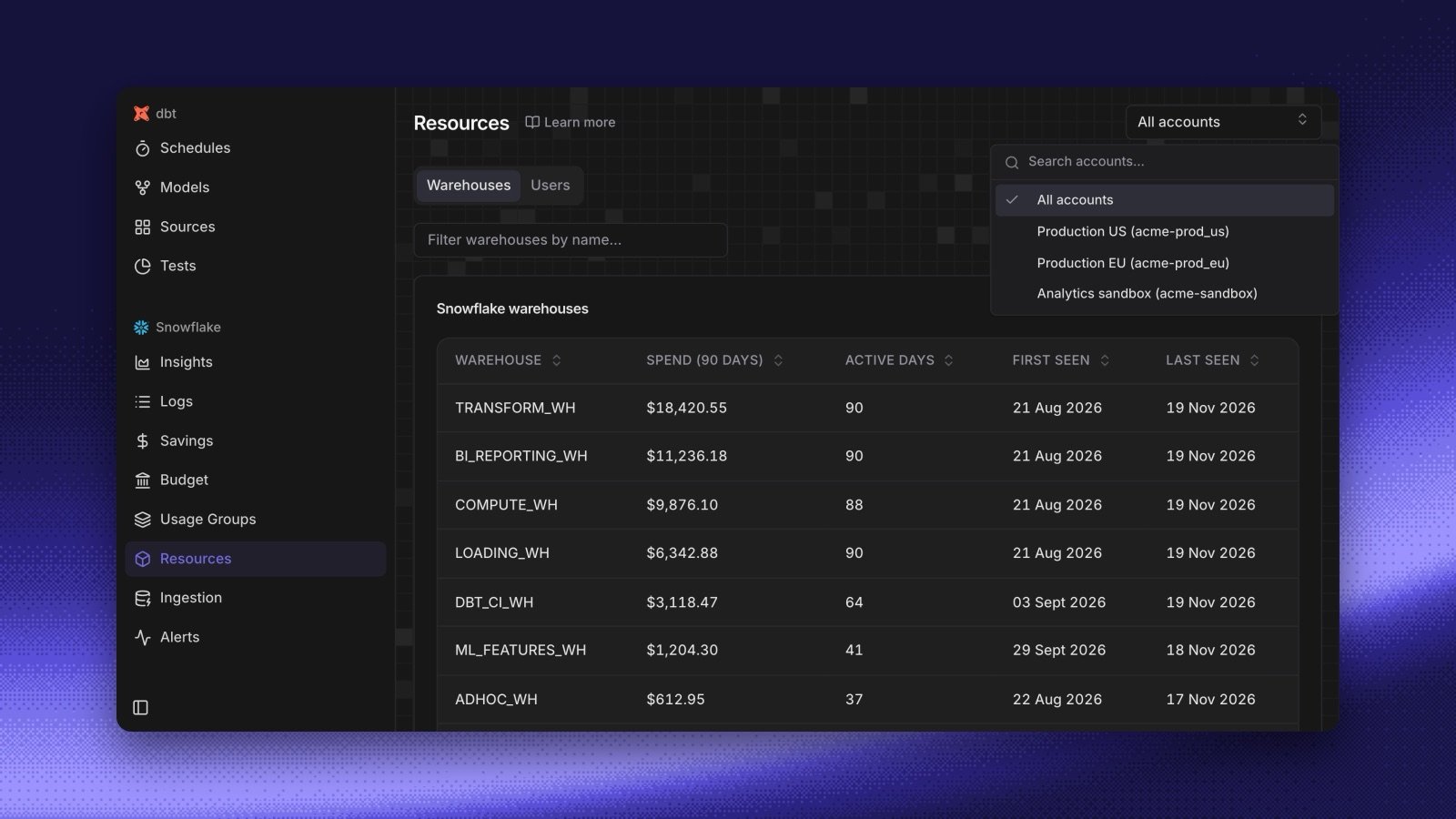
- All accounts, or one. When a workspace has two or more Snowflake cost connections, the Radar cost pages show an account selector. Choose All accounts to see every account together, or choose one account for its spend on Insights, Logs, Resources, Savings, Budget, and Usage Groups. The choice stays in the page URL, so a shared link opens on the same account. See Several Snowflake accounts.
- Budgets and alerts per account. Each budget belongs to one account. A built-in Snowflake alert watches the account that you choose, and a custom SQL alert runs on the cost connection that you choose. See Choose the account an alert watches.
- A new Ingestion page. See when Radar last read each cost connection, and click Retry when an ingestion failed. See Ingestion.
- One account? Nothing changes. Your connection is the default, and your budgets and alerts keep working.