

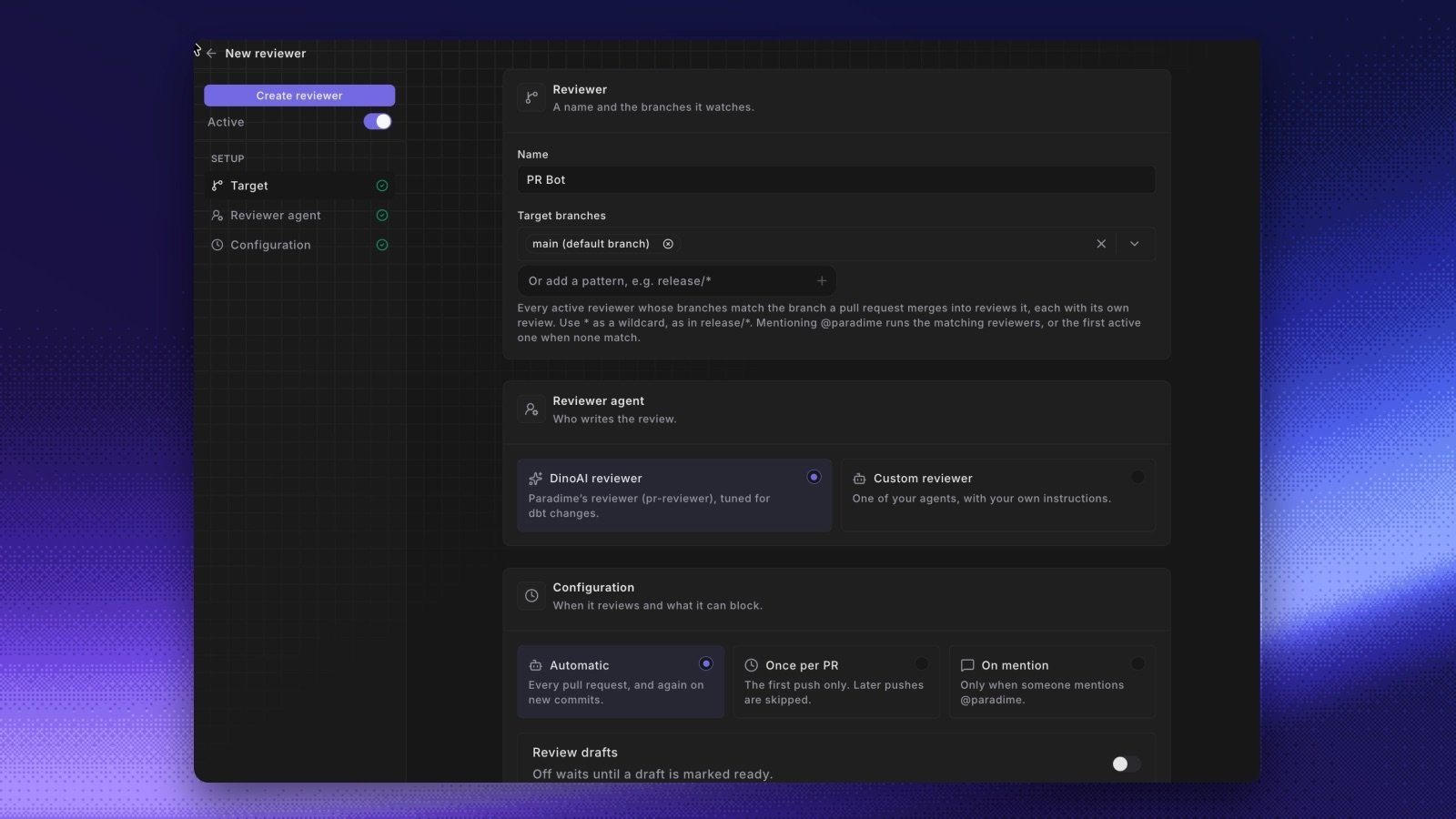
- Add reviewers in the Agent app. Go to Code review and click New reviewer. Give it a name, the target branches it watches (patterns such as
release/*work), and the agent that reviews. Pick DinoAI reviewer, a reviewer that Paradime manages and keeps up to date, tuned for dbt™ changes, or Custom reviewer to run one of your own agents with your own instructions. See Set up DinoAI Code Review. A workspace can have more than one reviewer. Each reviewer posts its own review, and they all share one check. See Add a reviewer. - Choose when it reviews. Automatic reviews every pull request and each new commit. Once per PR reviews only once, and On mention waits for someone to ask. After the first review, DinoAI reviews only what changed since its last review and doesn’t repeat findings. It never approves a pull request. See Review modes.
- Block merging on findings. With this setting on, a review that has findings requests changes and the check fails. The check counts findings still open from earlier reviews too, for example “3 open findings (2 from earlier reviews)”. See Block merging on findings.
- Mention
@paradimein a comment.@paradimeor@dinoaiin a pull request comment or review thread starts a DinoAI session on the branch and replies in the thread. Later mentions continue the same session.@paradime reviewruns the matching reviewers in any mode. DinoAI answers only people who have write access to the repository and have linked their account to Paradime. See Mention Paradime in a comment. - See reviews where you work. Review and mention sessions show in Sessions with a link to the pull request. Turbo CI runs show which reviewer reviewed the change. When no reviewer watches a branch, Turbo CI shows an Add a reviewer button.