

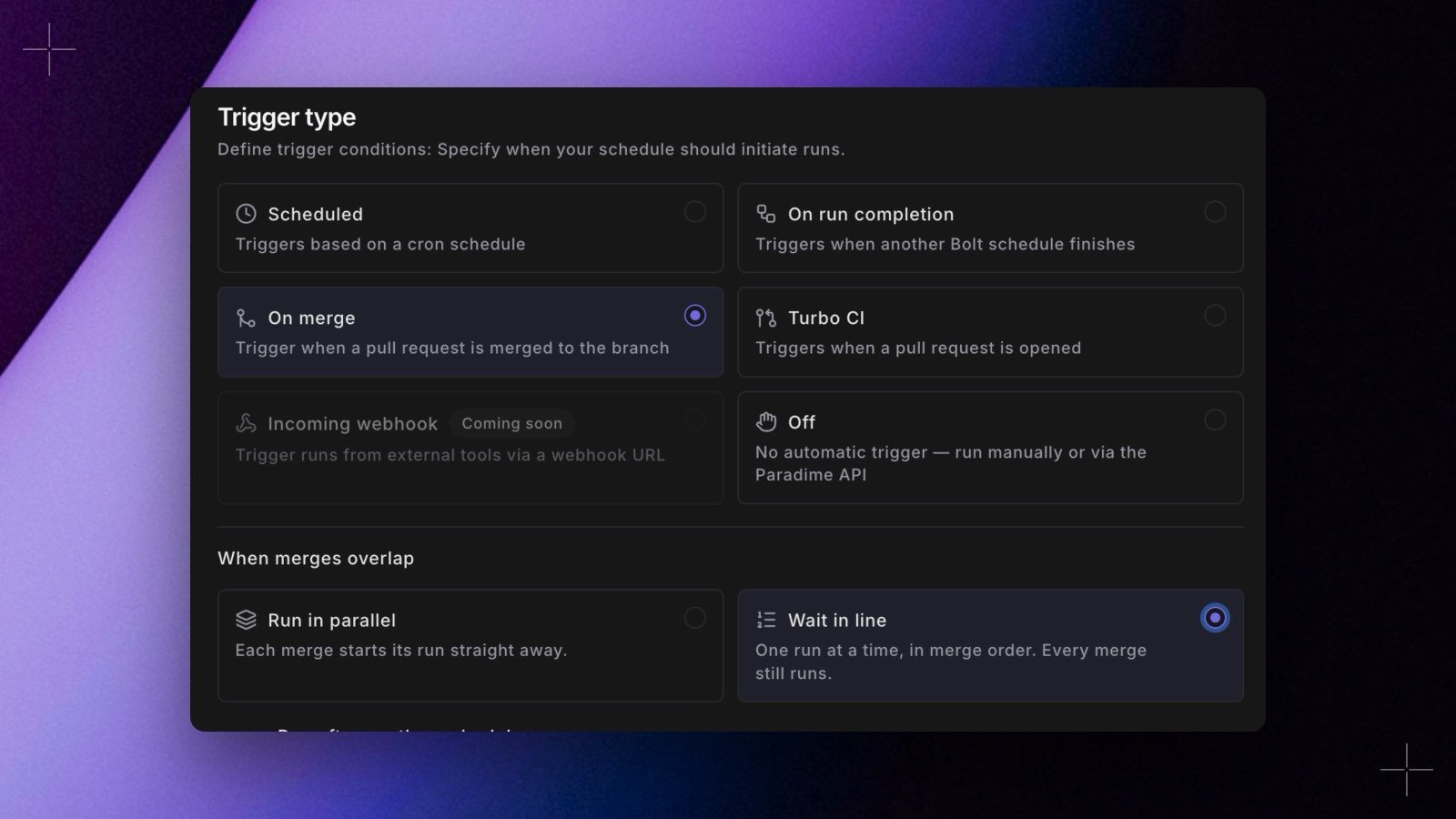
- Wait in line. On the On merge tab, under When merges overlap, choose Wait in line. Merges run the schedule one at a time, in merge order, and every merge still runs. Run in parallel stays the default. In YAML, set
concurrency: queue. - See and steer the queue. A Merge queue card on the schedule’s page shows the merge that’s running and the merges waiting, with their pull requests. Remove takes a merge out of the queue, and Run now starts one out of turn. Both actions are recorded in the audit log.