

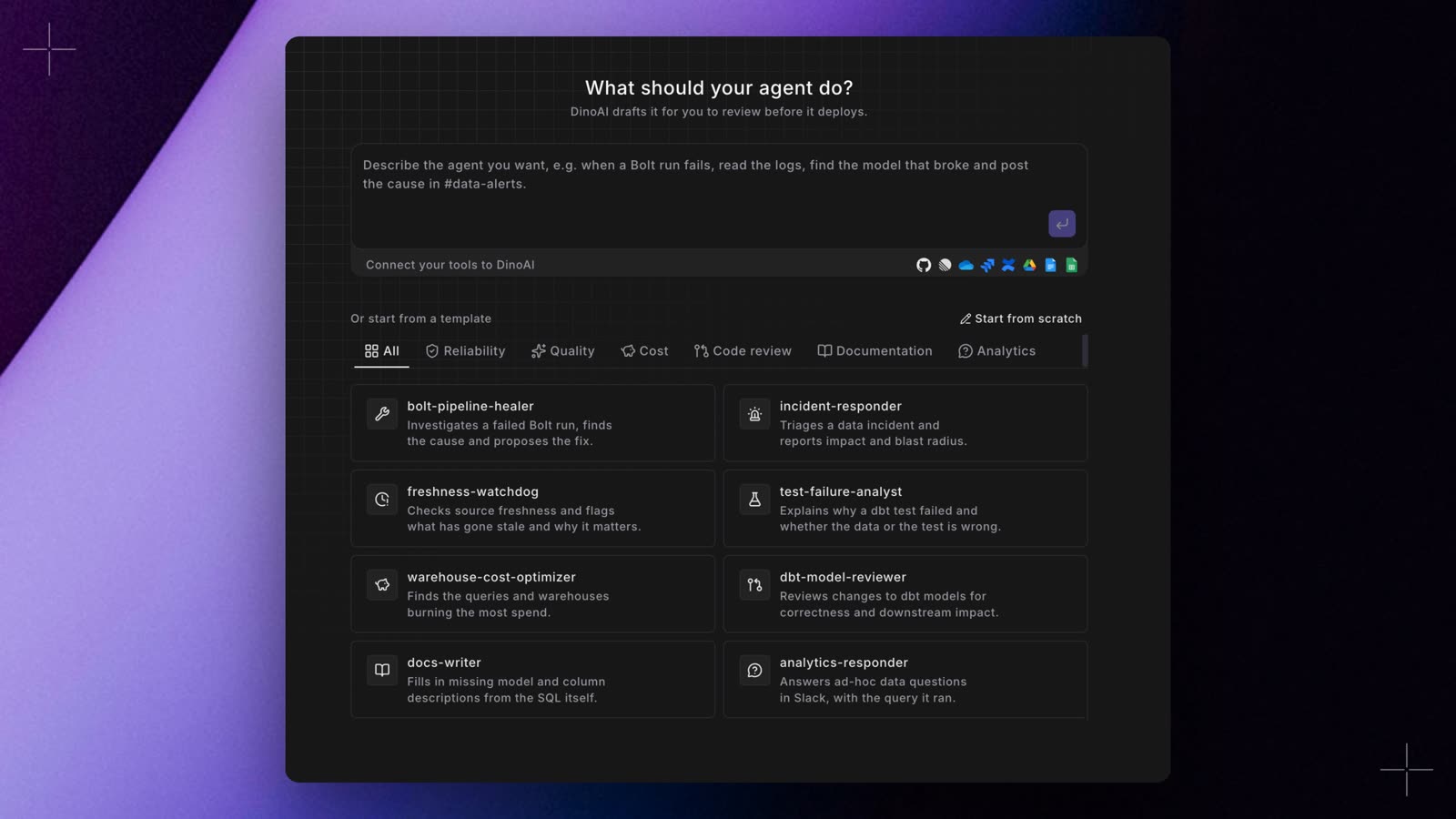
- A full draft to review. The builder opens with Name, Role, Goal, Backstory, and Allowed tools filled in, using the integrations and MCP servers your workspace has connected. A notice names any integration the job needs that isn’t connected yet. Nothing is saved until you deploy.
- Change it with a prompt. The box under the form takes a change in plain words, such as also check source freshness first. DinoAI updates only the fields that need it and marks them, and Undo puts them back.
- A clearer agents list. Each agent is a row with its role, model, tools, squad, whether it came from the UI or Git, and when it last ran. Chat and Schedule are always in view.