

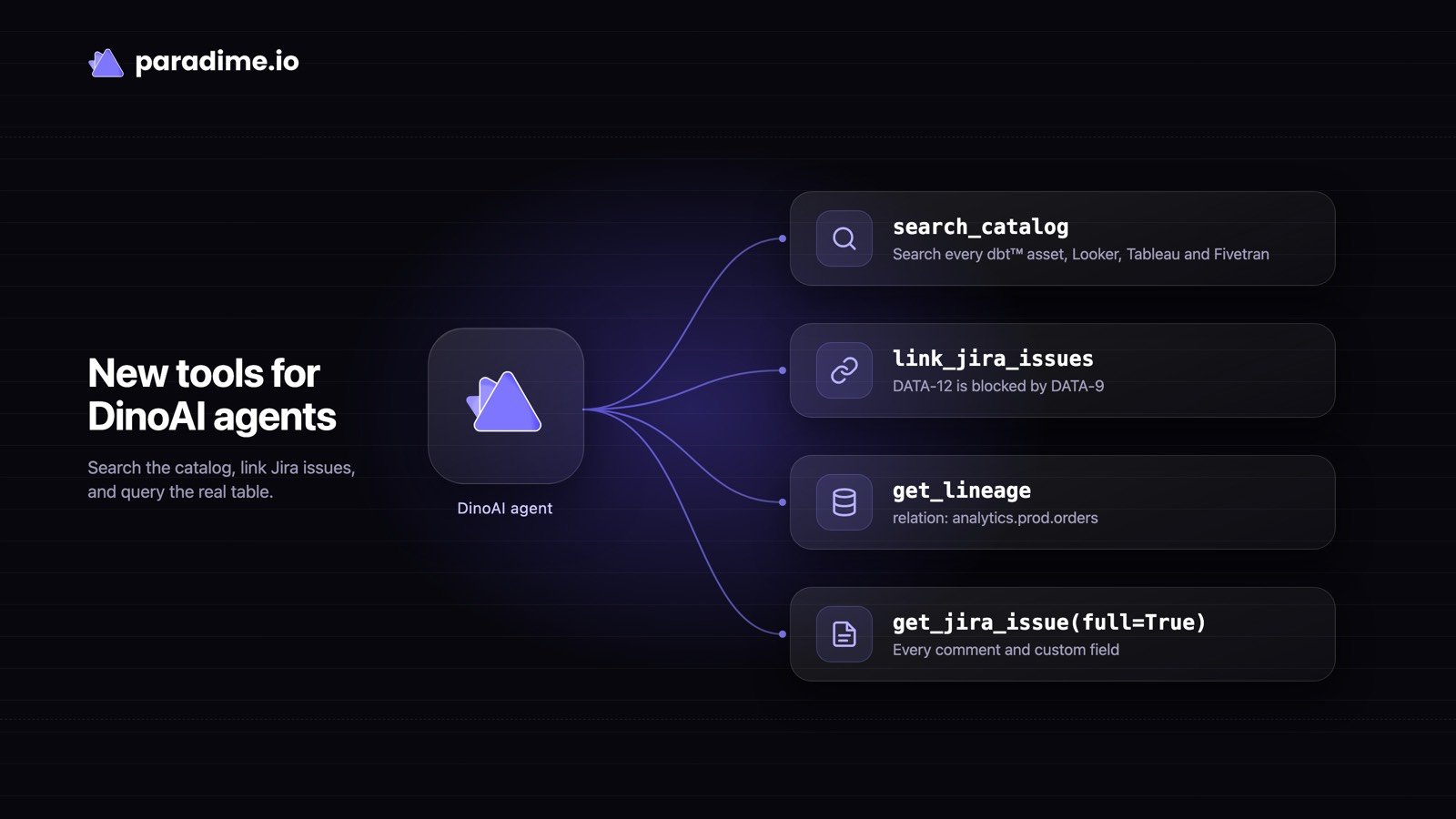
- Catalog search.
search_catalognow works in programmable, Slack, and Bolt agents, not only the copilot. It searches dbt™ assets and connected tools such as Looker, Tableau, and Fivetran, and each result lists the columns that matched. In the builder it’s in the Catalog & lineage group. - Link Jira issues.
link_jira_issueslinks two existing issues with any link type in your Jira site, for example DATA-12 is blocked by DATA-9. It works with Jira Cloud and Jira Data Center. - Production tables in lineage.
get_lineageandget_column_level_lineagename each model’s production table asrelation(database.schema.table), so an agent can query it straight away. Aunique_idwith a guessed project prefix now resolves to the right node, with a note saying which one. - Whole Jira issues.
get_jira_issuewithfullset totruereturns every comment and custom field in a readable view, not raw Jira data. - Quoted shell characters.
run_terminal_commandaccepts quoted|,&, and;, for examplegit log --format='%H|%ad|%s'.