

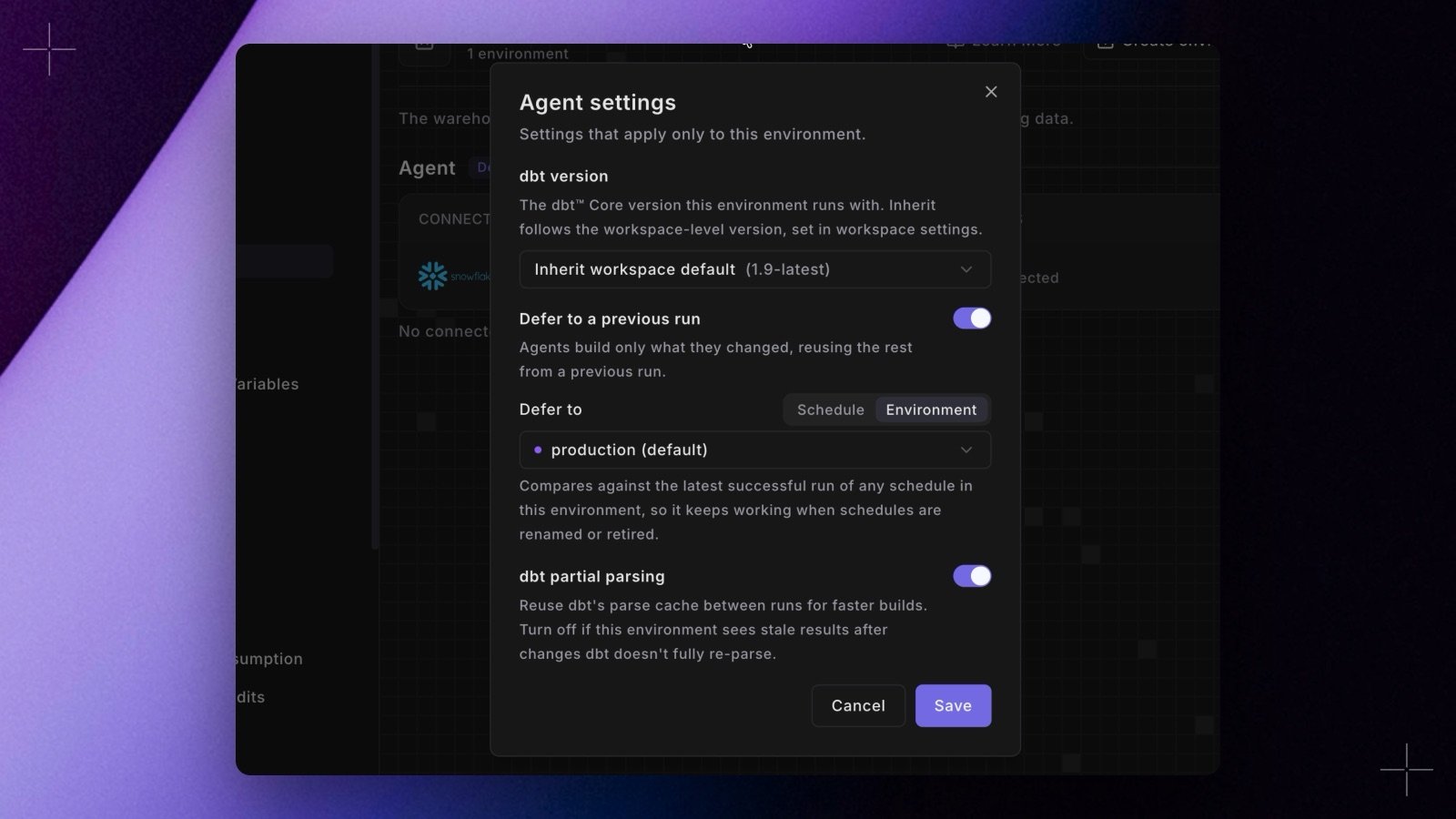
- Pick a target. In Settings > Environments > Agent, open an agent environment’s settings and turn on Defer to a previous run. Set Defer to to Environment, to use the latest successful run of any schedule in that Bolt environment, or to Schedule, to use one schedule.
- New environments start deferred. New environment preselects the workspace’s default Bolt environment. Pick No deferral to turn it off.
- See the target. Each agent environment shows what it defers to.
--favor-state when they need it. Commands that run through a wrapper script, such as make build, don’t defer. See Defer to a previous run. Shipped in Paradime v6.20.0.