

- Budgets. Set a monthly budget for the whole account, for a BigQuery project, or for a usage group. See Budgets.
- Budget alerts. The new BigQuery Monthly Budget alert is on by default. It warns at 80% and fires at 100% of each budget, through your existing alert destinations. See BigQuery alerts.
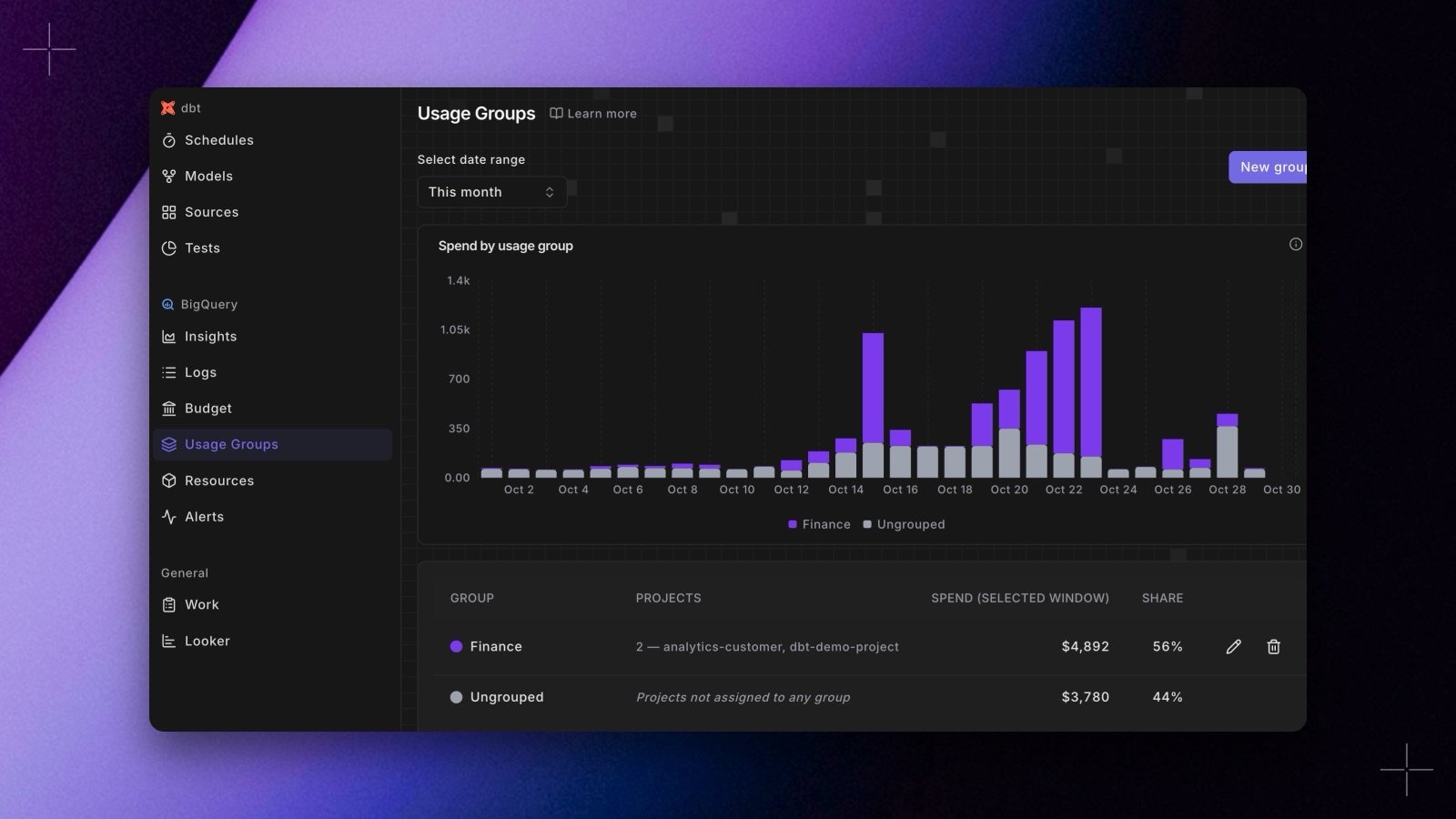
- Usage groups. Group projects the way your teams own them, and see daily spend per group. See Usage groups.
- Logs and Resources. Logs shows the per-query cost rows under the daily spend strip. Resources lists the projects in your cost data, and a new Users tab, on BigQuery and Snowflake, lists who spent what in the last 90 days. See Logs and resources.