

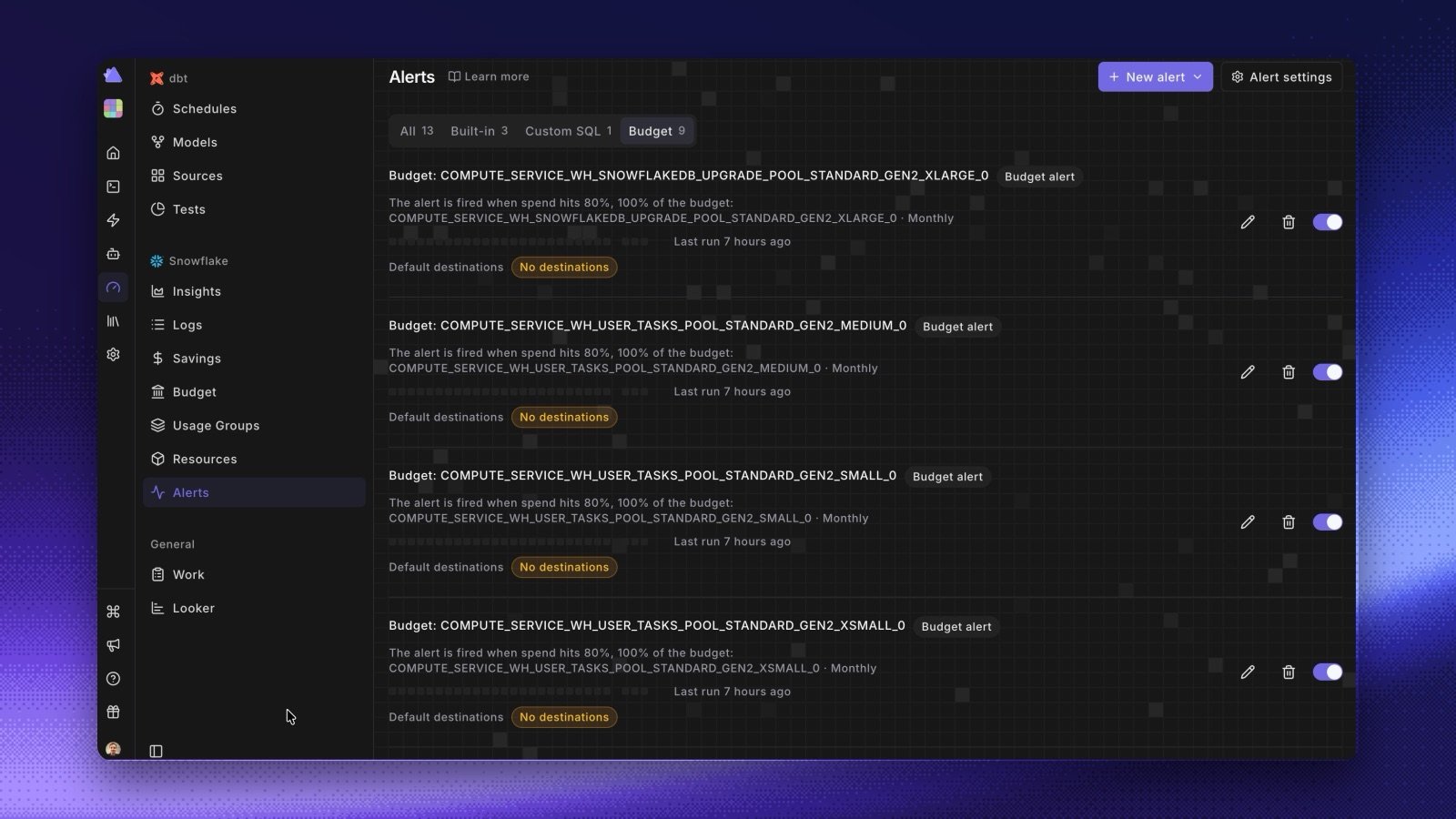
- One list. Filter by Built-in, Custom SQL, or Budget. Each row has an on/off switch, the last 30 days of results, the last run, and where the alert goes.
- Default destinations. Click Alert settings to set the Slack channels, Microsoft Teams channels, and email addresses that every alert uses, or turn on Email workspace admins.
- Override one alert. Turn off Use default destinations on an alert to give it its own list. Alerts that keep the switch on follow any later change to the defaults.
- Create an alert. New alert creates a Data alert (a Built-in metric or Custom SQL) or a Budget alert. A budget alert takes thresholds from 1 to 100 percent, and sends only the highest threshold crossed in each period.
- Your alerts moved over. Paradime moved your existing alerts to the new page, with your old Radar notification settings as the default destinations. Each budget you had got a Budget: alert with its old thresholds. New budgets don’t get an alert by themselves, so add one.