

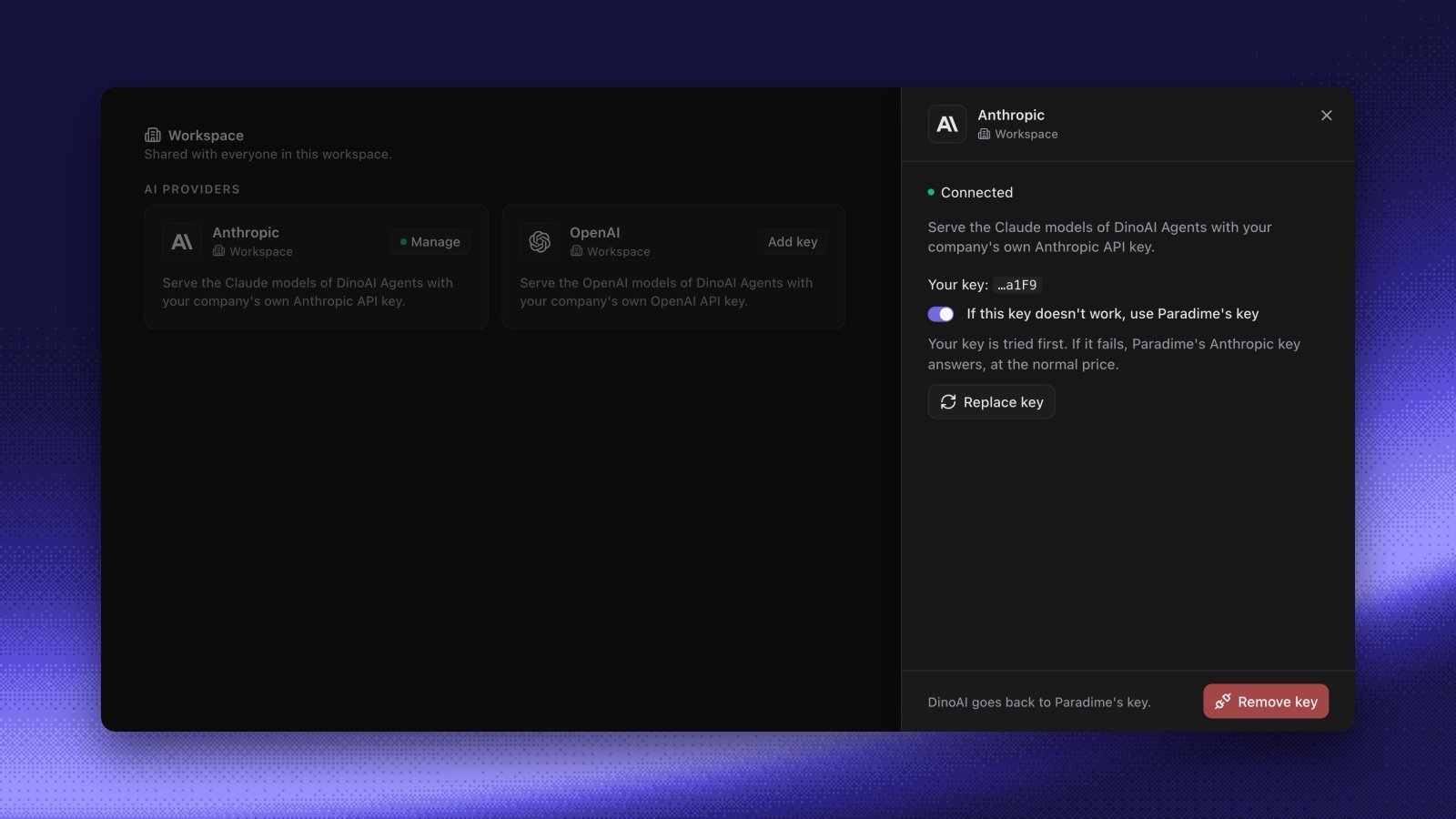
- Add a key. Go to Settings > Integrations > AI Providers, open the Anthropic or OpenAI card, and click Add key. Paradime checks the key with the provider before it saves it, stores it in Vault, and shows only its last 4 characters after that.
- Choose what happens when your key fails. Each key has If this key doesn’t work, use Paradime’s key, off by default. Off, a failed key stops the run with a message that names the key. On, Paradime tries your key first, then its own.
- See which models use your key. A Your key badge shows next to models that run on your key, in the agent builder and on the new chat page.
- Every change is audited. Adding, replacing, or removing a key, and changing the fallback setting, are recorded in the audit logs.