

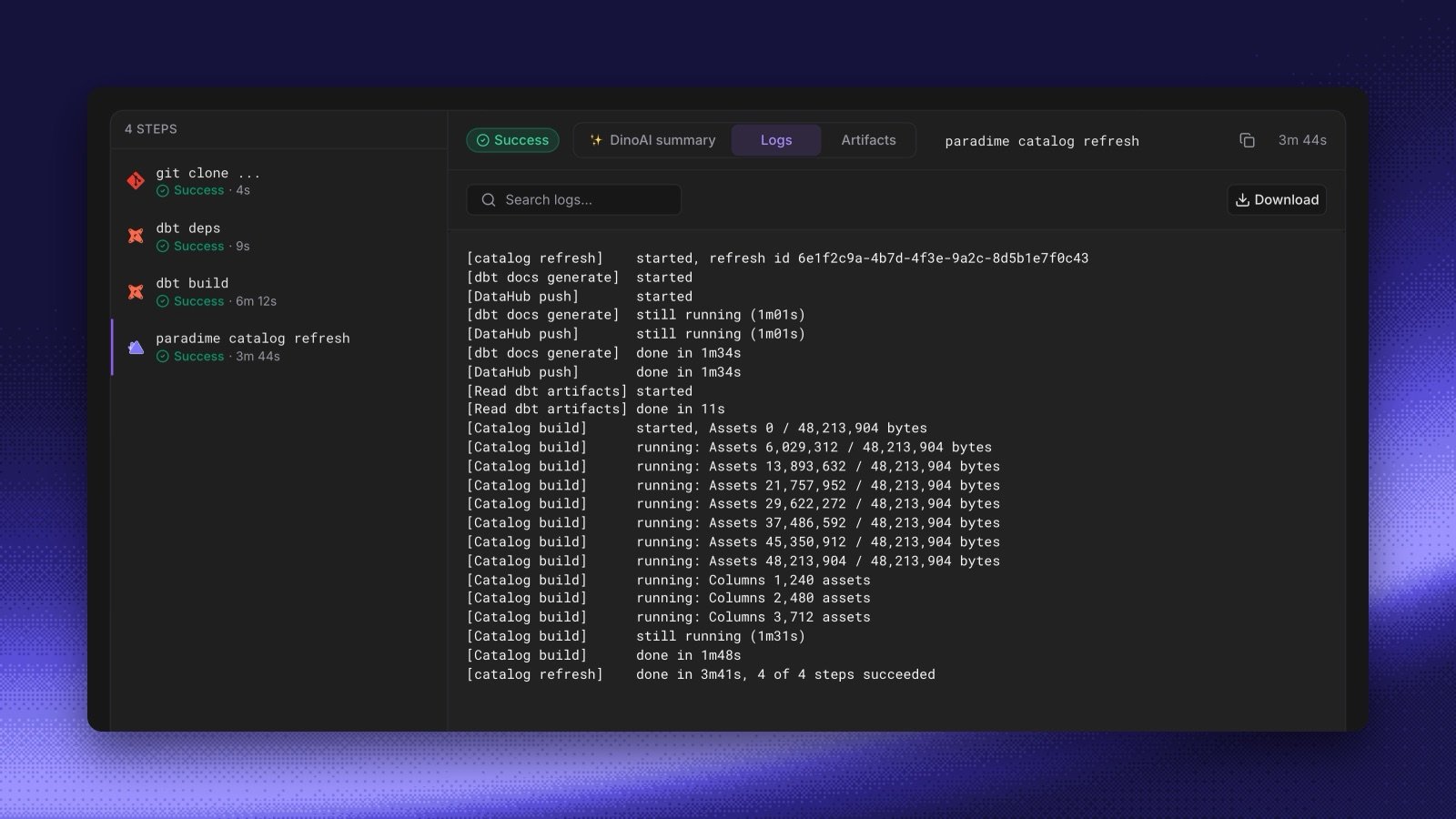
paradime catalog refresh started a Catalog refresh and finished at once, so a Bolt run passed even when the refresh failed later. The command now waits until every step of the refresh ends, and shows the progress of each step in the run log.
- A failed step fails the run. The command prints the end of the failed step’s output and exits with an error.
- Integration pushes count. The refresh ends only when the DataHub and Altimate pushes end, and a failed push fails the command. Add
--allow-integration-failuresto let the command pass when only a push fails. - Two hours at most. After 2 hours, the command fails and the refresh continues. Change the limit with
--timeout. - One refresh at a time. If a refresh is already running, the command follows that refresh instead of starting another one.
If a schedule runs Refresh Paradime Catalog, its runs now last until the refresh ends, and they fail when the refresh fails. To keep the old behavior, set the command to
paradime catalog refresh --no-wait in schedules as code. The Refresh Paradime Catalog command type in the app doesn’t take flags.