

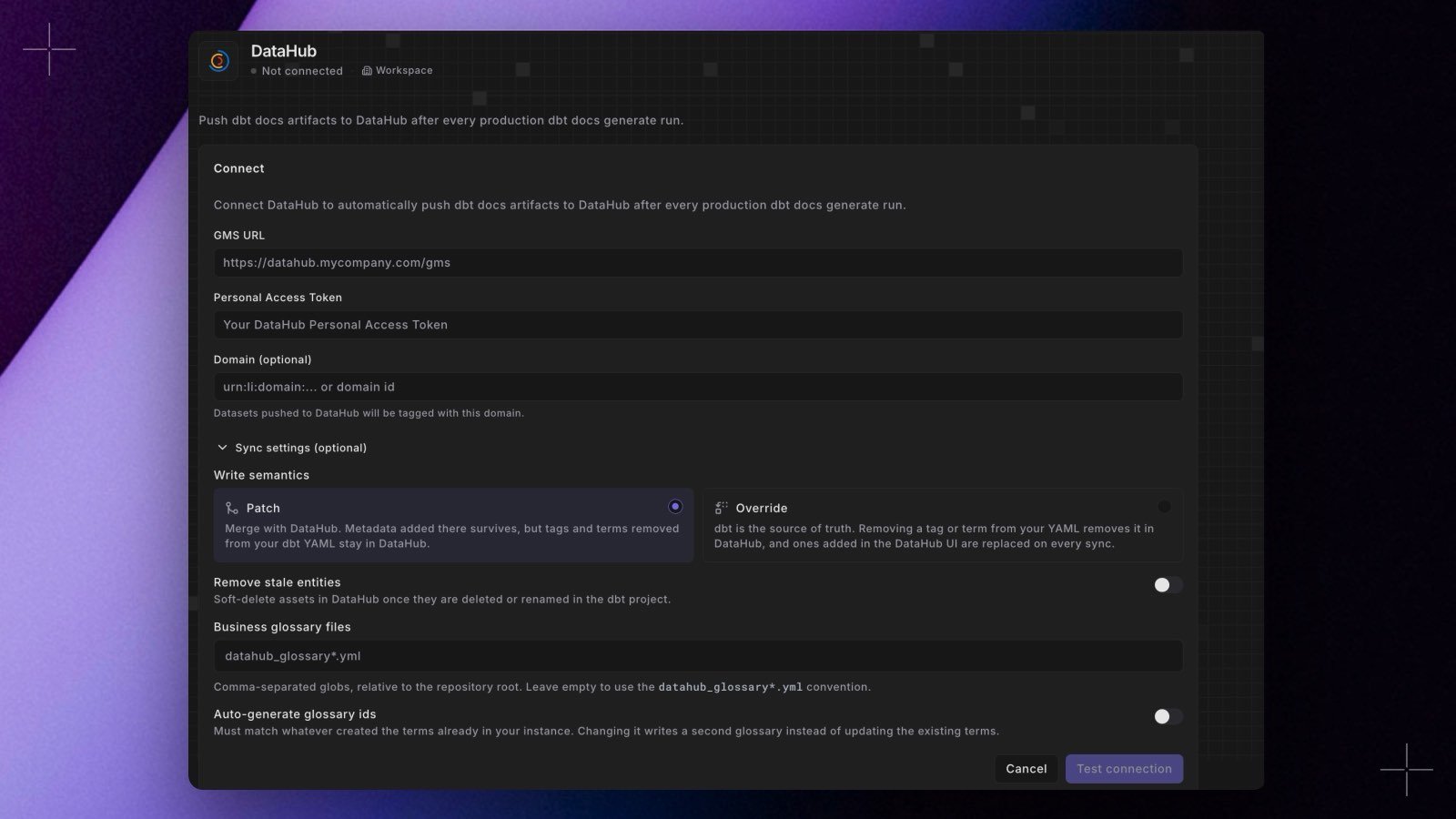
dbt docs generate run.
- Write semantics. Patch, the default, merges with DataHub, so metadata added there survives. Override makes dbt™ the source of truth: a tag or term removed from your YAML is removed in DataHub, and changes made in the DataHub UI are replaced on every sync.
- Remove stale entities. Soft-deletes assets in DataHub once they’re deleted or renamed in your dbt™ project.
- Business glossary files. Point at your glossary YAML with comma-separated globs, or leave it empty to use files named
datahub_glossary*.yml. - Domain. Applies to datasets that don’t set their own.
meta.datahub domains, glossary terms, and tags on your models, sources, and columns, and the workspace domain no longer overrides a domain a dataset sets itself. Changes to the settings are recorded in your audit log. The Bolt Push to DataHub command keeps its own options and isn’t affected. See DataHub. Shipped in Paradime v6.17.0.