

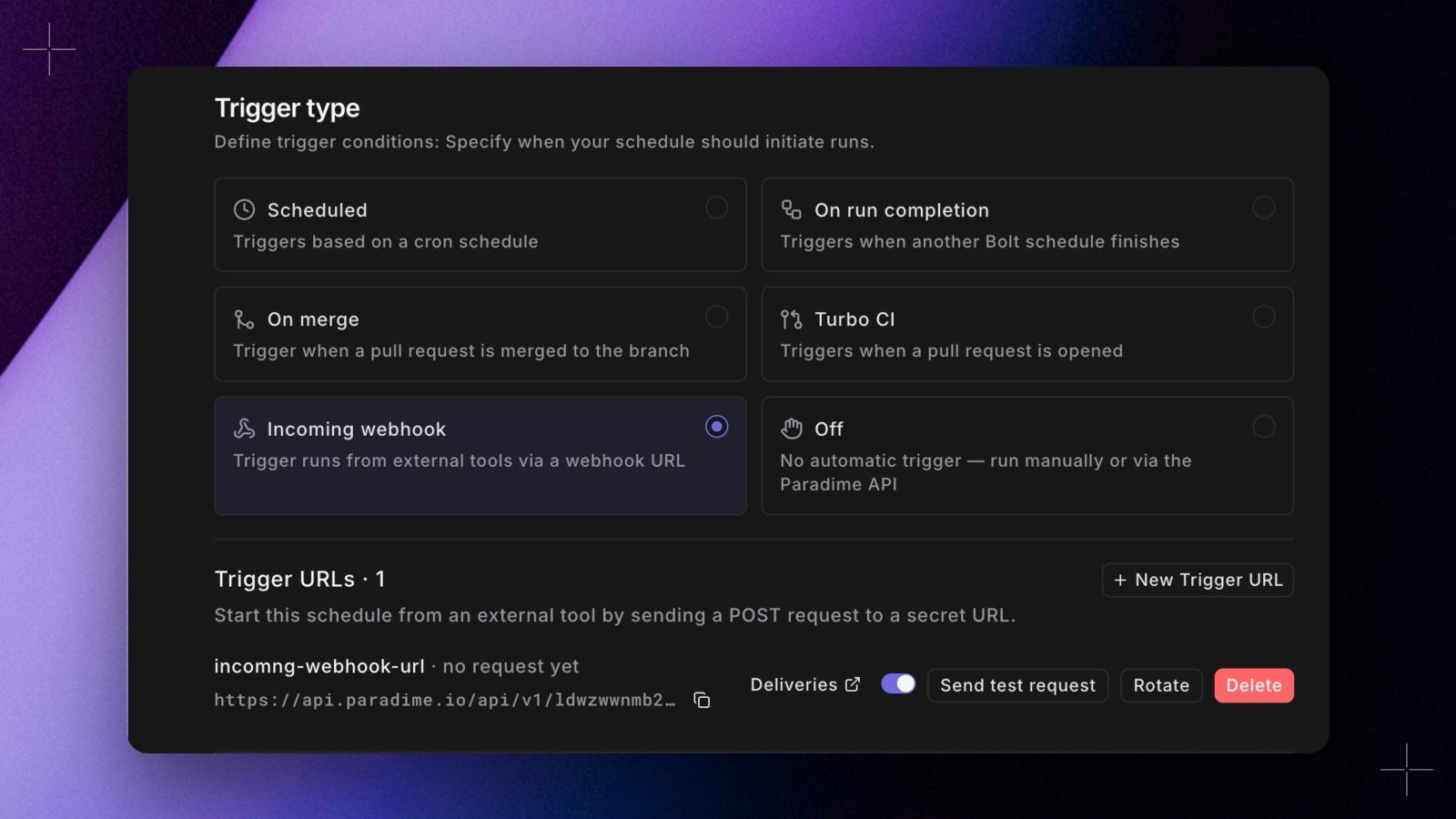
POST request. Pick the new Incoming webhook trigger, create a webhook (the app lists it as a Trigger URL), and give its URL and secret to any tool that can send a request with a header: Jira Automation, Zapier, a CI job, or curl. Each request runs the schedule’s own commands, and the run shows the webhook’s name, so you know what started it.
- Manage it from the schedule. Create, pause, rotate, and delete incoming webhooks in the schedule’s edit form. The secret shows once, with a curl command ready to copy.
- Test it. Send test request checks a webhook without waiting for the other tool. It starts a real run.
- See every request. Bolt > Webhooks has a new Incoming tab that lists every incoming webhook in the workspace and each request it received: Run started, Skipped, Rejected, or Failed.